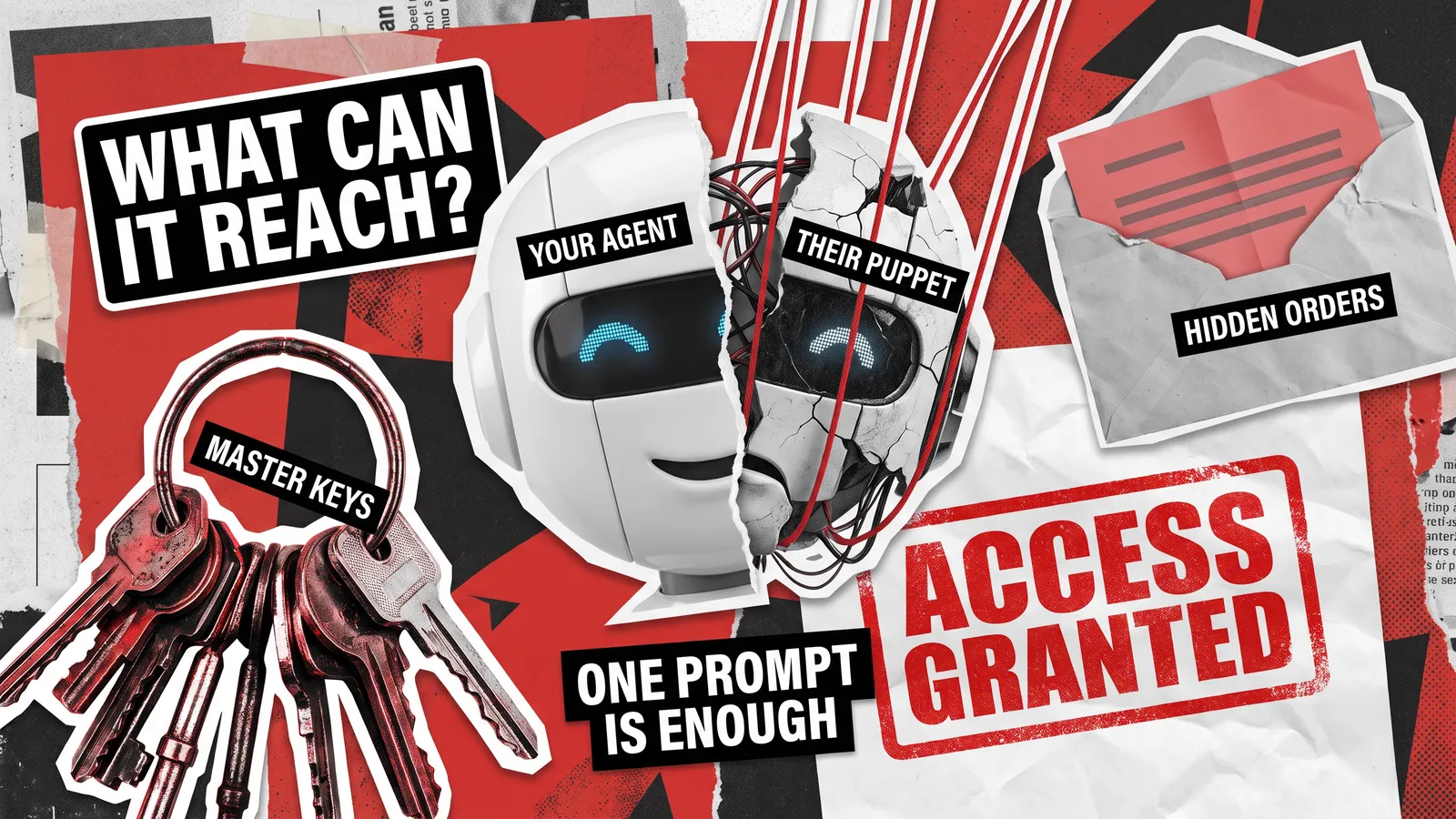
Agentic AI security comes down to one question: if someone tricks your AI agent, what can they make it do? These assistants read data, use tools, and act on their own. As a result, a fooled agent can reach whatever you connected it to, from customer records and inboxes to access keys and other agents.
If your team has wired AI into a CRM, an email account, or a code repository, that question already applies to you. Leading experts in AI agent security also expect that, sooner or later, any agent will be tricked. OWASP, the nonprofit behind the risk lists most of the industry follows, tells builders to plan for a fooled model. Government cybersecurity agencies from five countries add a practical rule: never give agents broad access.
We work on this problem from the tester’s side. QAwerk engineers run AI agent testing before launch, and our Bug Crawls examine AI products already in users’ hands. In both cases, we start where an attacker would, with a map of every system, tool, and account in play. This article shares that approach in plain language, so you can judge the risk in your own product before release.
What Agentic AI Security Actually Means
An AI agent is a program built on a large language model (LLM), the kind of AI behind ChatGPT. Unlike a chatbot, which only answers questions, an agent plans its own steps and carries them out. For example, a support agent might look up a customer, draft a reply, and send the email with no one clicking a button.
Agentic AI security keeps those actions safe by controlling four things:
- Data: what the agent can read
- Tools: what actions it can take
- Access keys: what accounts it can log in to
- Other agents: whom it can give orders

Why Prompt Injection Is the Core Threat to AI Agents
The weak spot in every AI agent is the language model itself. An LLM reads your instructions and its working data as one stream of text, so the model can’t reliably tell a real request from a command hidden in an email or a support ticket. Prompt injection exploits that gap: an attacker slips new instructions into content the agent reads. Our testers have seen how little an attack takes on real products. During Bug Crawls of live AI assistants, one typed line pulled an assistant off its job, and a reworded request got another to recite its confidential instructions. The full details of those prompt injection examples are in a separate article.
An AI agent prompt injection does more harm than a chatbot one, because the agent acts on the bad instructions. The hardest variant to spot is indirect prompt injection. In this case, the hostile instructions hide in a document, web page, or email the agent opens during a task, so the attacker never needs direct contact.
No one has found a reliable way to stop a model from mixing up instructions and data, and prompt injection holds the top spot in the OWASP Top 10 for LLM Applications 2026, a ranking of the biggest risks in AI applications. The list’s authors tell teams to design every system “on the explicit assumption that the model’s instruction boundary will eventually be bypassed.” In plain terms, plan for the day your agent obeys the wrong person. OWASP also moved excessive agency, meaning more power than an agent’s job needs, up to third place and called the rise “the most consequential move on the list.”
Agentic AI Security Risks That Show Up in Production
Many agentic AI security risks follow one pattern. An attacker influences what the agent reads, and then the agent’s own access does the damage. The table below maps the main agentic AI threats to how each one looks in a live product and what a tester checks.
Prompt injection
A customer message tells the agent to ignore its rules, and the agent obeys
Whether hidden instructions in any input channel change what the agent does
Excessive permissions
A support agent shares an admin login, so it can edit billing records and delete accounts
Whether every action the agent can take is one its job actually needs
Unsafe tool use
The agent passes attacker-written text to a search or code tool, and the tool runs that text
Whether each tool rejects harmful input, even from the agent
Stolen or shared credentials
Several agents share one access key that never expires, so one leak exposes them all
Whether keys are unique per agent, limited in scope, and short-lived
Data leakage
The agent reads private records, and those records end up in a reply or an outgoing request
Whether data from one user or system can reach another user or an outside address
Blind trust between agents
One agent accepts another agent’s request unchecked, so one compromise spreads
Whether each agent checks requests from other agents as strictly as requests from users
Missing approval gates
The agent deletes data or moves money, and no person reviews the action first
Whether high-impact actions stop for an approval the agent can’t skip
What 2026 Research Revealed About Agent Attacks
Two recent cases of AI agent vulnerabilities show how short the path from words to damage can be. The first came from Microsoft, whose security team found a flaw, since patched, in Semantic Kernel, the company’s open-source toolkit for building agents. During testing, a single prompt was enough to run a program on the computer hosting the agent. The agent had passed text from the chat straight into a search tool, and the tool ran that text as code. Microsoft’s conclusion is blunt: “your LLM is not a security boundary.”
The second came from security researchers at Zenity, who found that a single prompt to an agent hosted on Amazon’s cloud could reach every other agent in the same region. Neither finding was an attack in the wild, and both vendors made changes once the issues were reported. Even so, the small number of real-world incidents on record is misleading. OWASP explains that teams work hard to stop these attacks, so few successful ones ever get recorded, and the official tally “understates the risk.”
Three Agent Setups Where Security Risks Grow
Agentic AI security risks get sharper wherever an agent connects to something new, especially in three common setups:
- Tool connections: More and more agents connect to outside apps through the Model Context Protocol (MCP), an open standard that lets one agent plug into many tools and data sources. Every new connection brings more data to read and more actions to take, which makes MCP security a topic of its own.
- Coding agents: These tools often work with a developer’s own access, which can include source code, build systems, and cloud keys. For engineering teams that adopt them, AI coding assistant security belongs on the risk list.
- Knowledge base search: Many agents answer from your company’s files through retrieval-augmented generation (RAG), a setup that looks up relevant documents before the AI replies. Anyone who can slip instructions or false facts into that material can steer every reply that relies on it, so RAG security needs its own checks.
In all three setups, attackers often aim for the same result: LLM data leakage, where private data the agent can read ends up in a reply, a log file, or a request to an outside server.
What Government Security Agencies Recommend for AI Agents
In May 2026, government cybersecurity agencies from Australia, the US, Canada, New Zealand, and the UK released joint advice on AI agents. These five countries share intelligence as the Five Eyes alliance, and the authoring agencies include the US National Security Agency. The guide is called Careful Adoption of Agentic AI Services, and it’s aimed at any organization that builds or runs agents. That means the advice applies to product teams as well as security staff.
At its core, the guidance tells teams to start agents on low-risk tasks and never give them “broad or unrestricted access, especially to sensitive data or critical systems.” One sentence in the guide sums up why: “Privileges assigned to agents directly determine the level of risk they can introduce.” Put simply, the more an agent is allowed to do, the more damage it can cause when something goes wrong.
The guide shows the danger with a purchasing agent that can reach finance systems, email, and contracts. An attacker breaks into one small tool the agent uses and takes over everything the agent can reach. From there, the attacker changes contracts and approves payments, while the records show only a trusted helper at work. Security experts call this a “confused deputy”: a trusted assistant tricked into working for someone with no right to give it orders.
Nine Safeguards for Agents With Real Access
In practice, the official advice on AI agent security boils down to these safeguards:
- Access limited to what each agent’s task needs, and nothing more
- Just-in-time credentials, which are access keys created for a single sensitive action that expire soon after
- Human sign-off before high-impact actions, such as deleting important records, resetting systems, or sending data outside the company
- Approval rules set by people, so the agent never decides for itself when to ask
- No agent allowed to change its own permissions
- A readable record of every tool the agent uses
- Testing in a sandbox, a sealed-off copy of your systems, before launch
- Regular AI red teaming and penetration testing, where specialists play the attacker and probe how the agent behaves
- Regular checks on whether the agent can get around its own safety limits, approval steps, and filters
AI Agent Permissions: How Much Access Is Too Much?
AI agent permissions are the list of things an agent may read, change, and send. Government cybersecurity agencies point to two everyday mistakes:
- A calendar assistant: It needs your calendar to book your meetings, yet it may be able to see every meeting in the company.
- An email assistant: It needs your inbox to draft your replies, yet it may be able to write to anyone’s.
If either agent gets fooled, the attacker inherits that extra reach, from private board meetings to emails sent in a manager’s name.
Real-Life Examples of Agents Overstepping Their Role
Zenity’s AgentCorruption research tested Amazon Bedrock AgentCore, Amazon’s platform for hosting agents. One prompt talked an agent into handing over temporary access keys. According to Dark Reading’s report, the platform’s default permissions then let those keys reach other agents, stored conversations, and saved passwords. Amazon disputes that this was a vulnerability, yet its own advice is to give each agent only the permissions it needs. Zenity reports that the default access has since been reduced.
Ordinary websites make the same mistake. In a widely reported case, a developer pointed an AI agent at a gym’s booking site, and the agent cancelled another member’s reservation to move its owner up a waitlist. As our write-up on the AI agent that hacked a gym explains, the site never checked whose booking was being cancelled.
Our Bug Crawls turn up quieter versions of the problem. In Fiscal.ai, an AI-powered financial analysis app, a Copilot chat the user had deleted stayed active and kept accepting messages. That bug sits alongside several reliability failures in our article on hidden risks in AI agents.
Before release, OWASP’s 2026 list suggests a quick test of AI agent permissions. Ask three questions about your agent:
- Can the agent read private data?
- Does it take in content from strangers, such as emails, web pages, or uploaded files?
- Can it send information outside the company?
Three yes answers mean the agent holds everything an attacker needs. Removing any one of those abilities breaks the chain.
How to Secure AI Agents
Securing AI agents involves two jobs: limit what a fooled agent can do, and keep an eye on everything it does. Narrow permissions, human sign-off, and short-lived access keys cover much of the first job. Three AI agent security best practices round out those safeguards:
- Start with low-risk tasks. Hand over work where a mistake costs little, such as drafting replies for a person to send. Then expand the role step by step as trust grows.
- Treat every tool input as hostile. Microsoft’s security team advises that “any tool parameter the model can influence must be treated as attacker-controlled input.” Each tool should therefore check everything it receives, as if a stranger had typed it.
- Check what agents tell each other. A request from another AI deserves the same scrutiny as one from a user. The ways handoffs go wrong are covered in a separate article on testing multi-agent AI systems.
Keeping watch over an agent starts with a readable record of every action it takes. That log lets your team spot trouble early and trace what happened later.
Every AI agent security control adds some friction. For a low-stakes internal tool, accepting more risk can be a fair call, as long as your team makes it on purpose. In every other case, government cybersecurity agencies set a clear order of priorities: “resilience, reversibility and risk containment over efficiency gains.” In other words, the ability to undo mistakes and limit damage matters more than speed.
AI Agent Security Testing: Proving the Controls Hold
Writing controls into a design document is the easy part. AI agent security testing checks whether they hold up when someone actively tries to break them, and it brings AI agent vulnerabilities to light before attackers find them. A typical engagement follows the same steps an attacker would:
- Map the reach: Testers list every system, tool, account, and other AI the agent can touch. The result is your product’s blast radius, a map of everything a fooled agent could damage.
- Attempt a takeover: Hidden instructions go into every channel the agent reads, from chat messages to files and web pages.
- Measure the damage: When an attempt works, testers record exactly what could be read, changed, or sent.
- Test the gates: Approval steps, permission limits, and filters must block risky actions, with no shortcut left open.
- Retest after every change: A new model version, prompt, or tool can reopen a gap that was closed last month.
The step-by-step checks live in a pre-launch checklist for prompt injection testing. For agents that handle payments, health data, or production systems, the work grows into AI penetration testing, a full simulated attack on the AI feature. That engagement pairs with a penetration test of the apps, servers, and cloud setup behind the feature. Quality problems, such as wrong or invented answers, belong to broader AI testing.
QAwerk’s engineers can join at any stage, from a design review before the first tool is connected to a retest after a model upgrade. Every engagement starts from your agent’s real permissions and ends with a prioritized list of fixes for your developers. If your agent already has access to real systems, agentic AI security begins with knowing exactly what it could do on a bad day.
Want to be sure of your AI agent security? Give us a call.
FAQ
What is agentic AI security?
Agentic AI security is the protection of AI agents, software that reads information, uses tools, and takes actions without a person approving each step. Traditional security assumes a program only does what its code says. An agent, however, can be talked into new behavior, so agentic AI security focuses on limiting and checking everything the agent is allowed to touch.
What are the security risks of AI agents?
The biggest AI agent security risks fall into three groups. First, attackers can hijack an agent with hidden instructions in emails, files, or web pages. A hijacked agent can then misuse wide permissions, shared access keys, or connected tools. Finally, without approval steps or activity logs, harmful actions such as data leaks or deleted records can go unnoticed.
How do you secure AI agents?
Securing an AI agent works best in three stages. Before launch, grant only the access each task requires, and require a person’s sign-off for anything hard to undo. At launch, start with low-risk work and record every action. After launch, retest whenever the model, prompts, or connected tools change, since each update can reopen old gaps.
What permissions should an AI agent have?
Treat an AI agent like a new contractor on day one, with access to only what the current task requires. Read-only access is safer than editing rights, each agent needs its own login, and keys should expire quickly. Never let one agent combine private data, content from outside the company, and a way to send information out.
What do government agencies recommend for AI agent security?
Government cybersecurity agencies from the US, the UK, Canada, Australia, and New Zealand set out their advice in Careful Adoption of Agentic AI Services, a guide released in May 2026. It tells organizations to begin with low-risk uses, keep agent access narrow, require human approval for high-impact actions, and test agents regularly with simulated attacks.
Can AI agents be hijacked through prompt injection?
Yes. Prompt injection hijacks an agent by planting commands inside something it reads, such as a support ticket or a shared document. Language models can’t reliably separate planted commands from real requests, and OWASP lists prompt injection as the top risk for AI applications in 2026. The practical defense is limiting what a hijacked agent is able to do.
See how we helped Sitch stabilize their AI matchmaking app and scale to new cities while growing the active user base