If you follow the news in the technology world, you wouldn’t question why open source security tools are growing in number, because you’ve seen a huge number of stories about data breaches or websites being hacked. That’s because, no matter how far technology has come, hacking is not lagging behind. In fact, in 2025, the average cost of a data breach reached over $4.4 million. Therefore, if you want your software to be safe, you need to be one step ahead.
And that is what security testing and penetration testing tools are for. Their primary function is to check software for vulnerabilities that could lead to hacking and data leaks, without accessing the source code. Those vulnerabilities must be identified and addressed immediately, which is done through continuous, automated scanning procedures that aim to find potential loopholes in the software.
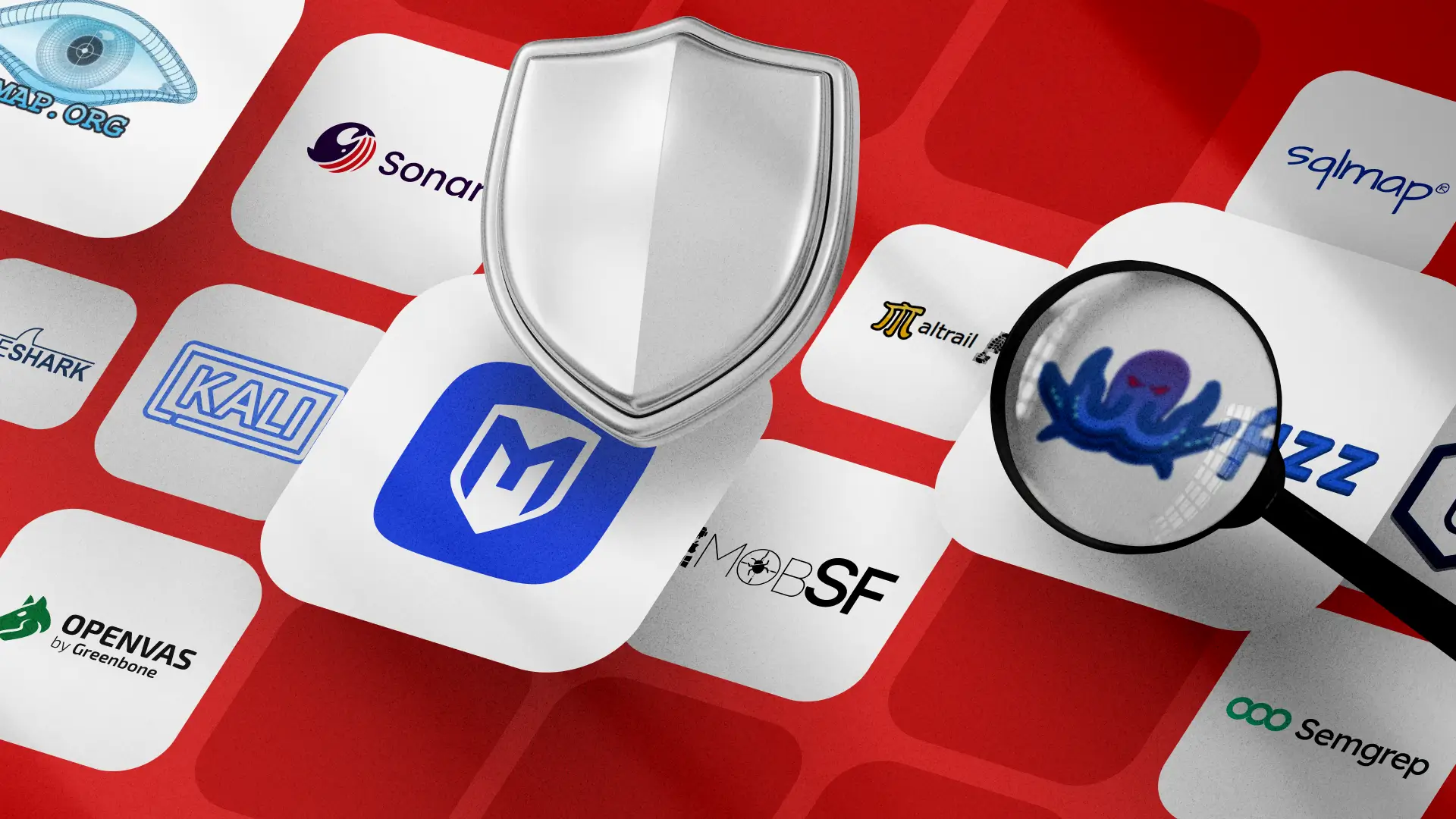
However, there are many of these tools, so choosing what to use becomes a challenge. Our QAwerk experts tested quite a few of them and will share their insights and a list of the top picks below. Please note that all the tools listed below are fully open source. Therefore, you won’t have to shell out a small fortune for a commercial license to enjoy all the functionality you actually need.
ZAP (Zed Attack Proxy)

Zed Attack Proxy, better known as ZAP or OWASP ZAP, is one of the best-known security testing tools that has remained open source for years. It’s a powerful scanner and security vulnerability finder for web application testing. The tool is easy to use, even for beginners in penetration testing. For advanced users, it supports command-line access. ZAP can identify a wide range of security vulnerabilities in web apps during development and testing. Among its features are AJAX spiders, forced browsing, WebSocket support, and a REST-based API.
ZAP uses the DAST (Dynamic Application Security Testing) approach and is currently backed by Checkmarx. Its community is highly active, which means you can always find support and answers to any questions.
- Both vulnerability and proxy scanner
- Automatic updates and pull request analysis
- Intuitive UI
- Stable performance
- Using REST API+ Docker images
- Offers active and passive scanning
- Has an active community
- Insufficient documentation
- Complicated deployment and maintenance
- Many false positives
- DAST only (can only see running apps)
- Might show many false positives
“ZAP has been one of the best, most reliable, and accurate tools for years. I enjoy using it because it only gets better with time while remaining free for everyone to access.”

Semgrep

Semgrep is a SAST (Static Application Security Testing) platform and one of the best AI-assisted open source security testing tools available today. It’s a rule-based analysis engine that scans source code for vulnerabilities, such as insecure patterns and policy violations, across multiple languages. Renowned businesses, such as Figma, Webflow, and Vanta, use the tool.
Sadly, the tool is now commercially licensed, but there is still an OSS version with a strong community. Therefore, even the free variation remains useful and customizable.
- Very fast and powerful engine
- Good for lightweight and quick runs
- Dev-friendly
- Offers customizable rules
- Has a strong ecosystem (adopted by hundreds of companies)
- Provides a large rules registry
- Some top features are now locked under a paid version
- Out-of-the-box rules are ‘noisy’
- Works best when tuned by a professional
- Requires custom rule sets for smooth operation
“I like working with Semgrep because it’s super customizable. You basically work hard once, and after you’ve figured out the perfect rules for the vulnerability scan, you can apply those to similar apps, which saves a ton of time.”

OpenVAS

OpenVAS Greenbone Community Edition is an open source security testing tool used to scan servers and network devices. This scanner will look for an IP address and check for any open services by scanning through open ports, improper configuration, and vulnerabilities in existing objects. After the scan is completed, an automatic report is generated and sent by email for further study and correction.
If you already have your own incident response or incident detection system, OpenVAS will help you improve your network monitoring with network testing tools and general alerts. The tool has been running since 2006 and has a thriving community today.
- Free of charge
- Has a vast community
- Easy to use
- Perfect for fast preliminary scanning
- Can quickly validate the accuracy of external test results
- Often used in SOC architectures
- Not suitable for enterprise-level security scans
- Reports aren’t easy to digest
- UI is not as refined as competitors’
- Plugins are not updated regularly
- Offers only non-credentialed scans
SQLMap
SQLMap remains one of the top open source security testing tools used for detecting SQL injection issues in databases. It has a command-line interface and offers a variety of features, including automatic recognition of password hashes in various formats and search for specific database names, tables across a database, and columns across all tables.
It also supports six SQL injection methods and database services such as Oracle, MySQL, PostgreSQL, and Microsoft SQL Server.
- Full support for a range of popular database management systems
- Bypass methods
- Shell uploading via SQL map
- Automatic recognition of password hash formats
- Ability to dump database tables entirely or specific characters from each column’s entry
- Requires a strong coding background to interpret the results
- Gets stuck in case of network errors
- Slow vulnerability scanning process
- Lack of an appropriate GUI
Nmap

Nmap, or Network Mapper, is a true classic among open source security testing tools. It performs network discovery, security auditing, and port scanning. Nmap is a great utility for host discovery, basic vulnerability checks, and OS detection. It uses NSE (Nmap Scripting Engine).
This tool is extremely versatile and used by thousands of businesses globally. However, it should be noted that the reports it provides are fairly complex and not suited for non-professionals to decipher.
- Highly versatile for testing scenarios
- Can perform complex scripted scans and firewall evasion
- Considered a ‘standard’ QA tool in pentesting methodologies
- Has a huge ecosystem and tons of documentation
- Not a replacement for a full vulnerability scanner
- Advanced scanning options are hard to interpret
Metasploit

Metasploit is a robust pen testing tool for probing vulnerabilities on networks and servers. This tool enables testing both via command line and GUI, and it contains a variety of modules, such as exploits, payloads, encoders, listeners, nops, and several more.
Since Metasploit is quite popular in the hacker community, more and more security experts are getting their hands on it to understand what a malicious attacker can do with it.
- Extensive pentesting toolkit
- Multiple sessions at the same time
- Multi-platform
- One of the largest exploit databases
- Workspaces for collaborative pentesting
- Huge community support
- Infrequent updates
- Brief documentation for using exploits
- Risk of damage to targeted systems
- Scarce options for encrypting payloads
Dependency-Track

The OWASP Dependency-Track project is a component analysis platform that continuously tracks vulnerabilities in third-party components and libraries that your software uses. In essence, its main purpose is to reduce the risks in your software supply chain.
This particular open source security testing tool stands out due to leveraging SBOM (Software Bill of Materials). Therefore, it can go beyond the capabilities of regular SCA (Software Composition Analysis) scanners. That’s why some DevSecOps providers favor it.
- Offers better visibility compared to SCA
- Great for long-term internal tracking
- Allows building custom dashboards of component risks
- Extensible with APIs
- Supports integrations with CI pipelines
- Accuracy is reliant on SBOM quality
- Might be noisy in some scenarios
- Requires tuning, especially for component matching
Maltrail

Maltrail is a malicious traffic detection system that uses public blacklists, AV-derived ‘trails’, user lists, and heuristic methods to identify suspicious traffic. It’s one of the popular open source security testing tools often used for enterprise network analysis by Pluralsight and other similar platforms.
The tool has some limitations, but it’s overall robust within its particular niche. It’s written in Python and can be used without conflicts with currently known IDS/IPS solutions. It’s also fairly easy to integrate Maltrail into other solutions to enhance their functionality.
- A lightweight tool that’s easy to deploy
- Combines blacklist matches with heuristic detection
- Implements anomaly-based logic detection for emerging threats
- Great choice for SMBs and education purposes
- Not a good option for high-traffic cores
- Detection quality depends on blacklists
- Required constant feed updates
Mobile Security Framework (MobSF)

If your objective is mobile application security, you must take a look at MobSF (Mobile Security Framework). It’s an all-in-one automated testing tool for Android, iOS, and Windows mobile applications. It supports static and dynamic analysis, API fuzzing, malware analysis, and security scoring. Moreover, you access it all through a centralized dashboard.
MobSF is widely used by DevSecOps teams looking to streamline mobile application assessments early in the development lifecycle. It works seamlessly with CI/CD pipelines and supports both source code and binary analysis. Therefore, it’s an essential tool for mobile security coverage.
- Automated SAST and DAST for mobile apps in a single tool
- Supports Android APK/IPA analysis and runtime instrumentation
- Ideal for DevSecOps pipelines and secure SDLC workflows
- Great reporting capabilities for compliance and remediation
- Resource-intensive dynamic analysis on large apps
- Has a steep learning curve for complex app flows and instrumentation setup
- Advanced capabilities may require rooted devices or emulators
Wireshark

Wireshark is the world’s most widely used open source network protocol analyzer. It enables deep inspection of live or captured traffic across hundreds of protocols. Therefore, it’s a must-have in both network forensics and security investigations.
As an open source security testing tool, Wireshark helps analysts detect malicious behavior, diagnose network issues, and validate security controls. It features detailed packet-level visibility, filtering capabilities, a GUI interface, and extensive documentation. Add to this rich community support, and you get an essential tool for SOC analysts and pentesters alike. In fact, be sure to remember this tool when going through your web app pen testing checklist.
- Industry-standard network traffic analyzer
- Supports inspection of thousands of protocols
- Great GUI interface with powerful filters and visualizations
- Useful for incident response and troubleshooting
- Requires expert knowledge to interpret packet data correctly
- Not designed for real-time automated threat detection alone
- Capturing sensitive data may introduce some legal and compliance risks
Comparing Open Source Security Testing Tools
The table below gives you a quick overview of the essential points about the tools from the article. In addition, it clearly shows which of them are fully open source and which offer paid expansions with added features and expanded functionalities.
OWASP ZAP
✔
DAST, Web/API Scanning, Fuzzing
Windows, Linux, macOS
Web vulnerability scanner
Semgrep
✘
SAST, Code Pattern Scanning, Policy Enforcement
Windows, Linux, macOS
Static analysis for code security (SAST)
OpenVAS
✔
SQL Injection Testing & Exploitation
Windows, Linux, macOS
Database exploitation & SQL injection
Nmap
✔
Network Mapping, Enumeration, Port/Service Discovery
Windows, Linux, macOS
Network reconnaissance tool
Metasploit Framework
✘
Exploitation, Vulnerability Verification, Post-Exploitation
Windows, Linux, macOS
Penetration testing & exploitation
Dependency-Track
✔
SCA, SBOM Monitoring, Vulnerability Intelligence
Windows, Linux, macOS (Server)
Software supply-chain security
Maltrail
✔
Network Traffic/Anomaly Detection, Threat Monitoring
Linux
Malicious traffic & intrusion detection
MobSF (Mobile Security Framework)
✔
SAST & DAST for Mobile Apps, API Testing, Malware Analysis
Windows, Linux, macOS
Mobile application security
Wireshark
✔
Packet Capture & Protocol Analysis, Forensics
Windows, Linux, macOS
Network protocol analyzer
Our Methods for Choosing Top Open Source Security Testing Tools
There are so many great solutions today that we can’t honestly state that some open source application security or network scanners are the ultimate choice. Each option has its own pros and cons, so we asked QAwerk testers with many years of experience to share which tools they prefer and trust. To explain their choices in more detail, we’ll provide a list of important factors we asked them to consider when offering those options.
- Versatility: We wanted not a single-purpose solution, for example, for testing exclusively mobile application security, but a more ‘universal’ instrument that can fit multiple testing scenarios.
- Relevance: It was important to ensure that the tool has a thriving ‘alive’ community and is actively maintained.
- Accessibility: the tools must be fully or at least partially open-source.
Sadly, many of the tools we listed in previous editions of our top ten lists are now completely commercial. - Coverage: The solutions must cover critical security testing categories (DAST, SAST, network, or database security).
- Real-world adoption: The tools must be used by our QA teams and have a proven track record of adoption in real-world businesses today.
- Practicality: These open source security testing tools must be useful to organizations of varying sizes and technical proficiency levels.
Was this list helpful to you?
If you need an expert consultation that goes beyond what open source scans can cover, contact QAwerk today!
See a sample of our security code review of a US-based e-commerce platform