
Over 3 billion people play mobile games today, and by 2029, the market is projected to grow another 10.39%. Every studio chasing that growth is competing for the same players, on the same devices, with the same slim margin for error. But the brutal reality is that more than half of users delete an app after a single bad experience. Therefore, mobile game testing tools can deliver not merely functional improvements to your product but also real business value. In a market so competitive, even one bug can ruin your chance of success.
Mobile game testing is what stands between a smooth launch and a one-star review spiral. Manual testing catches what only a human eye can, such as broken animations, off-balance difficulty, and UI quirks on specific screen sizes. Automation handles the volume: regression runs, performance benchmarks, repetitive checks across hundreds of device configurations. The strongest testing setups combine both.
QAwerk has been running those setups for over 9 years, and the tools below aren’t compiled from a generic list. They’re what our QA engineers actually use on real game testing projects. Take a look to determine what fits your stack, your team, and your release schedule.
Top Mobile Game Testing Tools: Comparison at a Glance
To simplify your decision-making process, we’ve put together a comparison table that includes all the mobile games quality assurance automated testing tools our experts find most effective today. The table displays all of the core information about them so you can take it in at a glance.
Appium
iOS, Android
Java, Python, JavaScript, Ruby, PHP, C#
Moderate
Yes
Free & open-source; additional costs for cloud services
BrowserStack
iOS, Android, Web
Java, Python, JavaScript, Ruby, C#
Easy to Moderate
Yes
Paid, from ~$29/month
Firebase Test Lab
Android, iOS
Java, Kotlin, Swift, Python
Easy
Yes
Free tier + pay-as-you-go
Charles Proxy
iOS, Android, Web
N/A
Complex
No
Paid, one-time license fee
TestFlight
iOS
Swift, Objective-C
Easy
No
Free with Apple Developer Account
Xcode
iOS, macOS, tvOS, watchOS
Swift, Objective-C, C++
Moderate
Yes (via simulators)
Free with Apple Developer Account
Android Studio
Android
Java, Kotlin, C++
Moderate
Yes (via emulators)
Free
GameBench
iOS, Android
N/A
Easy to Moderate
Yes
Paid, subscription-based plans
HeadSpin
iOS, Android, Web
Java, Python, JavaScript
Complex
Yes
Paid, custom pricing
Maestro
iOS, Android, Web
YAML (no-code)
Easy
Yes (Cloud) / Simulators (local CLI)
Free & open-source; Cloud tier paid
The Best Tools for Mobile Game Testing
According to our comprehensive analysis, these are among the best in the industry for mobile game testing right now. These choices were made after drawing on our 9+ years of experience, as showcased in our project portfolio. Selecting the right tool for your needs depends on the specific aspects of game testing you need to focus on, such as performance, functionality, or user experience. So buckle up as we’re driving straight into the core of each of them!
Appium

Appium is proudly listed as a top-5 developer choice for open-source mobile testing solutions for Android and iOS applications. It is an excellent tool for hybrid, online, and mobile app testing, as well as game testing. Appium supports various programming languages and easily integrates with Flutter development frameworks.
- Cross-platform support
- Open-source
- Supports multiple programming languages
- No need to recompile the app
- Active community
- CI/CD tools integration
- Reusable code
- Complex setup
- Limited support for older OS versions
- Limited advanced gestures support
“Appium is a trendy tool for automated testing of mobile applications. I like it for its cross-platform functionality, as it allows you to write tests for iOS and Android at the same time, using the same code.”

BrowserStack

BrowserStack is the world’s leading cloud-based mobile testing platform, trusted by over 50,000 teams, from startups to Amazon and Microsoft. For mobile game testing, it offers access to 30,000+ real iOS and Android devices, ranging from flagship hardware to budget phones, reflecting your actual player base.
Manual testing sessions are available in seconds, and automated tests run via Appium, Espresso, XCUITest, and Flutter with full CI/CD integration. Real-time CPU, memory, and battery metrics make it particularly useful for validating game performance across the device fragmentation that defines the mobile market.
- 30,000+ real iOS and Android devices
- Manual and automated testing in a single platform
- Real-time performance metrics (CPU, memory, battery)
- Parallel execution across multiple devices simultaneously
- Seamless CI/CD integration (Jenkins, GitHub Actions, CircleCI)
- Video recordings and detailed session logs per device
- Premium pricing is tight for small indie studios
- Cloud-only (no on-premise deployment)
- Feature breadth can be overwhelming for straightforward use cases
Firebase Test Lab

Firebase Test Lab is Google’s cloud testing infrastructure for Android and iOS apps, and one of the most underutilized tools in mobile game QA. It runs your game on real and virtual devices hosted in Google’s data centers and generates detailed reports that include screenshots, videos, and performance logs.
The standout feature for game teams is Robo Test, a codeless automated crawler that explores your game’s UI and surfaces crashes or broken flows without test scripts. It plugs directly into Google Play’s pre-launch report, so Android game developers can catch device-specific bugs before they reach the store.
- Real and virtual device testing without physical hardware
- Codeless Robo Test for automated UI exploration
- Native integration with Google Play pre-launch reports
- Free tier available (limited daily tests)
- Supports Espresso, XCTest, and gcloud CLI for scripted tests
- Detailed crash reports with screenshots and performance data
- iOS testing capabilities are shallower than Android
- Tightly coupled to the Google ecosystem
- Not suited for pre-release load testing or hardware-level GPU profiling
Charles Proxy

Charles Proxy is a popular mobile game testing tool that serves as an HTTP proxy server. With features like SSL proxying, bandwidth throttling, and request/response modification, Charles Proxy manual testers can verify the quality of game-app interactions with the server, analyze API responses, and ensure the accuracy & security of the data.
Drawing from the extensive experience of the QAwerk testing team, Charles Proxy is your perfect choice for optimizing network performance, troubleshooting connectivity issues, and ensuring a smooth and secure mobile game experience.
- Network traffic analysis
- Proxy management
- Bandwidth throttling
- Performance optimization
- Cross-platform support
- Complex setup
- Connectivity issues
- Cost
“Charles Proxy is a handy tool for debugging network requests in mobile games. But my favorite part is the ability to run simulations of various conditions for online games. It helps you quickly locate bugs and make the user experience more pleasant.”

TestFlight

TestFlight is an Apple-owned mobile game testing tool that allows you to install beta test game apps on your iOS device and provide developers with feedback on the features you tried out in the pre-release. TestFlight supports multiple builds, version tracking, and in-app feedback, making it easy to identify bugs, gather user insights, and ensure the game is polished and ready for launch.
The QA engineers at QAwerk have extensive experience with TestFlight, which they use across various stages of mobile app testing. We find it’s a vital tool for optimizing the user experience and ensuring high-quality performance on iOS devices.
- Easy distribution
- In-app feedback
- Version tracking
- Apple integration
- Real-time updates
- Easy user management
- iOS-only and requires an Apple Developer account
- Limited analytics
- No manual testing features
- Limited control over the testing environment
Xcode

Xcode is an Apple-integrated development environment that can serve as a comprehensive iOS mobile game testing tool. The Xcode simulator allows manual testers to conduct UI testing and performance analysis efficiently. It ensures a consistent and visually appealing user experience while monitoring CPU usage, memory consumption, and other application performance metrics.
Some of our QA testers’ best practices are paired with Xcode. It is an excellent app for collecting logs and identifying the causes of bugs in native apps.
- Ease of use
- Comprehensive testing environment
- Built-in simulator
- Real-time profiling
- Integrated debugging tools
- Seamless Apple ecosystem integration
- iOS and macOS only
- High performance demands
- Simulator limitations
Android Studio

Android Studio is a Google-owned IDE for building Android apps. This tool allows testers to interact with the gaming app within the emulator, inspect UI elements, and evaluate its behavior on different screen sizes and resolutions. It is a powerful mobile game testing tool.
The QAwerk team has worked on a fair share of mobile app testing cases using Android Studio. In our experience, Android Studio is a superior tool for digging deep into the root cause of any problem and streamlining the debugging process.
- Comprehensive testing tools
- Built-in emulator
- Real-time profiling
- Advanced debugging tools
- Android integration
- Cross-platform support
- Continuous integration support
- Resource-intensive
- Limited to Android
- Slow build times
GameBench

GameBench is a performance-focused mobile game testing tool that provides detailed insights into the gameplay experience across different devices. It enables developers to measure key metrics such as frame rates, CPU & GPU usage, memory consumption, and battery drain, helping optimize game performance and ensure a smooth user experience.
GameBench has a user-friendly interface and comprehensive reporting features, allowing QA testers to quickly identify and resolve performance bottlenecks. This makes it an essential tool when delivering high-quality mobile games.
- Real-time monitoring
- Cross-platform support
- Comprehensive reporting
- User-friendly interface
- Benchmarking
- Niche focus
- Requires access to multiple devices
- Limited manual testing features
HeadSpin

HeadSpin is an exceptional digital experience AI platform. As a mobile game testing tool, it provides end-to-end testing and monitoring capacities. With HeadSpin, you can test mobile games’ performance, functionality, and user experience in real-world scenarios.
With AI-driven insights, automated testing, and detailed analytics, this tool helps discover latency, crashes, and poor user experience issues, assisting developers in optimizing their games before launch.
- Real-device testing
- Comprehensive performance monitoring
- AI-driven insights
- Cross-platform support
- Global reach
- Automated testing capabilities
- Integration with CI/CD pipelines
- Cost
- Complexity
- Resource-intensive
- Limited offline capabilities
- Integration with other Google services
Maestro

Maestro is an open-source mobile UI testing framework that’s been gaining serious momentum with over 10,800 GitHub stars as of early 2026. Where Appium is powerful but complex, Maestro flips the script: tests are written in human-readable YAML flows and run in minutes, not days of setup.
For game testing, its built-in tolerance for flaky UIs and dynamic animations is a genuine differentiator. There’s no manual sleep() guesswork, since Maestro handles waits automatically. It supports Android, iOS, React Native, and Flutter out of the box, and Maestro Studio (a free desktop IDE) lets you visually inspect elements and generate test commands directly from a live session. MaestroGPT, its AI assistant, can generate test flows based on app behavior.
- YAML-based flows
- Cross-platform: Android, iOS, React Native, Flutter
- Built-in flakiness tolerance (no manual wait/sleep logic needed)
- AI-assisted test generation via MaestroGPT
- Open-source and free; cloud scaling available
- Maestro Studio desktop IDE for no-code test building
- Newer tool (fewer enterprise case studies)
- iOS real-device support requires Maestro Cloud (local CLI runs simulators only)
- Smaller community means fewer third-party integrations today
Before You Ship: What Mobile Game Testing Actually Looks Like in Practice
The right tool covers maybe half the equation, but knowing how and when to use it makes the biggest difference. In our years of game testing, we’ve worked across every layer: performance, functionality, animation, design, and AI behavior. The pattern is consistent: teams that ship quality games test early, test often, and don’t rely on manual checks alone as things scale.
Scale is worth talking about specifically. When your game takes off, player growth stops being purely good news. Server load spikes, edge cases multiply, and your QA backlog grows faster than your team can handle it. Automated testing isn’t a luxury at that point, but the only way to keep up.
Not all bugs live at the same depth. Surface-level issues, such as inactive buttons, deformed images, and layout breaks on a specific resolution, are the ones players screenshot and post. But the harder ones, like in-game feature malfunctions that only surface under specific conditions, are what separate a polished release from a patched one. Our Bug Crawl project documents real cases from real games, so take a look before you define your own test coverage.
The tools in this article cover different jobs, so they aren’t largely interchangeable: GameBench isn’t the same as Appium, and Charles Proxy isn’t the same as HeadSpin. Most solid testing stacks combine two or three tools, not one. Pick what matches your game’s architecture, your team’s skill set, and your timeline, then dig into the testing techniques that get the most out of them. If your team is already stretched thin but unwilling to risk launching a buggy product, we’re two clicks away.
FAQ
What is QA mobile testing?
Quality assurance mobile testing covers everything related to the assessment of mobile apps or games. These areas are; focusing on usability, functionality, performance, compatibility, and security, to guarantee an ideal user experience.
What are the key features to look for in a mobile game testing tool?
For a mobile game testing tool, essential features include:
- Cross-platform support (iOS and Android)
- Real-device testing
- Automated testing capabilities
- Performance monitoring
- UI test features divercity
- Integration with CI/CD pipelines
Tools that offer robust debugging, crash reporting, and user experience testing should also be on your list.
What is real-device testing?
Real-device testing involves testing mobile games on actual physical devices to ensure compatibility, performance, and user experience across different hardware and software environments.
What are common mobile game testing issues?
The most common mobile game testing issues that our QA team has encountered are challenges related to performance, compatibility, usability, crashes & stability, as well as load & stress testing issues.
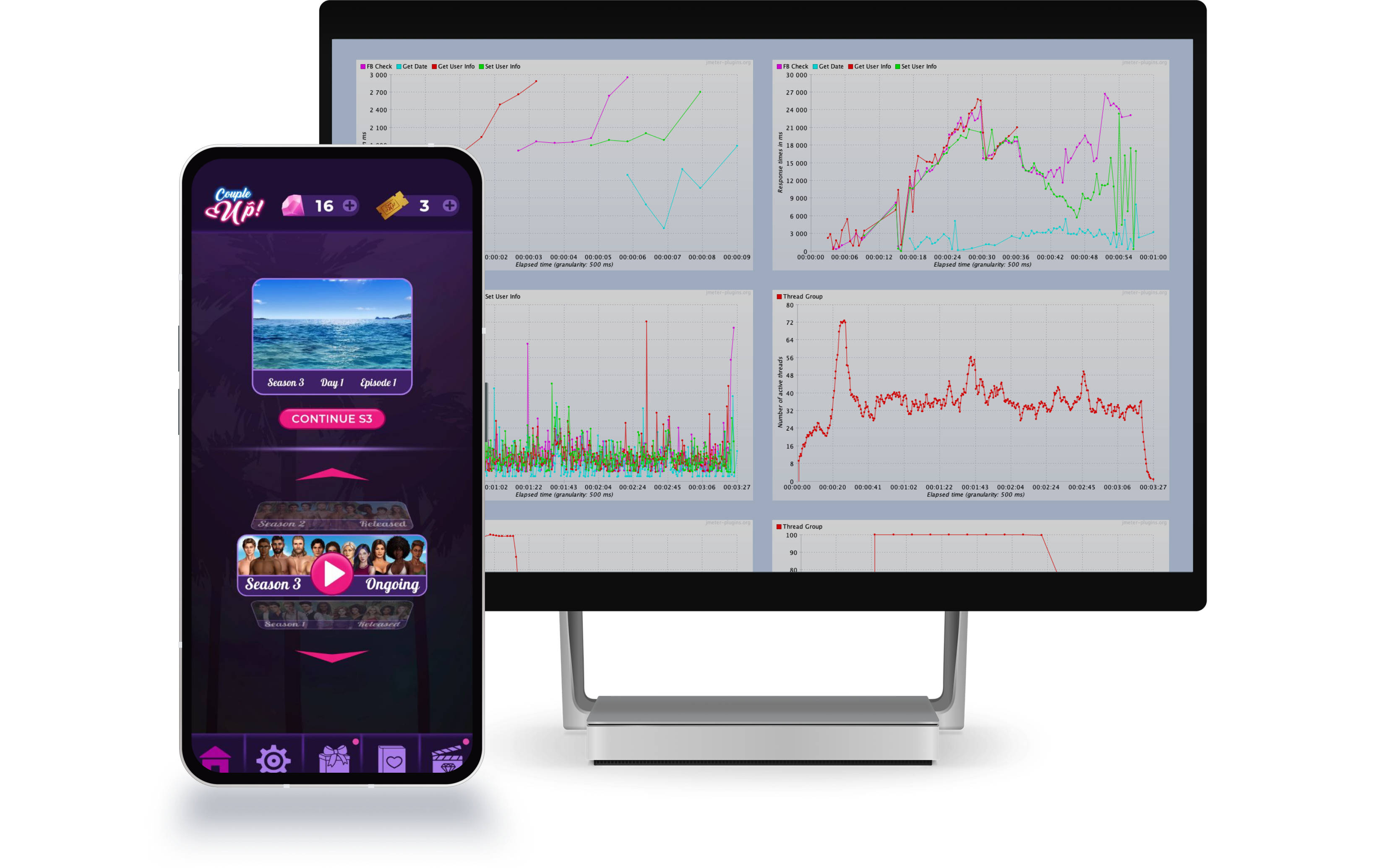
See how we helped Couple Up!
perform load testing
and significantly improve
server performance