Most localization testing guides hand you a phase list and call it a day. Plan, design, execute, retest. The problem is that you finish reading and still have no idea what an actual test case looks like, what bug to expect in German versus Arabic versus Japanese, or whether your coverage is enough to ship.
This walkthrough does the opposite. We take one feature, a sign-up flow, and run it through five concrete steps in three target locales. German for text expansion and phone validation. Arabic for right-to-left layout and time zone handling. Japanese for character handling and date formats. You see the test cases that catch the bugs, the bug tickets that get them fixed, and the regressions the fixes create in neighboring locales.
According to Capital One Shopping, the cross-border e-commerce market is on track to hit roughly $1.21 trillion in 2025 and $1.84 trillion by 2030, and research from VisionGroup citing CSA Research shows that 76% of online shoppers prefer to buy products with information in their native language. Ship a broken sign-up in a new locale and that revenue walks out the door. It is also why localization testing has moved from a nice-to-have into a release-blocking checkpoint for any team expanding beyond their home market.
The Sign-Up Flow We're Testing and Why It Exposes Every Common Bug
The feature is deliberately ordinary. An email field, a password field with a strength meter, a full name field, a phone number with country code, a date of birth picker, a country dropdown, a marketing consent checkbox, a submit button, a “verify your email within 24 hours” countdown, and a welcome email sent server-side.
Every product has one of these. Every one touches input validation, layout, date and number formatting, character encoding, time zone math, and microcopy. That makes it the perfect feature for showing how to do localization testing end to end, because every category where localization breaks lives in the same screen.
Before any locale-specific work begins, we set up the environment correctly. Locale switched at the OS level, not just in-app. Browser language headers matching the locale. Native fonts installed for each script. Real devices for at least one Android, one iOS, and two desktop browsers per locale. Skipping this setup is the most common reason teams find layout bugs in production that their staging environment quietly hid.

Step 1: The Locale Matrix That Maps Markets to the Bugs They're Known for
The generic advice is “define your scope”. That tells you nothing. The useful exercise is mapping each locale to the failure categories it’s known for, before you write a single test case. This is what we do on every localization engagement, and it cuts test design time by roughly a third.
For our walkthrough, the matrix looks like this:
German (Germany)
Text expansion, phone number validation
Consent checkbox label, phone input, submit button
Arabic (Saudi Arabia)
Right-to-left mirroring, time zone handling
Phone country code, strength meter, email countdown
Japanese (Japan)
Double-byte input, date format conventions
Full name field, date of birth picker, country dropdown
The matrix is the spine of every later step. The German column tells the tester to obsess over wrapping and number patterns. The Arabic column tells them to obsess over direction and server-side time math. The Japanese column tells them to obsess over input acceptance and date order. You stop wasting effort verifying things that were never going to break in that locale.
Step 2: Test Cases Written Against Risk, with the Exact Bugs They Caught
The most common mistake we see in client test plans is one generic case per locale, written as “verify form submits in target language”. That catches nothing. A proper case names the locale, the field, the risk, and the expected result. Below are six real test cases, two per locale, written against the highest-risk fields and the bug each one surfaced. This is what a useful localization testing example looks like in practice.
German test case 1 — checkbox text expansion. Verify that the marketing consent checkbox label does not push the submit button outside the visible viewport on a 375px mobile breakpoint when the form is displayed in German.
Expected: the label wraps to a maximum of two lines, the submit button remains fully clickable.
Bug found: the translated consent label wrapped to four lines on iPhone SE, pushing the submit button below the fold.
German test case 2 — phone number validation. Verify that the phone input accepts a valid German mobile number (11 digits including the +49 country code, e.g. +49 151 23456789) and rejects only genuinely invalid patterns.
Expected: valid German numbers pass, invalid ones fail with a locale-appropriate error message.
Bug found: the validator was hardcoded to 10 digits in the US format and rejected every valid German number. The error message read “phone number must be 10 digits,” which is meaningless in any market outside North America.
Arabic test case 1 — right-to-left layout mirroring. Verify that the entire sign-up form mirrors when the locale is set to Arabic, including the country code position on the phone input, the icon order on error states, and the fill direction of the password strength meter.
Expected: full right-to-left mirror across every element.
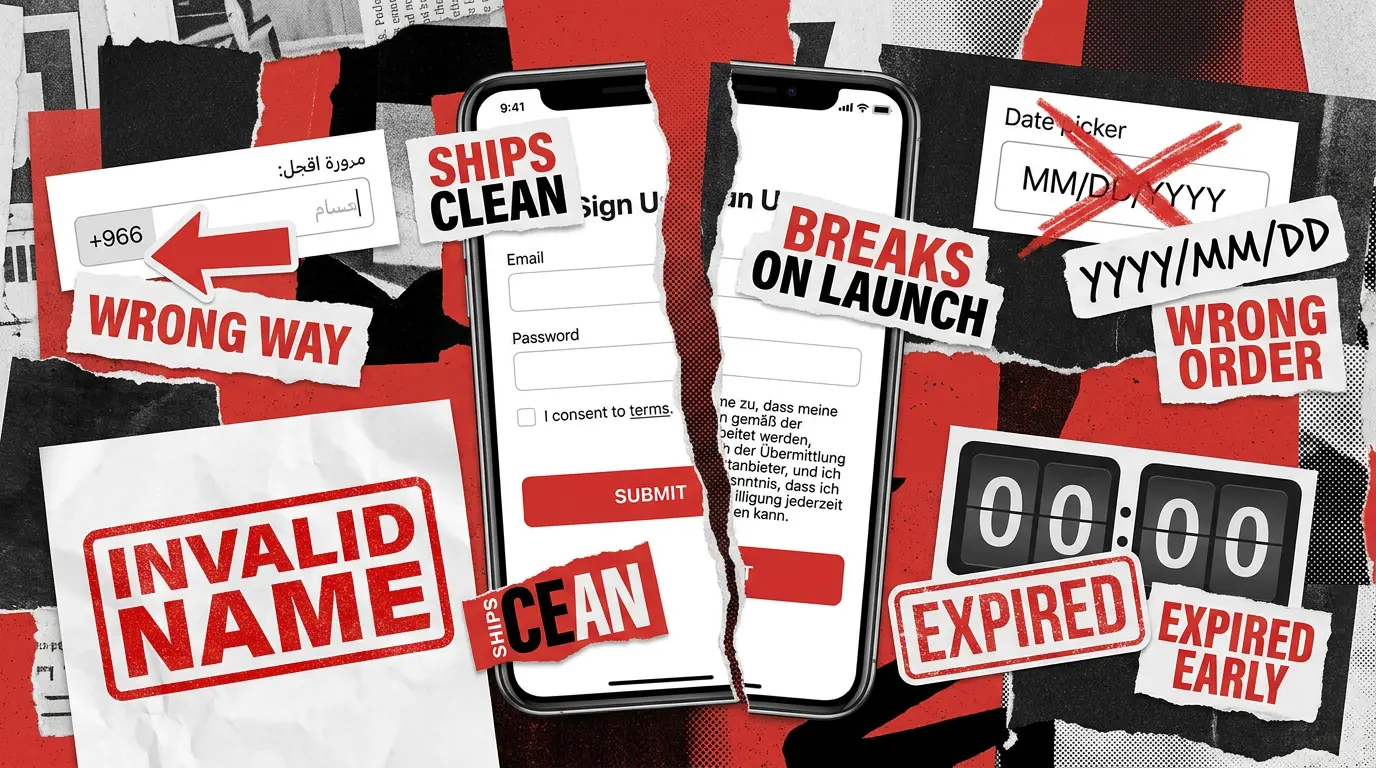
Bug found: the form mirrored correctly, but the password strength meter still filled from left to right. A strong Arabic password produced a visual signal that read as “weak” to native users because they scan the bar in the opposite direction.
Arabic test case 2 — time zone handling on the verification countdown. Verify that the “verify your email within 24 hours” countdown displays the correct local expiry time for a user in Saudi Arabia (UTC+3, no daylight saving), and that the link does not expire prematurely.
Expected: the countdown shows the expiry time converted to Riyadh local time, and the link remains valid for a full 24 hours from server-side issue.
Bug found: the countdown rendered in UTC while the email subject line stated a local time. Saudi users saw a three-hour discrepancy and some clicked links that the server treated as already expired due to a separate caching bug.
Japanese test case 1 — double-byte character input. Verify that the full name field accepts Japanese double-byte characters, stores them as UTF-8, and displays them correctly in the success message.
Expected: the input accepts up to 20 double-byte characters, the database stores them without corruption, and the success message renders the Japanese name.
Bug found: the input accepted the characters at the UI level, but the validation regex required Latin letters only, blocking submission with a generic “invalid name” error. Every Japanese sign-up would have failed at submission.
Japanese test case 2 — date format in the date of birth picker. Verify that the date of birth picker displays dates in YYYY/MM/DD order for the Japanese locale, and that the country dropdown is sorted by Japanese reading order rather than English alphabetical.
Expected: the picker reads YYYY/MM/DD, the dropdown sorts countries by their Japanese names (Doitsu, not Germany).
Bug found: the picker rendered MM/DD/YYYY regardless of locale, causing users to enter their birth year in the day field and fail validation. The country dropdown was sorted by English names, leaving Japanese users to scan for “Germany” instead of ドイツ.
Each case is one paragraph. Each one names the risk category, the field, and the expected behavior. That is the shape we want every test case in your suite to take.
Step 3: Execution on Real Devices and What the Bug Tickets Actually Looked Like
A bug found in localization is only useful if the developer can act on it without guessing. Three things turn a vague ticket into an actionable one: the source string and translated string side by side, full environment metadata with screenshots for every state, and a tag for whether the bug is layout, input, format, time zone, or content.
For the German phone validator, the ticket included the rejected number, the regex pattern from the codebase, the German validation rules, and a screenshot of the error message. Critical severity, because it blocked every German sign-up.
For the Arabic time zone bug, the ticket included a recording of the countdown rendering in UTC, the email subject line showing local time, and a server-side log of the link expiry timestamp. High severity, because users were losing access to a flow they had already started.
For the Japanese date picker, the ticket included the picker screenshot in MM/DD/YYYY order, the locale setting that should have triggered YYYY/MM/DD, and a separate ticket for the country dropdown sort order. Catching bugs of this depth needs a human running real device sessions, which is the backbone of QAwerk’s multi-locale manual testing process and the reason automated-only coverage misses an entire class of localization issues.
Step 4: Fixes, Retests, and the Regressions That Show up in Neighboring Locales
The interesting localization work happens after the first fix lands, because every fix has a blast radius across locales that nobody flagged in the original ticket.
The German phone validator fix replaced the hardcoded 10-digit rule with a locale-aware library that loads validation patterns per country code. Retesting in German confirmed the fix. Retesting in France, Italy, and the UK confirmed the fix. Retesting in Brazil revealed that the library version did not include the 2024 Brazilian number format update, so valid Brazilian mobile numbers still failed.
The Arabic time zone fix moved the countdown calculation to client-side rendering using the user’s local time zone. Retesting in Riyadh confirmed correct display. Retesting in Tokyo, which is UTC+9 with no daylight saving either, confirmed the fix. Retesting in Berlin during a daylight saving transition revealed that the countdown jumped by an hour when the clocks changed, because the client-side library cached the offset at form load.
The Japanese date picker fix introduced a locale-aware date format component. Retesting in Japan confirmed YYYY/MM/DD. Retesting in China and Korea, which also use YYYY/MM/DD, confirmed the fix. Retesting in Iran revealed that the picker did not support the Persian calendar, which is a separate localization requirement beyond format reordering.
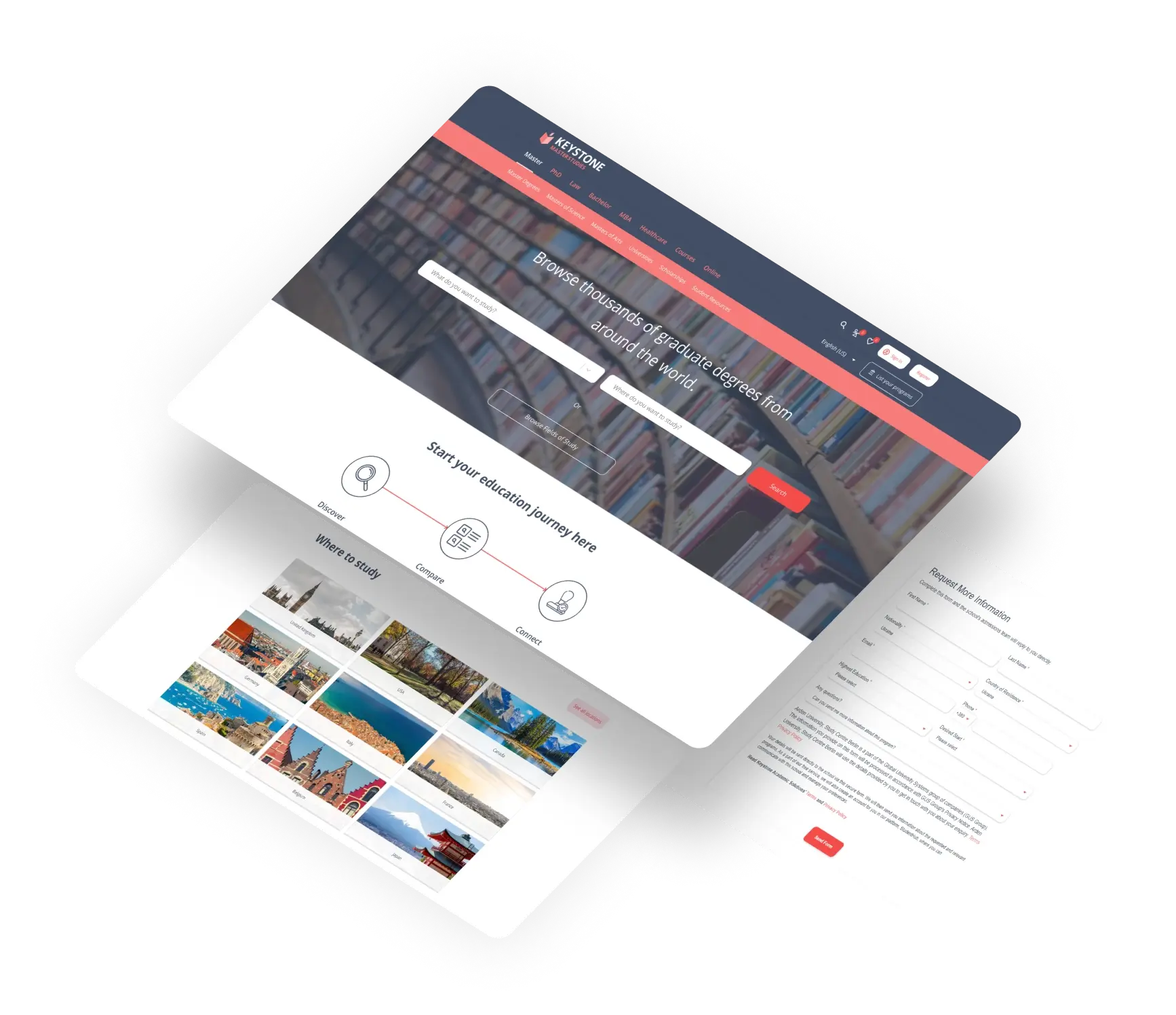
This pattern is exactly what we run on the Keystone study portals, where eight verticals are localized into over 40 languages and a single format or validator change has to be retested across the entire locale set before it can ship.
Step 5: Where Automation Earns Its Keep and Where Manual Still Wins
Looking back at the six bugs we caught, automation would have found most of them. Knowing which ones and which ones it would have missed is the core of how to perform localization testing at scale without burning your QA budget.
Automation would have caught the German phone validator, the Japanese regex, and the Japanese date picker. Parameterized functional tests with locale-specific payloads fail loudly on these. Automation would have caught the German checkbox overflow with a visual screenshot diff. Automation would not have caught the Arabic strength meter direction or the Arabic time zone discrepancy on the countdown, because both rendered without errors and only a human reading right-to-left or living in UTC+3 registered them as wrong.
That ratio holds across most localization projects we run. Roughly two-thirds of the bugs land in the automatable bucket. The remaining third covers cultural appropriateness, time zone math edge cases, translation tone, bidirectional content, and the kind of visual judgment calls automation cannot make. The mistake teams make is putting everything into one bucket. Either they manually retest every locale on every release and burn out the team, or they trust automation to flag cultural and timing issues it was never built to catch.
A clean example of this balance is the Escuela Coaching platform launch, where we verified the English localization of a Spanish-origin product on a one-month timeline. Manual review caught translation precision issues across button text, menus, error messages, and informational content that no automated pass would have surfaced.
A Ready-To-Use Test Case Set for Your Own Sign-Up Flow
The walkthrough above used six test cases for illustration. A real sign-up flow needs more coverage across every category that localization touches: text expansion, right-to-left layout, character handling, date and number formats, currency, phone validation, address formats, time zones, working hours, and local payment methods if your flow extends into checkout.
We use a template of 18 test cases when running this on client projects, six per locale, hitting every category above. Each case has a fixed structure: case name, locale, field under test, risk category, preconditions, steps, expected result, severity if failed. The template is locale-agnostic, so adding a new market like Polish, Turkish, or Hebrew is a matter of swapping data sets rather than rewriting the suite. Reach out if you want the template adapted to your product.
The Five-Step Pattern, Applied to Any Locale You Add Next
The pattern stays the same as your market list grows. Identify the failure categories the locale is known for. Write test cases against each category, not against the form generically. Execute on real devices and log bugs with source, translation, environment, and time zone context side by side. Retest the neighboring locales after every fix, because the regression rarely shows up where you expect. Automate the repeatable layers and keep humans on the judgment layers.
Localization testing is the unglamorous step that decides whether your next market opens or closes. A user who hits a broken sign-up in their language, gets a phone error in a format they cannot parse, or watches a verification link expire three hours early does not file a bug. They leave for a competitor whose product looks like it was actually built for them. If running this matrix across three or thirty locales sounds heavier than your team can absorb, contact us and we’ll scope it together.
See how QAwerk’s QA team keeps 40+ localized versions stable across 8 verticals for a higher education portal with 110 million annual visits.