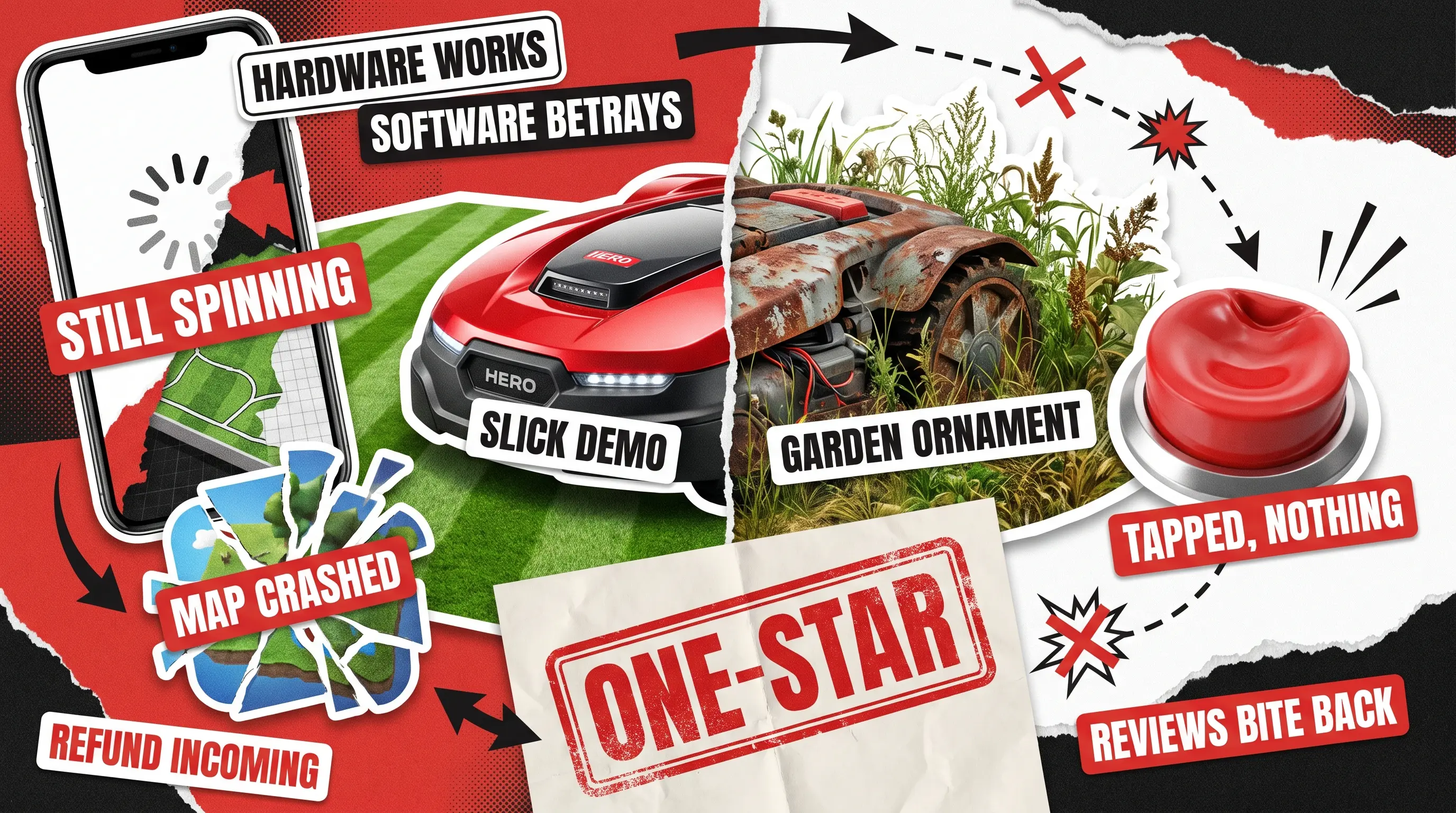
Today, there are some truly amazing smart lawn mowers from Husqvarna, Mammotion, Segway, and Worx, to name a few. Just seeing those small but oh-so-useful robots moving around brings home the fact that we already live in the future. However, while today’s tech allows the device to read the yard, step around the garden hose, and tuck itself back onto the charger when it’s finished, it’s still far from perfect. As a result, many of those fantastic manufacturers don’t see their sales numbers climbing as quickly or as high as they should.
In many cases, problems pop up when your customer opens the app to check on the machine they paid a small fortune for, and the screen just spins or the connection drops. No matter the exact issue, the result is that the clever gadget turns into a very expensive garden ornament.
And it’s a software problem.
The hardware did everything right, but the app quietly broke user satisfaction and trust. We wanted to know how often that happens and what it looks like, so we dug through what owners of the big robot mower brands actually say in reviews on public platforms. What we found is a short list of the same robot lawn mower app problems turning up again and again. As a manufacturer of those, you can track the clear line running from each one-star review straight to a refund or a black mark on the brand’s reputation.
Let’s walk through them together, because most of these bugs are very catchable, so all those issues and subsequent sales losses and brand damage are 100% preventable.
How We Looked Into This
First, let’s establish complete transparency. We didn’t roll these mowers onto a test lawn. Instead, we read what owners wrote publicly across the Apple App Store, Google Play, Reddit, TrustPilot, and owner forums, cross-checked it against the makers’ own release notes, and then grouped the recurring issues.
Therefore, everything below is based on what people actually reported in public spaces and what companies admitted to fixing. When we do get our hands on a product and break it properly, that’s our bug crawl work. We’re being upfront right now so you can weigh each example for exactly what it is.
Let’s be honest, reviews are a solid way to study this because they are written by real users who encounter these issues. Moreover, your prospective customers read those same reviews when choosing a lawn mower for themselves. To back this up with more data, see the dedicated study Using Online Customer Reviews to Classify, Predict, and Learn about Domestic Robot Failures. Researchers who conducted it sorted more than 10,000 reviews of home robots and found that unfinished jobs and flaky behavior were both common and unusually hard on owners’ feelings about what they’d bought. And we’ll be saying it quite a few more times down the line: users who aren’t happy with the app are not happy with your business and much less likely to buy again. That’s something to think about because software issues aren’t that hard to avoid with proper planning.
The Problems Owners Keep Running Into
When you start looking through lawn mower reviews, the complaints look messy at first. However, soon you begin to see some patterns. That’s what we will be outlining below, taking them one at a time. Each of these is where your user churn lives, and you can actually see the pattern yourself by looking at app store reviews and your sales and returns data.
Your device might be great, and it usually is, but a dropped connection while the signal travels from the user’s phone to the cloud server, or other issues, makes it impossible for people to actually evaluate the machinery. Here’s how digital bugs are losing you real buyers:
The app loses the mower: drops, timeouts, or shows offline while it’s running
Mammotion, Husqvarna Automower Connect, Segway Navimow
App Store, Reddit, Google Play
Connection handover across Bluetooth, Wi-Fi, and cellular, with weak reconnection logic
Maps crash or won’t load
Husqvarna Automower Connect
App Store history
Client-side map rendering and memory handling
Controls do nothing or vanish
Husqvarna Automower Connect, Mammotion
App Store notes
Interface state tied to connection status and conditional rendering
An update makes things worse
Husqvarna Automower (435X), Segway Navimow (X4), Worx Landroid
Reddit, Worx support page
Update delivery and rollback, map-data migration, positioning calibration
Accounts and pairing lock people out
Mammotion
App Store notes
Session and token handling, plus device binding during pairing
The app shows the wrong status
Segway Navimow
Google Play, release notes
Stale status caching and delayed cloud-to-device sync
Reported by owners in public reviews and the manufacturers’ own release notes. QAwerk did not reproduce these issues on physical devices, so each root cause is a likely explanation rather than a confirmed one.
Look down that last column and a pattern jumps out. Most of these bugs don’t start in the mower at all. They start in the seams between the app, the cloud, and the firmware, which is why the fixes cluster in a few predictable places. The dropouts and status mismatches are usually a job for integration testing and connectivity checks. The failed updates are what regression catches before your owners do. And the login and pairing lockouts point straight at security testing. Read the column as a shortlist of where to look first, not a verdict on any one brand.
When the App Loses Your Mower
This is the big one, and one of the most common complaints in negative reviews. The mower’s out there working away, yet the app swears it’s offline. Commands hang, the status never loads, and your customer has no idea whether the machine even heard them.
- Mammotion‘s own release notes log fixes for “Network Busy” errors during pairing and for broken app-to-mower connection in 2025, and yet, there are reviews any potential buyer can see that report the mower losing connection or constant timeouts and the mower drifting into areas it was never mapped for, with the Mammotion team replying to admit the problem (Mammotion on the App Store). Just think that those are the things any person researching your device can see when they look it up in Google or ask an AI assistant to fetch feedback from real users.
- Navimow owners hit a cousin of this, where the app flips to offline every time the phone hops between Wi-Fi points that even share a name (Navimow on Google Play). For the owner, it’s a small daily worry. For you as a seller, it’s the first thing users mention when a neighbor asks whether the mower’s worth buying.
- Husqvarna users faced this issue as well, with the app losing connection to the device for no apparent reason.

When the Map Crashes
The map is the whole game in a robot mower app, so when it crashes, it takes the product down with it. Husqvarna is a renowned manufacturer of garden tech, but its app isn’t immune to such bugs. Over the summer of 2025, four Automower Connect releases in a row attempted to prevent the app from crashing when owners edited their map. One note even hedged that the update was only expected to help rather than promising it would, until a later version finally said the trouble was solved (Automower Connect on the App Store).
Picture the owner who updates each time, full of hope that the issue is finally fixed, only to be thrown out mid-edit again. That’s someone who stops trusting the app entirely, and a crash that stubborn is just the kind of thing a good mobile app crash-reporting setup surfaces long before you start review-bombing your app and device.
When the Buttons Do Nothing
Your customer taps the ‘Start’ button, yet nothing moves. No error appears, no explanation shows up, and the button just sits there looking dead. We’ve seen Husqvarna’s notes record a fix for start, stop, and pause buttons that had gone missing from the dashboard altogether, which is about as literal as a dead control gets. The issue might be fixed now, but the fact that the app was released with such a critical bug remains. Who knows exactly how many customers regretted their purchase at the time and shared their poor opinion of the device?
Mammotion also logged a similar issue in their update notes. They dealt with the ‘Return’ button that vanished whenever the mower dropped offline. A button that’s missing or frozen isn’t a cosmetic nitpick. It’s the exact moment someone decides the product is broken and goes looking for the receipt. That’s where product returns and one-star reviews come from.
When an Update Makes It Worse
We all expect an update to fix things, yet that’s one of the most reliable sources of fresh robot lawn mower app problems. For example, Worx keeps a whole support page for Landroids that simply won’t install their firmware, which tells you how often that one goes sideways (Landroid firmware update troubleshooting). There are users reporting post-update issues with Husqvarna firmware, as well as with the Navimow X4 series, and Worx device users even go so far as to report that the device was ‘bricked’ after the update.
In addition, Navimow owners also report updates that introduced new bugs and caused the app to misread the mower’s status.
From a business perspective, you should view a customer who bought your device and was disappointed with it after a software update as a major loss. If they don’t apply for a return straight away, the chance they will ever buy any of your gadgets again is significantly lower. And as a business owner, you know exactly how much easier and more profitable it is to keep revenue coming from loyal buyers than to convert new sales from a colder audience. Therefore, keeping those who already put their trust (and money) in you is the best route to success.
In light of this, running a simple regression testing routine definitely pays for itself as it helps you avoid a flood of angry Reddit threads that follow a faulty update. But be mindful that testing is all about prevention, not a fix. It’s just one of the tools you can use to see your own product more clearly.

When Accounts Lock People Out
Sometimes, your users are faced with bugs before they even start mowing. People could get stuck during login and mower pairing. When that step trips, the product is dead on arrival, and that leads to some of the angriest reviews that can easily scare away potential buyers. Just consider if you would buy a product if you could see people complaining about it failing to work from day one?
Mammotion’s notes record a fix for surprise logouts that kept booting owners out of their accounts, and pairing loops that make people restart the app over and over show up across several brands. It’s a poor first impression for sure, and those impressions set the tone for a review.
When the App Shows the Wrong Thing
The sneakiest failures are the quiet ones, where the app tells your customer something that simply isn’t true. For example, the mower’s charging, but the app says it’s mowing, or it stopped an hour ago, but no alert ever arrived.
Segway’s version notes are revealing here, because they add a feature that finally explains why a mower didn’t start or came home early, which means owners used to be left guessing (Navimow release notes). Missing and misleading alerts belong to the same family. Users either mute them or become distressed by the app seemingly lying to them. The next logical step for a disgruntled user is to either abandon the app or at least write a negative review and share their story with all their friends. The sad thing is that a broken notification is such a small thing in the context of a complex app that it’s easy to ship unnoticed. That’s why push notification testing is quietly one of the most valuable things a team can do.

Why This Is So Hard to Get Right
The issue that makes resolving robot lawn mower app problems so hard is the complexity of the infrastructure itself. It’s clear that the engineers who design these devices are highly skilled, but this is a genuinely tough product. Your robot mower apps might drop offline so much because a single tap has to travel from the phone, up to a cloud server, down into the mower’s firmware, and back again. It means that signal goes across some mix of Bluetooth, Wi-Fi, cellular, and satellite positioning, all while the machine sits outside in shifting weather and patchy signal. A robot mower isn’t really one product. It’s four or five products in a trench coat, and every seam between them is somewhere a bug can hide.
That’s also why sorting these out is a skill of its own. When testers work with your app, they should ask multiple questions, the most important of which is whether a given robot mower problem is hardware- or software-related. Often you can’t tell the source from the published review or even from what your customer service sees through a filed complaint. Messages like “It stops under the big tree” might be due to a weak satellite signal, a firmware timeout, a mapping flaw, or a real hardware limit. Guess wrong, and a team can burn a whole release fixing the wrong layer while the true cause ships all over again.
So What Does All This Cost You?
The part that really matters for you, as a robot lawn mower manufacturing business, is what these small failures add up to:
Each one lands first as a frustrating evening for the owner → turns into a support ticket → then turns into a one-star review that sits on your store page for the next shopper to read
Sometimes this all leads to a boxed-up mower on its way back for a refund. A brilliant machine can earn a mediocre rating purely on the strength of an app that wouldn’t stay connected, and that rating is the first thing your next thousand customers see.
The reassuring part is that none of this is exotic. A crash that keeps returning after each release is exactly what regression testing is built to catch. Dropped connections show up early when you properly test the link between the app and the mower. And a map editor that falls over is everyday mobile app testing. These are ordinary, well-understood checks, which means the gap between a two-star app and a five-star one is usually smaller than it feels.
A Quick Checklist Before You Ship
If you offer connected mowers to your customers, run through this basic checklist to do a very quick assessment. The results will show you what your users actually experience after buying the product.
- Force the phone to switch from Wi-Fi to cellular mid-task and check whether the app keeps an accurate picture of the mower instead of flipping to offline.
- Edit, save, and reload a busy map ten times on a mid-range phone, watching for crashes, zoom resets, and lost boundaries.
- Send start, stop, pause, and return while the signal’s weak, and make sure every button either works or says clearly why it can’t.
- Install each update over the old version, not onto a fresh device, and recheck the core tasks afterward.
- Log out, force-quit, restart the phone, and confirm your owner can get back in without a lockout or a pairing loop.
- Cut the connection at random and check the status on screen matches what the mower is actually doing.
- Fire every kind of notification and confirm each one arrives on time, in the right language, and leads somewhere useful.
- Do the whole run again on the oldest and newest phone software your buyers realistically use.
Let's Make Sure Your Clients Never Meet These Bugs
You know that your customers judge a machine they can’t see by the app in their hand because you, no doubt, do the same with your own appliances at home. It means that one piece can undo a beautifully built mower.
We’d love for the people who buy your product to never run into a single thing on this list, or any critical issue at all. The QAwerk team will help you determine where you are losing users and which type of testing to deploy to solve these issues quickly. Give us a call, and we’ll build you a strategy to verify your app’s reliability and usability across all devices.