When a product ships into a new language, the thing that breaks is almost never the translation by itself. The words are usually fine. What breaks is the button that no longer fits them, the checkout that rejects a local date format, the screen that stays left-aligned when it should mirror, and the color that means something very different in the market you just entered. Catching those problems is the job of localization QA testing, and it is the reason teams running serious global launches bring in dedicated localization testing services before release rather than after the one-star reviews arrive.
This article covers what localization QA is, the four failure classes a QA team actually catches, who does the work, and why it matters for growth.
What Is Localization Testing, and Where Does Localization QA Fit?
Localization testing is the practice of verifying that a product which has been translated and adapted for a specific region still works correctly inside that region. It checks the running software, not just the text file the translator delivered. Localization QA testing extends that idea into a quality discipline: a structured, repeatable review of language, layout, function, and culture across every locale you support.
People often fail to clearly distinguish between the individuals involved. A translator produces the target-language text. A QA localization tester verifies that the translated text behaves correctly once it is loaded into the actual product, on real devices, under real user flows. Localization QA is therefore closer to functional and UI testing with a linguistic and cultural lens than it is to translation work. The two roles are complementary, but they are not the same job, and treating them as interchangeable is how broken builds reach production.
The Four Failure Classes a Localization QA Team Actually Catches
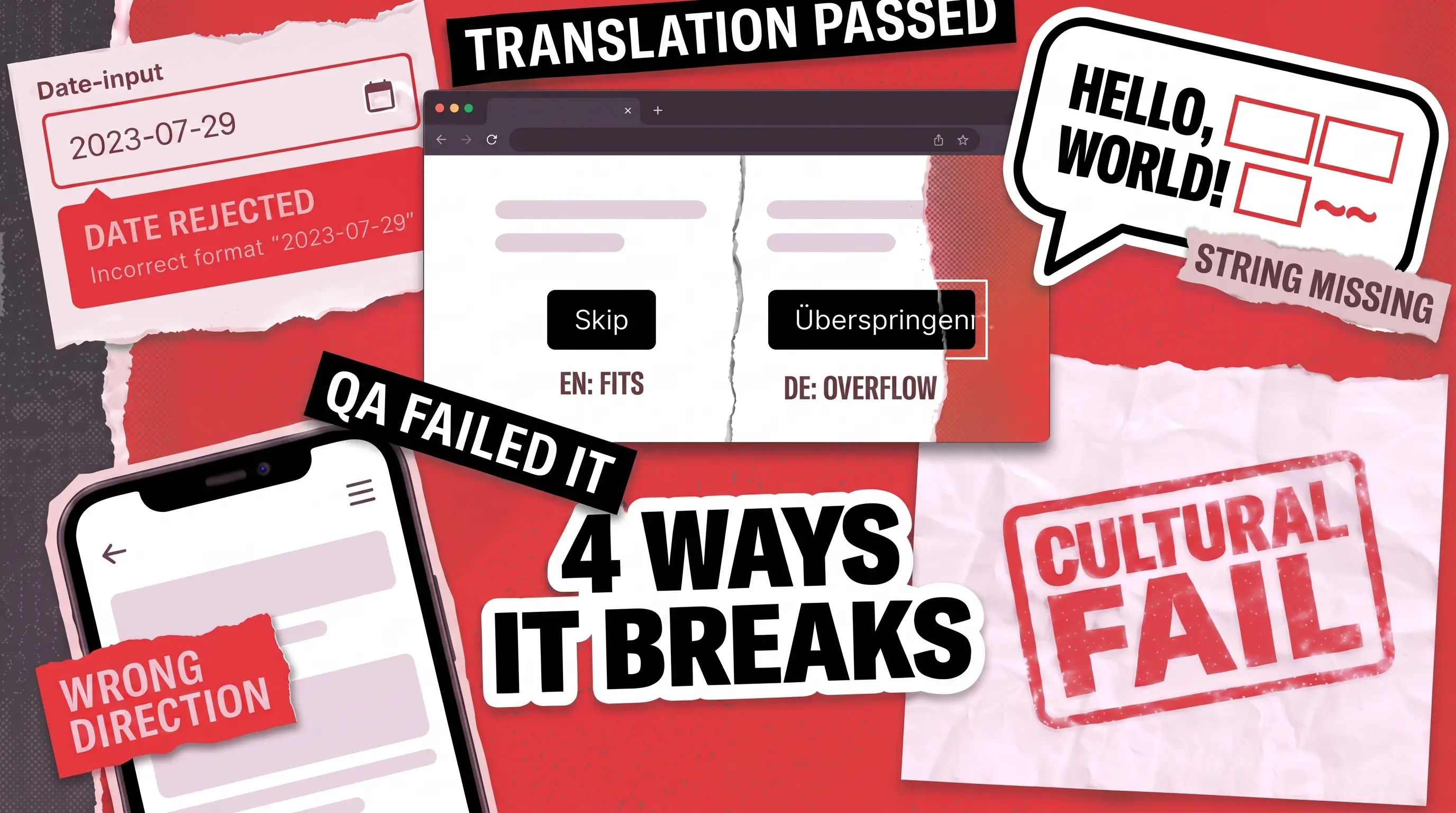
Most localization defects fall into one of four buckets. Naming them is useful because each bucket is caught by a different kind of attention, and a team that only watches for one will miss the other three.
Linguistic
Text is missing, wrong, or out of context
A string left in the source language, or a term that reads oddly after machine translation
A tester with native-language fluency
Visual / layout
Translated text breaks the interface
A German button label truncated, or an Arabic screen that fails to mirror right-to-left
A tester reviewing the build on real devices
Functional
Localized input or output stops working
A date format that blocks a valid checkout, or a locale-specific link that throws an error
A tester running locale-specific test cases
Cultural
Content reads as wrong or offensive
A color, icon, or image that carries the wrong meaning in a target market
A tester with regional and cultural knowledge
Linguistic Failures: Missing Strings and Machine-Translation Drift
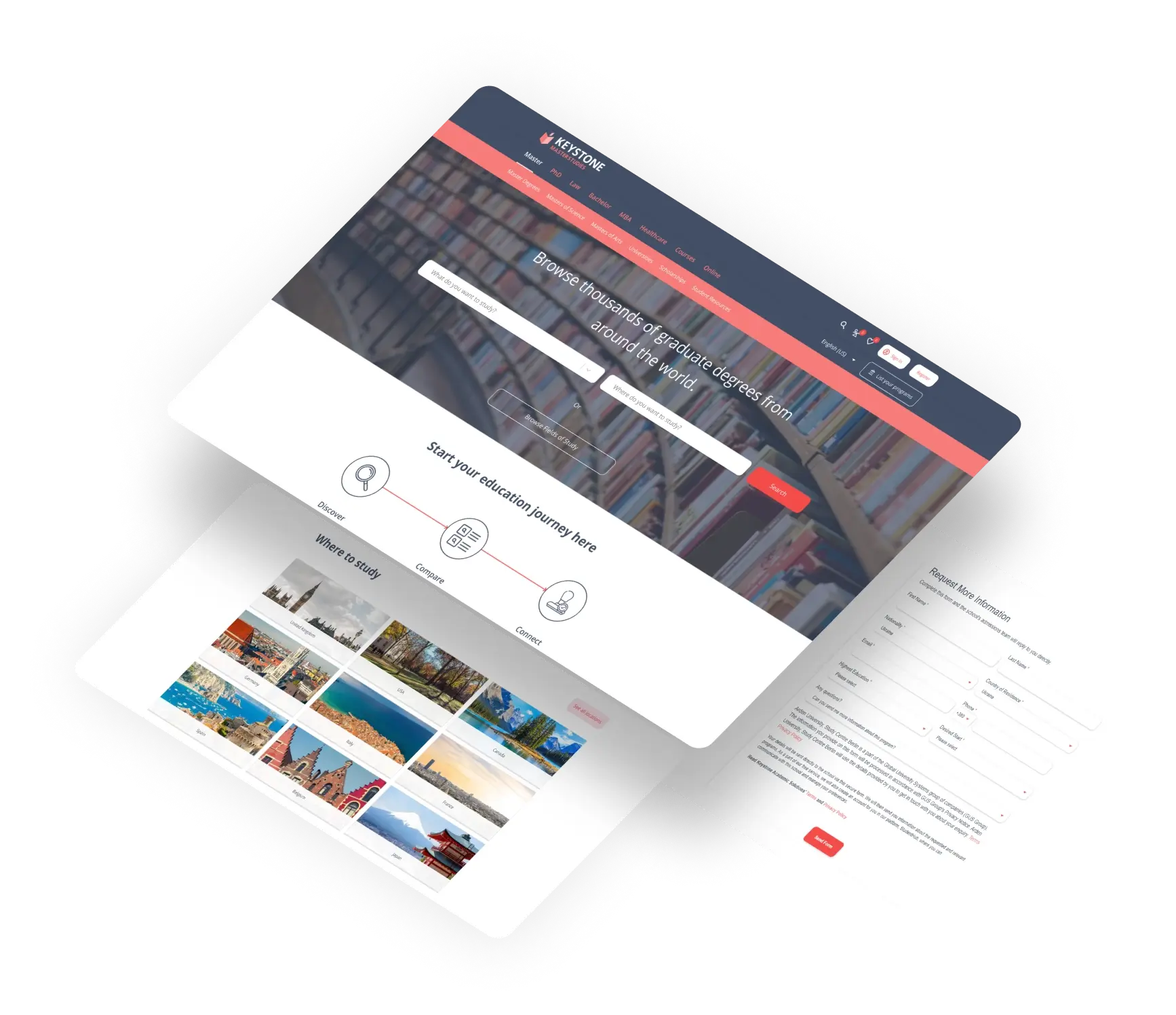
The most common bug a localization QA tester logs is also the least dramatic: a string that was never translated, or one that was translated into something a native speaker would never say. Machine translation makes this more frequent, not less, because volume hides errors. While supporting Keystone, Norway’s leading study portal with content in more than 40 localized versions, our team finds that a sizable portion of the bugs we log fall into exactly this class. To keep pace, we partially automated the linguistic sweep with a script that crawls every page across the verticals and logs translation issues into a single file for review.
Visual and Layout Failures: Text That Outgrows Its Space
Translated text rarely occupies the same space as the original. German and Dutch can expand text by 35% or more, and short labels expand the most, which is why a tidy English button label like “Submit” can overflow once it becomes a longer compound word in another language.
The W3C documents this clearly: the shorter the source string, the higher the likely expansion, and languages such as German build single long words where English uses several short ones. The same failure class covers right-to-left scripts, where an Arabic or Hebrew layout that is not properly mirrored leaves icons, navigation, and alignment facing the wrong way. None of these are translation errors. They are interface errors that only surface once the translation is in place.
Functional Failures: The Date Format That Broke Checkout
This class is where localization stops being cosmetic. When a locale changes the date format, the currency separator, or the input validation rules, forms and transactions can actually fail.
How do you perform localization testing here? Testing ICONOMI, a London-based crypto asset management platform, QAwerk paid close attention to error messages, date formats, and input validation across locales, since registration and verification flows behave differently depending on where the user sits. To verify those localized strings and formats efficiently, the team relied on Spling, checking that error messages, date handling, and validation held up in every supported language.
The Keystone work surfaced a related functional bug: clicking the Privacy Statement link in the Arabic localization triggered a client-side error and dropped users on an error page.
Cultural Failures: The Symbol That Offended a Market
The subtlest class has nothing to do with whether the software runs. A color can signal celebration in one market and mourning in another, and an icon, a hand gesture, or a stock image can read as neutral at home and as inappropriate abroad. These defects throw no error, so automated checks slip past them. Games feel this acutely because so much meaning rides on imagery, placement, and tone, which is why game localization testing treats cultural fit as a first-class concern rather than a footnote.
Placement carries cultural weight too, and automated systems are blind to it. When Pokémon Go launched in 2016, it generated PokéStops and gyms from an existing map dataset, which dropped game objects onto sites such as the Hiroshima Peace Memorial Park, Arlington National Cemetery, and the United States Holocaust Memorial Museum. After the institutions objected, the developer pulled them out, and the Holocaust Museum confirmed it had been removed at its request. The app worked exactly as designed. The defect was contextual, the kind a person with local knowledge flags and an automated pipeline never will.
What Does a QA Localization Tester Do?
A QA localization tester verifies a localized build against all four failure classes above, working inside the product rather than over the source text. Day to day, that means executing locale-specific test cases on real devices, comparing each translated screen against the original for layout integrity, confirming that regional formats and inputs function, and judging whether the content fits the target culture. The role sits at the intersection of functional QA and linguistic insight, and the best testers pair native or near-native language ability with the instincts of a software tester.
What a localization QA tester does not do is generate the translation. That separation matters. A translator can deliver a flawless copy that still produces a broken product once it meets a fixed-width button, a strict validation rule, or a right-to-left layout. The tester’s job is to find that gap before the user does, then reach for the right localization testing tools to scale the work.
Localization QA vs. Translation: Where the Roles Diverge
The cleanest way to separate the two is by what each one owns. Translation owns the words. Localization QA owns everything that happens to those words once they enter the running software, plus the linguistic accuracy of the words themselves as they appear in context. A translator works in a document or a translation tool; a tester works in the build.
That difference explains why translation alone does not protect a global launch. Translation cannot catch a label that overflows its container, a checkout that rejects a local date, a screen that fails to mirror, or an image that misfires culturally, because none of those are visible in the text file. Localization QA exists precisely to catch the defects that live between a correct translation and a correct product. Teams that want a structured way to verify both at once often start from a localization testing checklist that maps each check to the four failure classes.

Why Localization QA Testing Matters for Global Growth
The business case rests on how buyers behave in their own language. In CSA Research’s survey of 8,709 consumers across 29 countries, 76% of online shoppers said they prefer to buy products with information in their native language, and 40% said they will never buy from websites in other languages. A localized experience that breaks in any of the four failure classes undercuts exactly the trust that drove the user to your localized version in the first place.
That is why businesses should treat localization QA testing as part of release readiness rather than a post-launch cleanup. A truncated button or a broken checkout in a new market does not just annoy users; it sends them back to a competitor whose localized flow works. For teams weighing how to keep this coverage affordable as they add languages, AI-driven localization QA is one direction worth considering.
How QAwerk Approaches Localization QA
QAwerk has delivered software testing since 2015 and completed 100+ localization projects, with products it has tested now reaching roughly 110 million people. It is recognized among the best QA companies worldwide by IAOP on the Global Outsourcing 100, and its localization work runs across manual and automated testing for web, mobile, SaaS, and games. The three projects below show the four failure classes being caught in practice.
For Keystone, our team tests eight content-heavy education portals localized into more than 40 languages, used by over 110 million students a year. Our testers combine manual review with a reusable crawler that documents translation issues at scale, and we have caught functional locale bugs such as the Arabic Privacy Statement link that crashed on click.
For ICONOMI, a crypto asset management platform serving a global audience, QAwerk used Spling to verify error messages, date formats, and input validation across multiple languages, alongside broader manual testing that helped cut user drop-off by 15% for a platform now used by more than 100,000 people.
For Escuela Coaching in Madrid, our team verified the English localization of a Spanish-built coaching platform, checking button text, menus, error messages, and informational content, and surfacing missing-translation and validation defects ahead of a global launch delivered in about 30 days, now serving 300+ organizations.
If you are taking a product into new languages, partnering with QAwerk gives you both halves of the work: testers with the language and cultural knowledge to catch linguistic and cultural defects, and the engineering rigor to catch the layout and functional ones, supported by tools like Spling, Applitools, Playwright, and Cypress. To scope a localization QA engagement, contact us for a tailored plan.
See how we helped Keystone deliver a seamless experience across 8 websites and 40+ localized versions to 110 million annual visitors