Every week, QAwerk testers pick a game or app from the stores and hunt for bugs. We publish every finding on our Bug Crawl page, including steps to reproduce, video proof, severity, and other valuable details. We’ve already processed over 1,000 apps and logged 5,578 bugs after spending 15,000+ hours testing. Today, we’ll share a quick overview of our latest findings from mobile game testing. We’ll take a look at 19 bugs discovered in 5 tested iOS games and explain where these issues come from and how to prevent them.
This digest is the first readout from our Bug Crawl archive. Each following issue will pick a theme, group what we found into patterns worth noticing, and tell you what to check in your own build.
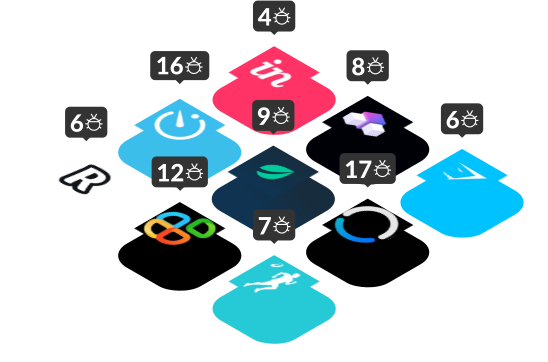
The games we’ll explore today:
These are a cooking sim, a dungeon crawler, a fish pond, a farming adventure, and a real-estate metaverse. Different genres, studios, budgets, but the bugs, those are all shockingly similar. Here’s what kept breaking.
Why Mobile Games Break Differently from Apps
A utility app has a few dozen states, but a mobile game has thousands. Tutorials can hard-lock players, physics engines collide with device GPUs, and in-app purchase flows intersect with App Store sandboxes. The surface area for mobile game testing is simply bigger than for a regular app. However, the player’s tolerance for friction is smaller because they’re here to have fun, not to complete a task.
Every bug in this digest came from an app with a 4.3+ rating on the App Store. Therefore, good doesn’t mean bug-free in this niche.
1. Dead-End Buttons: Pattern That Showed Up in 4 out of 5 Games
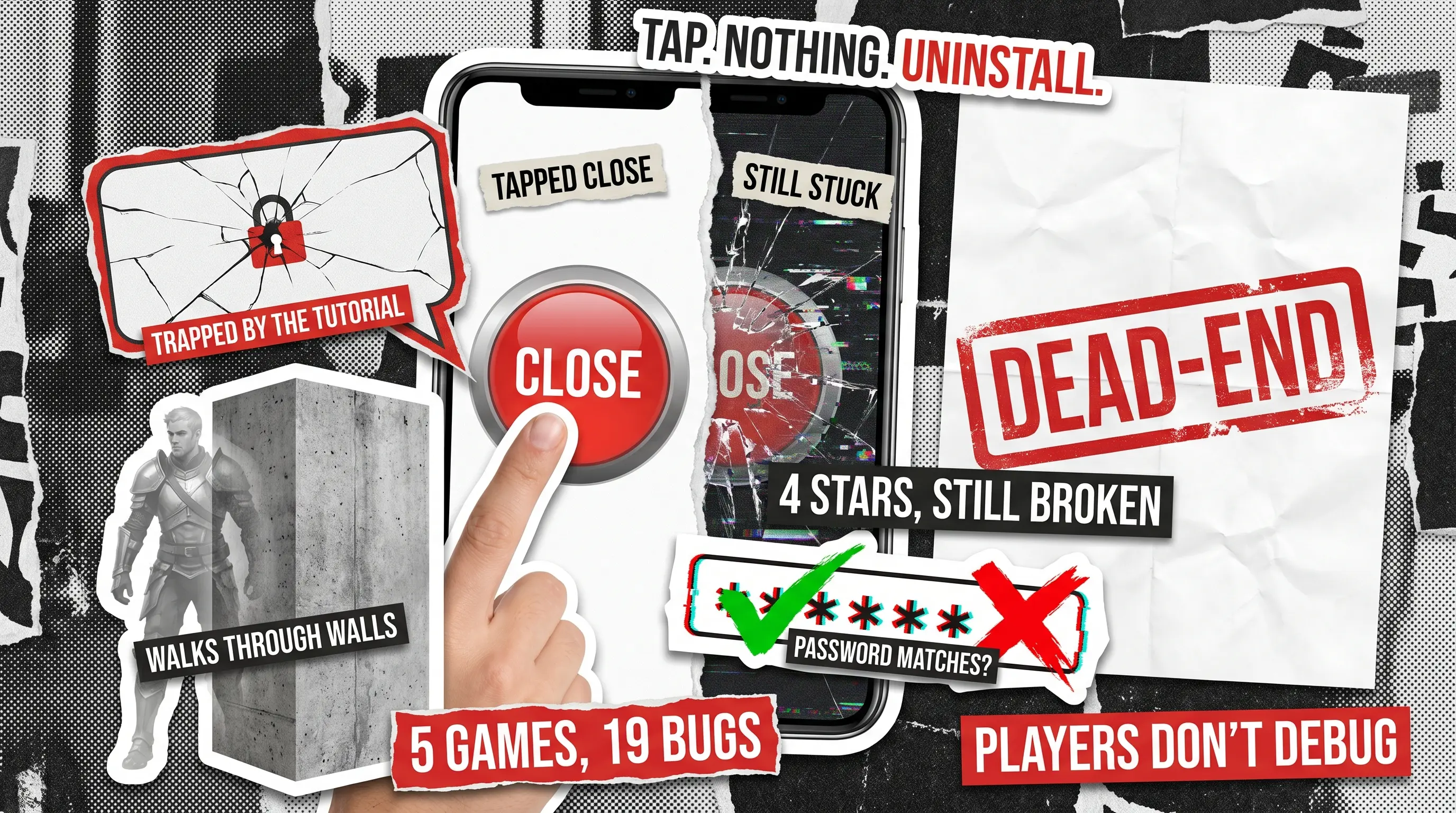
A user taps a button that clearly says ‘Close’ or ‘Confirm’ or ‘Continue’ and nothing happens. There’s no navigation, no feedback, and no escape from the mounting player’s frustration. Seven of our 19 bugs involve such critical issues.
- Potion Punch 2: The ‘Peakwood’ screen won’t close. Tap Close, stay stuck.
- Potion Punch 2: The ‘Not enough coins’ screen won’t close. Players can’t return to gameplay after a failed purchase attempt.
- FATE: Reawakened: The ‘Accept’ on Hero Setup doesn’t advance. Players can’t start a new game.
- RealGo: The ‘Confirm’ button tapped during registration doesn’t redirect. Onboarding dead-ends before the player even sees the product.
- RealGo: The ‘Update’ button doesn’t open the App Store. The app tells you to update, then refuses to help you do so.
- Pondlife: The ‘New Level’ confirmation button leaves players stuck after Level 3. 50K+ downloads, and every new player hits this wall.
- FATE: Reawakened: The confirmation pop-up ignores the ‘No’ button. Players can’t back out once the dialog opens.
What you must understand is that players don’t debug, they simply uninstall the game.
What to check on your side: Every button that changes state or navigates. Map your app flow and tap through every branch, especially the ‘No’, ‘Cancel’, and ‘Close’ buttons. They fail more often than the ‘Submit’ because they get less attention in test plans.
How this gets caught: Functional testing is the key tpo tracing every button to catch issues with expected state transition. For apps that are already live, pair it with regression testing after every release, because dead-end buttons tend to reappear the moment something nearby changes.
2. Tutorial & Onboarding Traps
The highest-stakes bugs live in the first 90 seconds of the user’s interaction with the app. You break the onboarding flow, you lose the player.
- Dragon Farm: The tooltip locks the entire UI. Only the highlighted element is tappable with no access to Settings or the option to go back. If a player misses the cue, they’re stuck.
- Dragon Farm: Settings are inaccessible during the tutorial with no visible explanation.
- Potion Punch 2: The tooltip blocks interaction with the underlying UI while staying visible.
Tutorials should guide, not cage the player. So, when a tooltip turns the screen into a forced path, any small glitch, such as a missed tap, a laggy animation, or a moment of confusion, becomes a dead end.
What to check: Every onboarding tooltip needs a clear exit route, and every restricted state needs a visible reason. If you’re gating access to Settings during tutorial, say so; don’t silently ignore taps. Test tutorials on a cold install, with a backgrounded mid-flow, and with accessibility settings enabled.
How this gets caught: Usability testing involves a real tester catching such issues while attempting the tutorial. An automated script often cannot identify this type of bug because it follows the happy path your tooltip forces.
3. Silent UI: When a Tap Gets No Receipt
When a button does something but the user can’t tell, users assume the tap didn’t register. So, they try again, which leads to either multiplying the action or rage-quitting the game entirely.
- Dragon Farm: The ‘Sound’ and ‘Vibration’ toggles in Settings show no visual change when tapped. Therefore, users can’t tell whether they’ve muted the game.
- FATE: Reawakened: The ‘Restore Purchase’ triggers no loader, no confirmation, no error. Users entering a payment-adjacent flow get complete silence.
In this case, the ‘Restore Purchase’ issue is the scarier of the two because anyone re-entering an IAP flow needs certainty. No feedback means double charges or abandoned carts, and neither is good for your revenue.
What to check: Every tap on every button should produce a visible state change within 200ms, even if it’s just a loader. If the action succeeds silently, add a toast or success cue.
How this gets caught: Manual testing is the way to go here because automation can confirm a state change in the database, but it’s a human who notices whether the screen reflects it. Silent UI bugs live in that gap.
4. Gameplay Mechanics That Break Immersion
Here we can share examples of two bugs on the opposite ends of the severity spectrum, but they deal equal damage to player trust.
- FATE: Reawakened: The hero walks through NPC models, meaning a missing collision detection feature.
- Pondlife: The ‘Collect’ button on the Task List grants no reward. The game promises, but then forgets what it offered.
If I can walk through another character, I stop believing in the world. However, if my reward vanishes, I stop playing for long enough to write a 1-star review. Bugs in the core loop aren’t just annoying — they are a breach of contract.
What to check: Focus on core loop integrity and on whatever the player is doing in the moment (farming, fighting, fishing, collecting) as it has to be flawless. Run a dedicated ‘core loop regression’ on every build and walk into every NPC, every wall, every object. Complete every task and confirm every reward lands in inventory.
How this gets caught: You need thorough game testing to catch bugs like these. Dedicated game testers go through your game the way players will. They walk into NPCs, finish tasks, check their inventory, and find the collision gap your developers never thought to try.
5. OS Integration & Input Handling
There are quite a few bugs that show up when your game stops being a game and starts being an app, such as those related to requesting permissions, handling keyboards, opening native surfaces, and rendering forms. These are not glamorous, but they affect the flows where trust is built or broken in the first minute.
- RealGo: The ‘Enable GPS’ button fails to open the iOS Settings app, creating a dead link to a native OS surface.
- RealGo: The password validation says ‘Password matches’ for mismatched passwords.
- RealGo: The on-screen keyboard overlaps the input field with no scroll-up, so users can’t see what they’re typing.
- Pondlife: The ‘Terms of Service’ link opens the Privacy Policy page, which means the user gets the wrong legal document at a sensitive moment.
The RealGo password bug is the most dangerous thing on this list. Ship that to production, and users are creating accounts with passwords they didn’t mean to type. That’s not a UX bug, but that’s a support-ticket factory.
What to check: Go through every form field with a validator, testing with mismatched, empty, and malformed input. Tap every button that opens a native OS surface (Settings, App Store, camera, Photos). Check every link that goes off-screen and every keyboard interaction on the smallest device you support.
How this gets caught: Use iOS app testing to cover the entire OS integration surface, including permissions, keyboards, native redirects, and version-specific quirks. For the password validator specifically, add a security testing pass: a validator that provides false claims about matching is a data-integrity bug, not a UX one.

Mobile Game Testing Coverage Checklist Based on This Month's Bugs
Here’s a compact run-down to screenshot and share with your team:
- Every ‘Close’, ‘Cancel’, and ‘No’ button: confirm they actually dismiss what they promise to.
- Every tooltip: provide an exit path and don’t lock the UI.
- Every button tap: produce visual feedback within 200ms.
- Every IAP flow, including Restore Purchase: show loaders, success states, and errors.
- Every collision boundary: walk into every NPC, wall, and object in the game.
- Every form field: test with mismatched, empty, and malformed input.
- Every OS-level link (GPS, Notifications, App Store): confirm the redirect works.
- Every legal link (Terms, Privacy, EULA): click and confirm the right page loads.
- Every reward flow: confirm the reward lands in the balance or inventory.
Bug of the Month

Our pick for this month is RealGo’s password validator, which tells users ‘Password matches’ when passwords don’t match. It’s the only bug on this list that hurts not just UX but security as well. Ship it to production, and your users are locked out of accounts they just created, with no idea why. A two-line validator fix would have been all it took to prevent a week of support tickets.
Honorable mention: Pondlife’s Level 3 dead-end. 50K+ downloads, 7.1K ratings, and every new player who reaches level 3 hits a confirmation button that does nothing. That’s every single player’s session ending at the same wall.
Want a bug crawl on your game?
We'll put one of our QA engineers on it, send you a detailed reproducible report with video evidence.