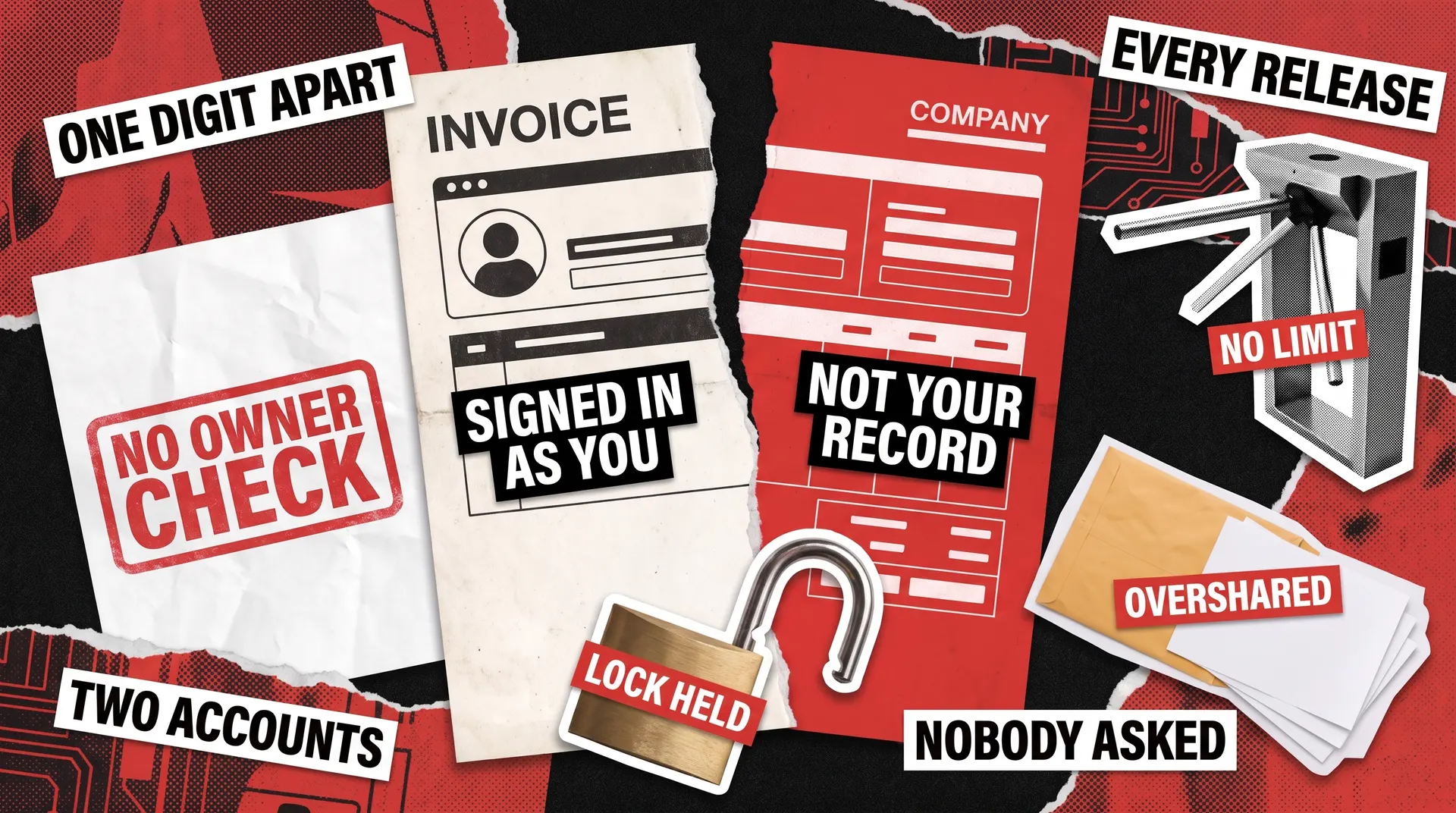
REST API security testing is the practice of proving that a signed in user can’t reach what isn’t theirs. It matters because most attacks arrive from exactly that position rather than from a break-in. Your login screen can be flawless while the endpoint behind it hands a paying customer somebody else’s invoice.
Finding that kind of gap needs nothing specialized, just two ordinary accounts and a tool that can send requests. The hard part is repeating that work before every release, without fail. Plenty of teams manage it for a few months and then quietly stop, which is why a dedicated QA partner is worth having. Our penetration testing services go further still when the stakes call for an outside expert.
How to Test Authentication and Authorization on Every Endpoint
Authentication asks who you are. Authorization asks what you’re allowed to do once the system knows. Every user meets the login screen, so the first is built carefully and usually works. The second gets checked on the endpoints somebody thought about and skipped on the ones nobody did.
Salt Labs tracked a year of live attacks and found 95% came from authenticated sources, so the callers worth worrying about are already through the door.
The REST API security checklist starts here, where every check has the same shape: send a request that should be turned down, from a caller with no right to make it.
- Call every endpoint with no credential at all. Anything that answers with data instead of a refusal is a finding.
- Repeat with an expired credential, then with one that belongs to a different account.
- Sign in as an ordinary user and request an administrator-only endpoint directly by its address, without going near the interface.
- Confirm a credential stops working the moment somebody logs out or an administrator disables the account.
- Check the password reset path from both ends. A link that stays valid after use, or that can be requested for an address you don’t own, undoes everything else on this list.
The pattern worth remembering is that a correct API refuses. It doesn’t return an empty list, a partial record, or a friendly message explaining what you almost got. Those near misses tell an attacker the address was real and worth another try.
BOLA Vulnerability: When One ID Returns Someone Else's Data
Here’s the single most common REST API vulnerability, and it has an ugly name: broken object level authorization, usually shortened to BOLA.
The idea is simpler than the term. Web addresses in a REST API tend to name the record you asked for, so an invoice might sit at /invoices/8812. A BOLA vulnerability exists when a signed in customer edits that number to 8813 and reads a different company’s statement instead. The login worked exactly as designed. What never happened was a second check, the one asking whether this customer owned that record.
BOLA is the API version of a wider problem, one we cover in our article about broken access control. Salt Labs counts it alongside injection flaws, where an attacker hides a command inside an ordinary form field. The two together accounted for 37% of all reported issues, the largest single share.
Testing for BOLA is unglamorous and quick:
- Create two ordinary accounts. Sign in as the first and note the identifiers you legitimately own.
- Request the second account’s identifiers while still signed in as the first. Do this for reading, updating and deleting, because many APIs guard one of those actions and forget the others.
- Try identifiers that belong to nobody, and others from a neighboring range. A response that differs between “not yours” and “doesn’t exist” leaks which records are real.
- Repeat on every endpoint that accepts an identifier, including reports, exports and attachments. These get missed because they feel like features rather than data.
- Check nested addresses too. Guarding
/orders/88means little if/orders/88/itemsanswers to anyone.
Automating these checks pays for itself, since the same two accounts can drive hundreds of paired requests on every release. Writing and maintaining those tests is what our automation testing team does.
How to Test Rate Limiting on a REST API
A rate limit is a cap on how often one caller may ask. Without one, a single script can guess passwords all night, drain a paid service you resell, or simply exhaust the server for everybody else.
When a caller goes over the cap, the correct answer is status code 429, which means “too many requests.” The wrong answers are a slow page, a timeout, or a 500 error that reports a crash instead of a deliberate refusal.
The checks that follow all push the API past its limit, so run them against a test environment rather than production.
- Send a burst of requests well past anything a real client would produce, then confirm you get 429 responses rather than silence.
- Verify the limit applies per account and per address, not only globally. A global cap alone lets one abusive caller degrade everyone.
- Hammer the login and password reset paths specifically. These deserve tighter limits than the rest, because that’s where guessing pays.
- Look at expensive endpoints separately. A search or report that takes a second of server time needs a lower ceiling than one that returns a name.
- Confirm the limit resets sensibly and tells the caller when to try again, so legitimate clients back off instead of looping.
Rate limits also protect you from your own customers. Their software can keep sending the same failed request with no pause in between. From your server’s side, that looks exactly like an attack.
Input Validation: What Your API Does With a Bad Request
Every field your API accepts is a place where somebody can put a value you didn’t expect. Functional testing covers the values your own app would send, which is most of what a real customer ever produces. However, nobody types a name thousands of characters long, orders minus five of something, or picks a delivery date in the year 3000, so your API never sees them in normal use.
Sooner or later somebody sends them anyway, either an attacker probing or a piece of software going wrong. The damage is rarely dramatic. More often the API stores the nonsense and something elsewhere in the system breaks weeks later, or it returns an error so detailed that it names your database and its version.
To test this, feed the endpoint values it should never accept, then watch how it responds.
- Send the wrong type in every field: text where a number belongs, a number where a date belongs, nothing at all where something is required.
- Send values far outside the sensible range, including negatives, zero, and lengths that run to megabytes.
- Send fields the endpoint never documented. An update that quietly accepts
is_adminorcredit_limitlets a customer promote themselves, and it deserves a look on every endpoint that saves data. - Send characters that mean something to a database or a command line. Injection works exactly this way, so confirm they come back as plain text rather than as instructions.
- Read the error messages. A refusal should say the request was wrong, not name the library that rejected it or the table it failed against.
The flaw you’re hunting is an API that trusts its own front end. If your own app never sends a bad value, the endpoint behind it may never have been asked to say no.
CORS, JWT and Oversharing: Three Ways REST APIs Leak Data
Three things account for most accidental exposure, and none of them involve an attacker breaking anything.
CORS stands for cross-origin resource sharing. A browser normally stops one website from reading data that belongs to another, and CORS is how your API grants an exception. Set to accept everybody, it invites any page on the internet to make requests using a visitor’s session. Confirm that the allowed list names only your real domains, that credentials are permitted for those alone, and that nobody left an open rule behind after debugging.
JWT stands for JSON web token. It works like a pass: your API hands one back after login, and the app sends it with every later request. A signature proves the token is genuine and unaltered, so your server never has to ask for the password again. That shortcut puts four things on your checklist:
- Confirm tokens expire, and that an old one is actually rejected rather than accepted with a warning.
- Verify the signature is checked. An API that accepts a token claiming to have none at all is a known and serious failure.
- Check what the token carries. Anyone holding it can read the contents, so an email address is fine and a password or internal note is not.
- Make sure logging out, or an administrator revoking access, ends the session before the token would naturally expire.
Oversharing means a response that carries more data than the screen ever displays. A customer sees their name and order total, while the reply behind it also holds a credit rating, a supplier’s cost price, or another customer’s email address. None of that appears on screen, and all of it reached the browser anyway. Salt Labs put sensitive data exposure at 34% of reported issues, just behind the 37% for authorization and injection flaws. Read the raw response for every endpoint that returns a record, and compare it against what that user is entitled to see.
REST API Security Testing on a Live Product
One client project shows the whole checklist at work. Union54 issues payment cards for fintech companies across Africa. When we joined, the product had no front end whatsoever, so every check ran straight against the endpoints. That’s the position you land in whenever the interface trails the back end, or never gets built at all. Our API testing practice puts the security checks in the same pass as the functional ones, rather than leaving them for later.
Manual work ran through Postman, which suits an API with nothing to click. Automation started in Mocha and moved to Cypress once the suite grew and stability became the problem. That switch is worth making early rather than late. By the end, automated coverage reached 90% of endpoints across more than 1,500 scenarios. The engagement surfaced over 190 defects, all inside a two month window set by the client’s investor demo.
One of those defects shows why reading responses matters. A card came back reporting a balance of zero and a status of issued, while the database behind it held a positive balance and a status of stopped. Both answers were well formed and neither looked broken. Only comparing the response against the record underneath revealed that the caller was being told something untrue about their own money.
That comparison is the habit this checklist teaches. Functional work asks whether a reply arrives. Security work asks whether it should have.
Where the REST API Security Checklist Stops
Work through this list each release and you’ll find the expensive problems while they’re still cheap to fix. A functional suite reports none of them, because as far as it can tell every answer arrived exactly as designed.
Three activities get lumped together under “API testing,” and knowing which one you’re buying matters:
API testing
Does the endpoint return the correct data?
Your own testers, every release
REST API security testing
Can a signed in user reach what isn’t theirs?
The same testers, the same release
API penetration testing
What could a determined attacker achieve?
Outside specialists, as a scoped engagement
The middle row is what you’ve just worked through. Our REST API testing checklist handles the first. The two sit well together, since plenty of security checks are a working functional test with the expected result flipped.
REST isn’t the only way to build an API. For the same problems across GraphQL, gRPC and SOAP, our guide to API security testing works through the OWASP API Top 10, the industry’s standard ranking of API risks.
Buying the third row is a separate decision. That kind of engagement suits a big release, a move into a regulated market, or an enterprise buyer who wants evidence before signing. It returns more once your own people have cleared the easy findings, since paying an expert to rediscover them is money wasted.
Curious what your endpoints give away to a signed in caller who goes looking? Book a review with our QA team.
FAQ
What is REST API security testing?
REST API security testing asks how a signed in user could abuse a REST API rather than simply use it. It covers permission enforcement on every endpoint, whether one customer can reach another’s records, request caps, token handling, and what replies give away. Functional testing proves the API works. A penetration test is a separate, scoped specialist engagement.
What is a BOLA vulnerability?
BOLA stands for broken object level authorization. It happens when a signed in user requests a record that isn’t theirs, often a report or a file attachment whose address contains an identifier, and the API hands it over anyway. Logging in succeeds, and the ownership question is simply never asked. It’s the most common flaw in REST APIs and the easiest to test for.
How is REST API security testing different from penetration testing?
The difference is who pays and how often it happens. Security testing is work your own team already does, so it runs on every release. Penetration testing is a scoped engagement you buy: outside specialists attack the system deliberately, so it happens far less often. Clearing your own findings first keeps that budget aimed at problems your team could never have caught.
How often should you run a REST API security checklist?
Repeat the permission and input checks with each release, since one small edit to a role can quietly widen who sees what. Schedule a deeper pass whenever you publish new endpoints, change how sessions work, or plug in an outside provider. Save a full specialist engagement for a big launch, a major rebuild, or a compliance deadline.
Can you test REST API security without access to the source code?
Yes, and most of this checklist assumes you can’t see the code. Every check here runs from outside, using ordinary accounts and a tool that can send requests. That mirrors an attacker’s position exactly, since they don’t have your source either. Reading the code helps with some issues, though it isn’t required to find the common ones.
See a sample of our security code review of a US-based e-commerce platform