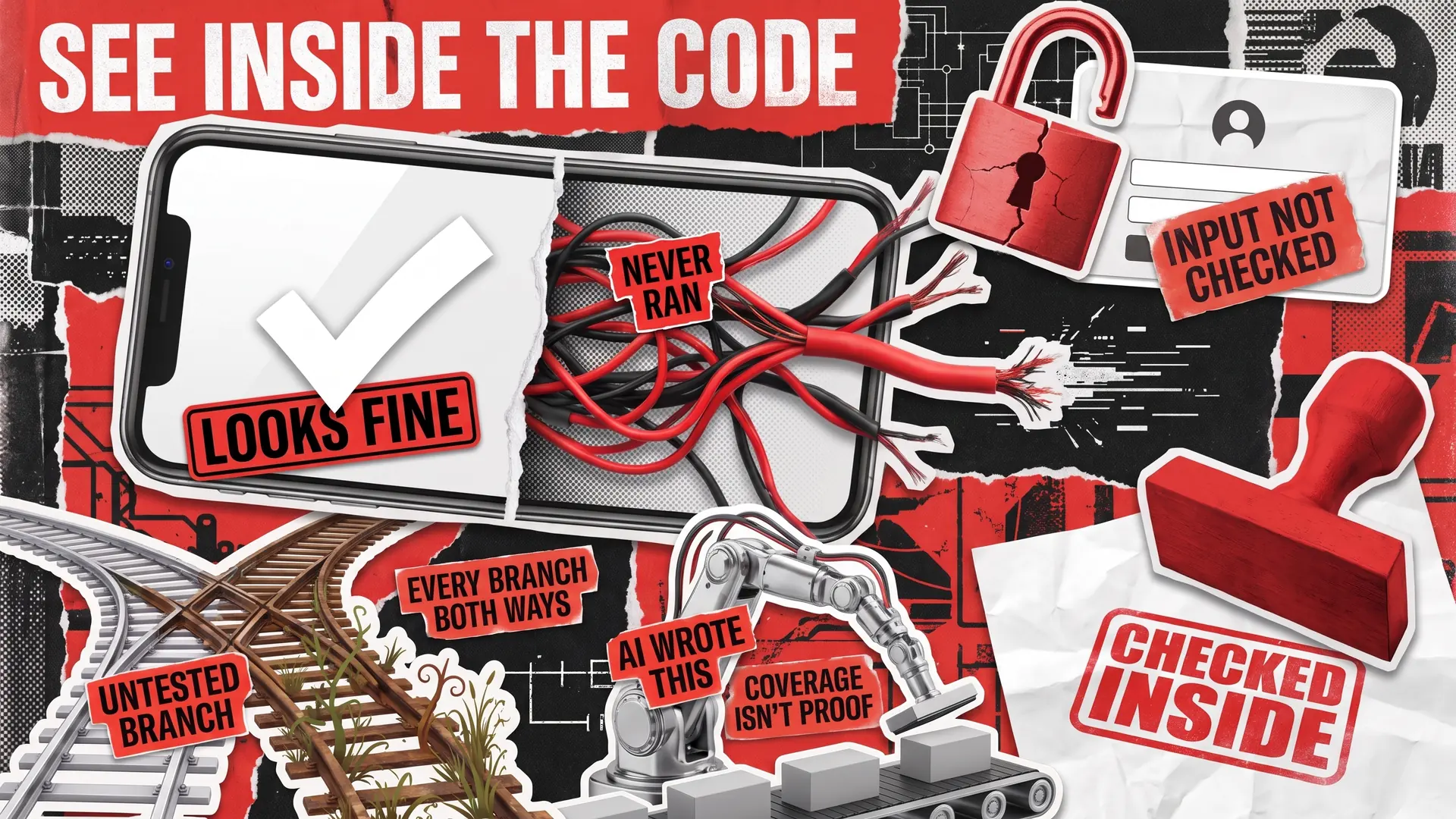
White box testing checks software from the inside. Instead of clicking around like a customer, a tester studies the source code and confirms that each of the program’s yes-or-no choices actually gets tried. The method matters most where bugs hide from normal use, such as security checks, complex business rules, and code written by AI.
Error handling is a typical case: the message meant for a payment outage runs only when the provider goes down, usually in front of real customers. By contrast, black box testing judges a product by what users see, so code like that can stay untested for months. Therefore, strong teams run both methods. This guide explains the core white box testing techniques in plain terms and when inside checks beat outside ones. You’ll also see how a dedicated QA team handles the work alongside your developers.
White Box Testing Setup: What You Provide and What Testers Bring
Your side of the preparation is access to the code. Testers work in the repository, the shared storage where your developers keep the source files. At QAwerk, we set up that access around your security and compliance requirements.
The testing team brings everything else:
- Programming skills: Reading code takes programming know-how, so white box testing is done by developers or by QA automation engineers, whose daily work involves writing scripts that check software.
- Coverage tools: Such tools measure what share of the application ran during testing and report the result as a percentage, known as code coverage.
Once that setup is ready, most of the work happens through unit tests, short pieces of code that each examine one part of the program at a time. A typical product needs thousands of them, so automation testing reruns the full set with every change. Unit tests are the base layer, beneath broader checks such as end-to-end and integration testing.
Five White Box Testing Techniques: From Lightest to Strictest
The five techniques below measure coverage at increasing depth, and the stricter ones check the code more thoroughly. Each technique uses the same example, an online store’s refund rule. The store pays a customer back automatically when two things are true: the purchase is less than 30 days old, and the item is still unopened.

Statement Coverage: Run Every Line at Least Once
Statement coverage confirms that every line of code runs at least once during testing. In our example, one test with a recent, unopened order runs the entire refund rule, because the logic only covers paying out. However, nobody has checked what happens when a request fails, such as whether the customer ever learns the answer was no. Therefore, statement coverage works as a first step before stricter techniques.
Branch Coverage: Take Every Fork Both Ways
Branch coverage, also known as decision coverage, makes every yes-or-no choice in the code go both ways. The example now needs two tests: a qualifying order and a rejected request. The second test reveals that declined customers never hear back, which is why many teams treat branch coverage as the practical minimum.
Condition Coverage: Make Every Check True and False
Our rule contains two separate conditions: how old the order is and whether the item is still sealed. Condition coverage makes each condition come out true in one test and false in another. Two tests meet that requirement: a recent order with an opened box, and a sealed item bought months ago. However, neither test ever triggers a refund, so condition coverage alone can miss the very outcome the rule exists for.
MC/DC: Prove Each Condition Matters on Its Own
Modified condition/decision coverage, or MC/DC, fixes the blind spot condition coverage leaves. The tests must show that flipping any single condition, with everything else held steady, changes the final result. For the refund rule, that takes three tests:
- A recent, sealed item: refund approved
- The same sealed item, bought two months ago: no refund
- A recent item that’s been opened: no refund
Safety rules demand this level for the most critical systems. For example, the aviation standard DO-178C requires MC/DC for code whose failure could bring down an aircraft. Similarly, the car industry’s ISO 26262 recommends MC/DC for vehicle functions in the highest risk category. If you build for cars, from driver assistance to dashboard apps, see how our automotive software testing works.
Path Coverage: Follow Every Route Through the Code
Path coverage tests every possible route through a piece of code, from the first line to the last. For the refund rule, that means just a few tests. However, real software is rarely that simple. Every extra decision doubles the number of routes, and a loop, a block of code that repeats, can push the total beyond what anyone could test. Therefore, teams save path coverage for small, high-stakes functions, such as payment calculations.
Here’s how the five white box testing techniques compare:
Statement coverage
Every line runs at least once
What happens when the answer is “no”
Aviation software with a major failure risk (DO-178C Level C)
Branch coverage
Every decision goes both ways
A condition that’s never tested on its own
Aviation Level B; the working minimum for many teams
Condition coverage
Every condition is true and false
The outcome the rule exists for
Rarely required on its own
MC/DC
Each condition changes the result independently
Routes created by loops
Aviation Level A; recommended for the top automotive safety level
Path coverage
Every route from start to finish
Nothing in theory, but full coverage is usually impossible
No standard; used on small, critical functions
Why Testing Every Line of Code Doesn't Mean Bug-Free Software
Code coverage, the share of a program that runs during white box testing, is simple to measure and easy to misread. However, that percentage can’t tell you whether the tests checked the right results. A test that runs a line without verifying the answer counts toward coverage anyway, so a team can hit 90% and still ship a wrong calculation.
Mutation testing is how careful teams check the tests themselves. A tool plants small, deliberate bugs in the code, such as flipping “greater than” into “less than,” and then reruns every test. If nothing fails, those tests are too weak to notice real mistakes. Meta now uses AI to plant bugs that existing checks miss, then write new tests that catch them. In trials on Messenger and WhatsApp, engineers reviewed the AI-written tests and kept 73% of the suggestions to protect those apps from similar bugs in the future.
A second problem comes from flaky tests, checks that pass on one run and fail on the next even though nobody changed the code. The cause usually lies outside the program itself, such as timing, slow network responses, or data left behind by an earlier test. Once a team gets used to ignoring those random failures, a real bug can go unnoticed. The percentage still looks healthy, but nobody can tell genuine problems from false alarms. For that reason, unstable tests need fixing before anyone relies on a coverage report.
White Box vs Black Box Testing: Two Views of One Product
White box vs black box testing is less a choice than a split of duties: black box checks cover the finished product from the customer’s side, and white box tests examine the code itself, often before a feature ever appears on screen.
Each approach also finds bugs the other rarely reaches. Testing from the outside spots a confusing checkout or a rule missing from the requirements. On the other hand, code-level checks catch a line that never runs or an error that gets silently ignored. Black box testing gets a full explanation in a separate article, including why many companies outsource that work without sharing any code.
In practice, plenty of businesses split the work between in-house developers and a QA partner. For Zazu, a personal finance app, the company’s own engineers covered all unit testing. We took on acceptance testing, which confirms the app does what the business asked for, and regression testing, which rechecks existing features after every update.
When White Box Testing Matters Most
Checks through the screens cover what people normally do, but some risks sit in code that users rarely trigger. White box testing is most valuable in three areas:
- Security-critical code: Login, payment, and permission code can work perfectly on screen yet skip checks on the data users submit. An attacker can exploit that kind of oversight, for example by sending a specially crafted request to open someone else’s account. Code that breaks badly when something goes wrong is just as dangerous. In 2025, the OWASP Top 10, a widely used ranking of the biggest risks to web applications, added a category for code that mishandles errors and unexpected situations. APIs, the connections that let your apps exchange data, are exposed to both problems and deserve dedicated API security testing. Static analysis tools, often called SAST, read the source code and flag weaknesses like these. Our security testing then pairs that automated review with simulated attacks on the live product.
- Complex decision logic: In July 2024, a faulty CrowdStrike update crashed Windows computers around the world. According to the company’s root cause analysis, the software expected 21 pieces of input data but received only 20. The mismatch went unnoticed partly because the tests filled the 21st spot with a stand-in value that matched anything. As a result, the code that crashes when that item is missing never ran before release. White box testing is designed to catch problems like this, because testers read the source and try each value the program relies on. CrowdStrike’s own fixes included automated checks for every piece of input data.
- AI-written code: At Google, 75% of all new code is now generated by AI and approved by engineers. Even so, when Veracode tested more than 100 AI models, 45% of the code samples introduced a well-known security flaw. On the positive side, AI can also draft unit tests for engineers to review, one of the generative AI use cases in software testing with a real return.
How QAwerk Runs White Box Testing Alongside Outside Checks
Code-level projects at QAwerk usually follow four steps:
- Agree on access. Before anyone opens a file, we confirm who can see what and on what terms.
- Review the code. We read through error handling, risky logic, and areas that are hard to test, then explain what needs fixing in plain language.
- Close the gaps. Automation engineers add tests where coverage is thin, starting with the parts that handle money, logins, and personal data.
- Automate the reruns. The added checks join your build pipeline, the automated process that assembles each new version, so problems surface before release.
Every engagement looks a little different:
- A code review before scaling: For Couple Up!, a senior Python developer reviewed the game’s server against four criteria: code quality, error handling, caching (reusing stored results to speed things up), and how easy the software is to test. The findings also called for unit and integration tests.
- Tests on every commit: For Kazidomi, 284 automated tests ran after each commit, a saved update to the company’s GitLab repository.
- Tests chosen by reading the change: Together with Granola engineers, we built an AI-powered flow that analyzes each pull request, a proposed code change, and selects the most relevant test cases.
In each of these projects, the code-level work ran alongside regular testing of the finished software. Outside testing shows whether customers get what was promised, while the inside view proves nothing important was skipped along the way. Our automation engineers handle the white box testing itself, and manual testing covers what your users notice first. Get your code reviewed before hidden bugs reach your customers.
FAQ
What is white box testing?
White box testing is a software testing method in which the tester can see the program’s source code and designs checks around how the application works inside. Rather than confirming only what appears on screen, white box tests make sure every line, yes-or-no decision, and error path actually runs. The method is also known as clear box, glass box, or structural testing.
Is unit testing the same as white box testing?
Unit testing and white box testing overlap, but the terms describe different things. The word “unit” is about size: one small piece of software, such as a single function, checked in isolation. White box testing names the approach of designing tests with the source code in view. Most unit tests are written that way, yet white box methods also cover code reviews, security scans, and whole components.
Who performs white box testing?
Developers usually handle white box testing, since the work requires reading and understanding source code. Larger teams add QA automation engineers, often titled SDETs, who write test code and review results independently of the original authors. A specialist QA company can take on the same role once the client gives the testing team access to the codebase, meaning all of the product’s source code.
What is code coverage in white box testing?
Code coverage in white box testing is a percentage showing how much of an application runs while testing is underway. A measurement tool tracks each line and decision, then reports what was reached and what was skipped. A high score means most of the program ran. However, the number alone can’t show whether each check verified the correct outcome, so teams also review how good the tests themselves are.
What is gray box testing?
Gray box testing is a middle ground between white box and black box testing. The tester knows some of the internal design, for example the database layout or how services exchange data, but works through the product’s normal screens and features. That partial knowledge helps target connection points and security weak spots an outsider would have to guess at.
See a sample of our security code review of a US-based e-commerce platform