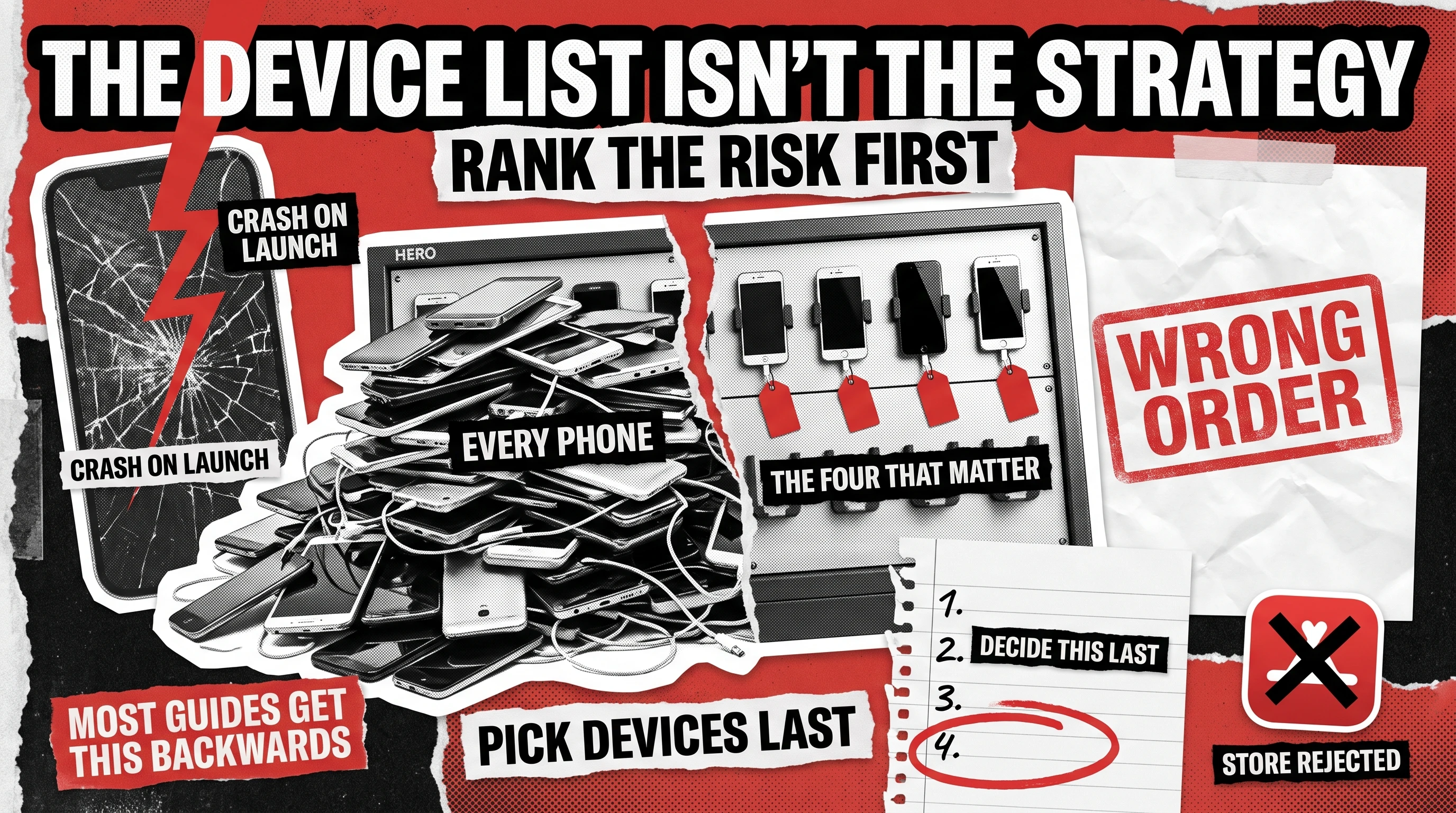
A mobile testing strategy is the order in which you decide what to test, not the list of devices you test it on. Most teams build the list first: a spreadsheet of iPhones, Samsungs, and OS versions. That spreadsheet is an output. The strategy is the four decisions that produce it, and getting the order wrong is why teams end up with wide device coverage of the wrong risks.
What Is a Mobile App Testing Strategy?
It’s the decision structure that determines what gets tested, in what order, and who signs off, before anyone opens a device lab. That’s different from a mobile app testing checklist, which answers “what do we verify in this build.” A strategy answers a harder question first: which failures would actually cost us money, and who catches each one before it ships.
Most published guides on this topic open with “choose your devices” and treat the matrix as the strategy itself. That’s backward. A device matrix built first tends to mirror app-store market share rather than your app’s actual risk. You end up thorough on devices and thin on the failure that would have cost you the launch.

Decision 1: Which Failures Would Actually Cost You Money
Before anything else, rank the failure classes that matter for this specific app:
- Crash on launch or first use. Kills activation before a user forms an opinion of the product.
- Payment failure. Direct revenue loss, plus the support and refund cost that follows it.
- Data loss or corruption. Destroys trust immediately, especially for anything handling user-generated content or account state.
- Store rejection. Apple and Google both reject for reasons unrelated to bugs (metadata, permissions language, privacy manifests), and a rejection at the wrong moment can cost you a launch date entirely.
Rank these for your app, don’t treat them as equally likely or equally expensive. A subscription app cares most about payment failure. A social app cares most about data loss. A first release to a cold audience cares most about store rejection, because there’s no goodwill built up to survive a delay. This ranking is the actual strategy document’s first section, and it’s the one most teams skip because it feels like a business conversation, not a QA one. It is both.
Decision 2: Which Layer Catches Each Failure Class Cheapest
Once you know what’s expensive, decide where each failure class gets caught before it reaches a user. The same bug costs differently depending on where it’s found:
Crash on launch
Automated smoke test on every build
Runs in minutes, blocks the build from ever reaching a device
Payment failure
Manual exploratory testing on real payment rails
Sandbox environments miss real-world card decline and retry behavior
Data loss
Integration testing against the real backend
Unit tests mock the database; the bug lives in the handoff
Store rejection
Manual policy review before submission
No automated layer reads Apple’s or Google’s current guidelines for you
This is a placement decision, not an automation decision. It tells you whether a risk belongs earlier (fast, automated, cheap) or later (slower, manual, but the only layer that actually sees it). For how these layers sit across a release timeline, see Test Early, Test Smart: Software Testing Phases Explained. Building out the automation itself is a separate decision with its own trade-offs, worth its own conversation once this placement is settled.
Decision 3: Who Owns the Call on a Borderline Build
Every release has at least one build that isn’t clearly ship or don’t-ship. A minor crash on an old OS version. A payment edge case that only triggers on one card type. Someone has to own that call before it happens, not during the release-day scramble.
Name the role, not a person: usually the engineering lead for technical risk, the PM for business risk, and an agreed escalation path when the two disagree. Write it down. The teams that get burned aren’t the ones with bad judgment, they’re the ones where the borderline call gets made by whoever happens to be in the room, under time pressure, with no prior agreement on what “acceptable risk” means for this app. This is also where a QA partner’s role matters: the call goes faster when QA works as one team with engineering and product instead of a vendor that hands over a bug list and waits.
Decision 4: Now You Can Build the Device Matrix
With the first three decisions made, the device matrix becomes a straightforward exercise: which devices and OS versions actually represent the risks you ranked in Decision 1, tested at the layer you assigned in Decision 2. A payment-failure risk means testing on the OS versions and devices where your actual payment SDK behaves differently, not the top ten phones by market share. A store-rejection risk means testing against the OS versions Apple and Google are currently enforcing policy on, which changes every year.
This is also where the matrix stays small on purpose. A matrix built from risk covers fewer devices than one built from market share, and that’s the point. Every device added without a risk behind it is coverage you’re paying for and not using.
The Test Strategy Document Skeleton
A mobile application testing strategy document doesn’t need to be long. Eight sections, one line of guidance each, is enough for a PM to fill in the same afternoon:
- Ranked failure classes – the money-cost order from Decision 1, specific to this app.
- Layer assignment – which class gets caught at which layer, from Decision 2.
- Borderline-build owner – the role, and the escalation path, from Decision 3.
- Device and OS matrix – the output of Decision 4, tied back to the ranked risks.
- Release gate criteria – what must be true for a build to ship, in plain language.
- Regression scope per release – what gets re-checked every time versus only on major changes.
- Known exclusions – what this strategy deliberately doesn’t cover, and why.
- Review cadence – when this document gets revisited (a new payment provider, a new OS release, a failed launch).
When to Flex This Order
This four-decision sequence assumes an app with real users and real money on the line. It’s overkill for an internal tool or a throwaway prototype, where “test the happy path and ship” is the honest answer. It also assumes someone is willing to have the Decision 1 conversation about cost, which requires product and engineering in the same room. If that conversation can’t happen, the strategy will default back to a device list, because a device list is what’s left when nobody wants to rank what actually matters.
How QAwerk Builds This With You
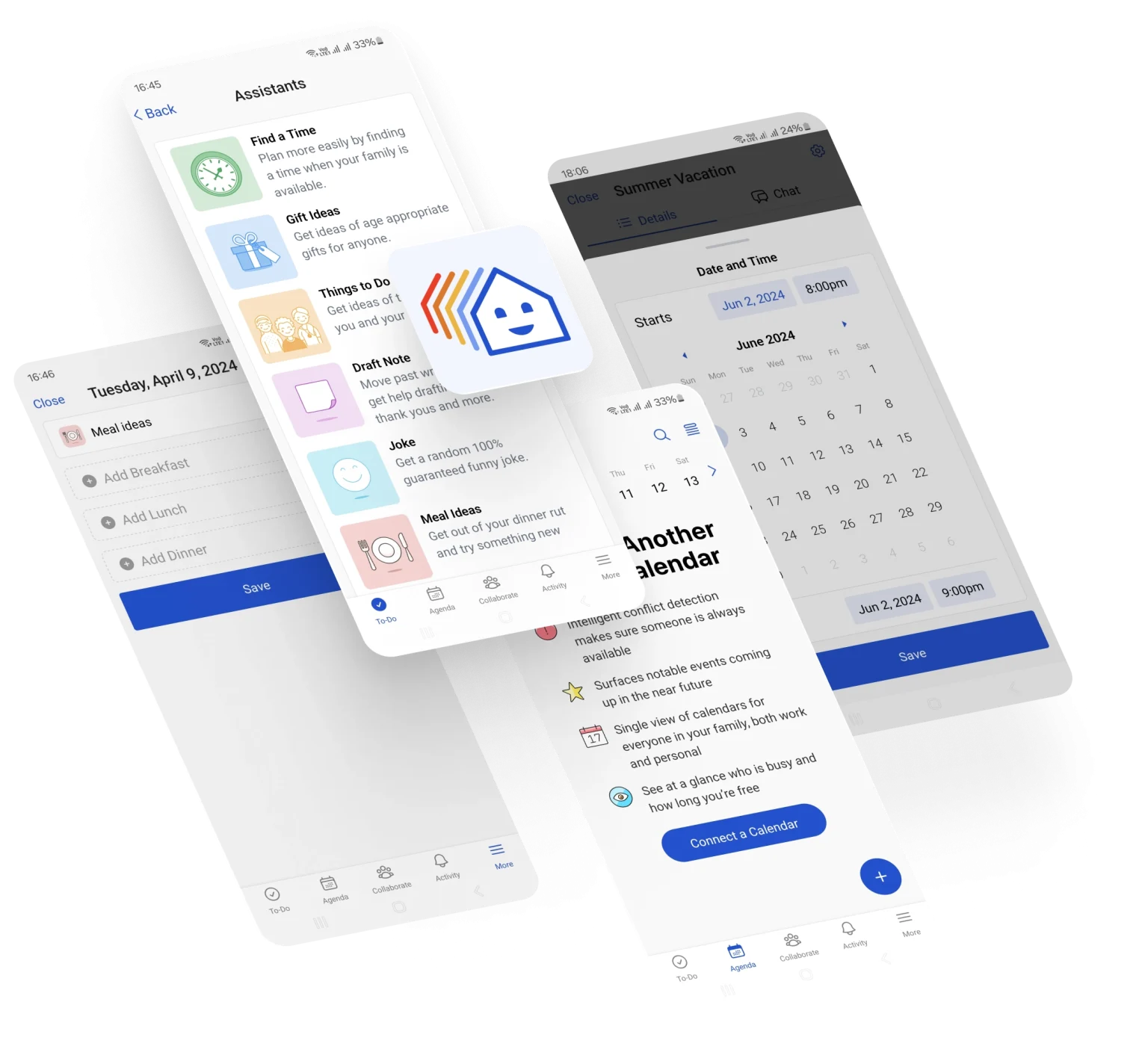
QAwerk has completed 300+ QA projects, and a recurring pattern across them is that teams who skip straight to a device matrix spend testing budget on the wrong risk. BeFamily came to QAwerk with a brand-new app: the team wrote the test plans, built 500+ test scenarios, and tested new builds across 9 devices. Since launching, BeFamily has had zero crashes or major issues in production, and its active users tripled in a week.
That’s the difference between a QA vendor executing a checklist and a team that works through Decision 1 and Decision 3 with you before a single test case gets written. If you’re standing up mobile application testing for the first time, or inheriting a process that isn’t catching what matters, that’s where the conversation should start, not with the phones.
What is a mobile app testing strategy?
It’s the decision order behind a testing effort: which failures matter most by cost, which test layer catches each one cheapest, who signs off on a borderline build, and only then, which devices and OS versions get tested. It’s not the device list itself, and it’s not the checklist of what to verify in each feature.
What should a mobile app test strategy document include?
Eight sections cover it: ranked failure classes, layer assignment per failure class, the borderline-build owner and escalation path, the device and OS matrix, release gate criteria, regression scope per release, known exclusions, and a review cadence.
How do you plan a mobile testing strategy?
Start with cost, not devices. Rank which failures (crash on launch, payment failure, data loss, store rejection) would cost the most for your specific app. Then assign each to the cheapest layer that catches it, name who owns a borderline ship call, and only then build the device matrix around those ranked risks.
Is a device matrix the same thing as a testing strategy?
No. A device matrix is one output of a strategy, the last one. Teams that build the matrix first end up with wide coverage of devices that don’t reflect their actual risk, because the matrix was built from market share instead of from ranked failure cost.
Who should own a mobile testing strategy, QA or product?
Neither alone. Failure-cost ranking is a product and business call; layer assignment is a QA and engineering call. The strategy works when one document holds both, with a named owner for the moments where the two disagree.
Check out how we helped BeFamily launch an app that was a rousing success from day one!