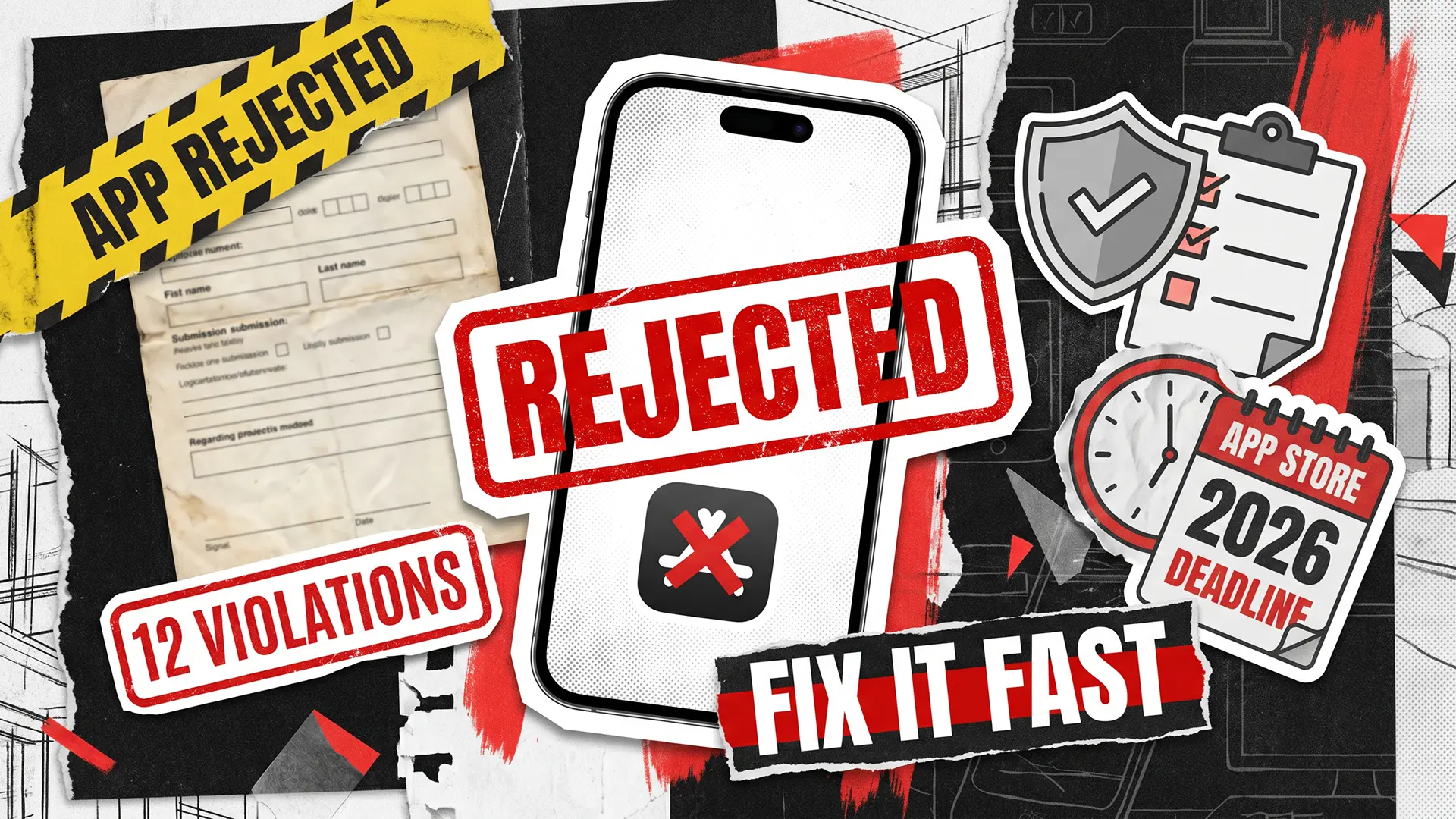
Apple reviewed 7.77 million app submissions in 2024 and rejected 1.93 million of them — roughly 1 in 4. That number climbed 9.5% year-over-year, as the App Store Transparency Report shows. In 2026, with tighter privacy rules, mandatory AI disclosures, and a new iOS 26 SDK deadline, the review bar is even higher.
If your App Store rejection notification just landed in your inbox, you’re not alone. Performance issues, legal concerns, design violations, and privacy noncompliance are the four biggest rejection categories — in that order. The good news: most of these issues are fixable, often in a day. Here are the 12 violations that trip up the majority of submissions, and what to do about each one.
The 12 Most Common App Store Violations
Apple organizes its review around five pillars: Safety, Performance, Business, Design, and Legal. The 12 violations below cut across all five. We’ve grouped them by theme and ordered them by how often they show up in real rejection notices, based on Apple’s own data and what we’ve seen across hundreds of submissions over the years.

1. App Crashes and Performance Failures
The single most common reason for app store submission rejection. Apple says over 40% of unresolved rejections fall under Guideline 2.1: App Completeness — crashes, freezes, or unresponsive screens during review. Even one crash on a device model you didn’t test is enough.
The fix: run TestFlight betas on multiple physical devices, not just the simulator. Integrate crash reporting. Handle edge cases — no internet, low memory, expired tokens. If your team doesn’t have the capacity for this level of mobile application testing, get someone who does.
2. Broken or Incomplete Submission
Placeholder content. Lorem ipsum on a settings page. A backend server that goes down during review. A login-gated feature with no demo credentials for Apple’s reviewers. All of these lead to an instant rejection.
Before you submit, do a “reviewer run” on a clean device: install → open → walk through the main flow → verify every link. A surprisingly common scenario: the app is rejected because login credentials weren’t provided to Apple’s reviewers. If your app is login-gated, put a working demo account in the App Review Notes field. Keep your backend stable during the review window.
3. Privacy Policy Violations
Privacy is Apple’s #1 rejection trigger. Their own data confirms that noncompliance with Guideline 5.1.1 leads to more rejections than any other single rule. If your app is rejected for privacy policy issues, it’s usually one of these: missing privacy policy link (both in App Store Connect metadata and inside the app), inaccurate App Privacy Labels, collecting data without proper consent, or skipping the App Tracking Transparency prompt.
Host a clear privacy policy URL. Link it in App Store Connect AND in your app’s Settings. Only request permissions your app actually needs — Apple will reject data access requests that feel excessive relative to your app’s core functionality.
4. Missing Account Deletion Option
Required since 2022, still causing rejections in 2026. If your app lets users create an account, it must let them delete it — with a visible, functional “Delete Account” button in Settings. Not a “email us and we’ll handle it” workaround. Apple’s reviewers specifically test for this. Understanding these iOS app rejection reasons early helps you avoid the most common traps on your first submission.
5. Third-Party SDK Compliance
Here’s the part that frustrates developers the most: you can get rejected for code you didn’t write. Apple now requires SDK privacy manifests and signatures. If a third-party analytics or ad SDK tracks users without disclosure, your app pays the price.
Audit your SDKs regularly. Check each one for a privacy manifest. Remove or replace any that don’t comply. If you want to know how to avoid app store rejection on routine updates, start here — an SDK that worked fine six months ago might not pass today.
6. In-App Purchase Issues
An app rejected for in app purchase violations typically has one of these problems: external payment links for digital goods, hidden pricing, or unclear subscription terms. In 2026, Apple doubled down on transparent pricing: users must see full costs, renewal terms, and cancellation flow before they pay.
Use StoreKit for all digital purchases. Test sandbox purchases end-to-end. Remove any links or buttons that send users to external payment pages for digital content. One detail that trips up many teams: if your app offers a free trial, the renewal price and billing frequency must be visible before the user taps “Subscribe.” Apple’s reviewers will walk through your entire payment flow.
7. Inaccurate or Misleading Metadata
Screenshots that don’t match the real app. Descriptions that promise features you haven’t shipped. Price mismatches between App Store Connect and the actual in-app pricing. Apple’s reviewers compare your metadata against the live app experience — any gap triggers a rejection under Guideline 2.3.
Use real screenshots from iOS devices. Verify your description matches current functionality. Cross-check pricing across every field before you hit submit. One real-world example: you can have your launch delayed because the metadata lists $4.99 while the in-app price shows $5.99. A one-dollar mismatch can cost you a week.
8. Copycat or Minimum Functionality
When people ask “Why was my app rejected by Apple?”, this is often the surprise answer. Your app is too similar to an existing one, or it’s essentially a website in an app wrapper with no native value. The Transparency Report reveals that Apple removed over 42,000 apps in 2024 specifically for design violations, including copycats and apps with minimal functionality.
Differentiate in UI, features, or content. Add native iOS capabilities, such as push notifications, offline mode, and device APIs. If Safari can do everything your app does, Apple will ask why the app exists.
9. Unsafe User-Generated Content
Apps with user-generated content need moderation tools. “Report” and “Block” buttons are not optional. Apple’s 2026 updates under Guideline 1.2.1 added stricter age-restriction mechanisms — new 13+, 16+, and 18+ ratings are now enforced. If your app has UGC and no moderation layer, expect a rejection and potentially a removal.
Building a proper testing team structure that covers UGC moderation is worth the investment. For gaming apps specifically, understanding the right testing techniques makes the difference between a smooth approval and a frustrating rejection loop.
10. Objectionable Content and Legal Issues
Offensive content, IP infringement, gambling without licenses, or region-specific legal violations. The 2026 update to Guideline 4.1(c) explicitly blocks using another developer’s brand in your app icon or name. Legal was the second-highest rejection category in 2024, with over 420,000 submissions rejected.
Review Apple’s content guidelines during the design phase, not the night before submission. Make sure you have proper licenses for any gambling, health, or finance features. And if your app touches multiple regions, check the local laws too: what’s fine in one country can be grounds for removal in another.
11. AI & Automation Transparency (New in 2026)
This is the one most teams miss. Under the Apple app review guidelines 2026 update (enforced since November 2025), apps that use external AI services must include a consent modal specifying the AI provider and data types before sharing any personal data. No disclosure means rejection. Apple also requires that users can identify AI-generated content.
If your app uses ChatGPT, Claude, or any other AI API, add a consent screen. Explain what data goes where. Label auto-generated content. This is one of the most overlooked common app store violations right now, and a simple consent modal fixes it.
12. Outdated SDK or Xcode Version (New in 2026)
Starting April 28, 2026, all apps submitted to App Store Connect must be built with Xcode 26 and the iOS 26 SDK. No exceptions. As Apple Developer News confirmed, older builds will be rejected automatically. 9to5Mac reported that the new SDK also applies the Liquid Glass design language to native UI components by default — something many teams aren’t prepared for.
Important detail: building with iOS 26 SDK doesn’t force your deployment target to iOS 26. Your app can still support older devices. But your build tools must be current. If you’re still on Xcode 16, start migrating now.
What to Do When Your App Gets Rejected
So you got the email. Here’s the fastest path to fix app store rejection:
- Read the notice in App Store Connect. Apple cites the specific guideline. Don’t guess — read it.
- Treat it like a bug report. Reproduce the issue on a clean device, fix it, verify the fix.
- Reply in the Resolution Center with a short note: what you changed and where to verify it.
- If you disagree, appeal. Apple’s data shows roughly 1 in 5 appeals results in a reversal, mostly for metadata issues. Be concise and reference the guideline directly.
And if you’re stuck in a rejection loop, sometimes a fresh pair of eyes is all it takes. We’ve helped teams like Fext secure a clean approval through a focused pre-submission QA audit. That’s the real answer to how to fix app store rejection — systematic testing, not guesswork.
Prevention Beats Rejection Every Time
Most app store rejection reasons boil down to three things: gaps in testing, incomplete compliance checks, and simple oversights in metadata or policies. All preventable. All fixable. The key is catching them before Apple does.
The review process rejects about 25% of everything it sees. That means roughly 1.93 million submissions didn’t make it in 2024 alone. Of those, 295,109 were eventually approved — but only after developers burned time on rework, resubmission, and another review cycle. In a competitive market, every day your app isn’t live is a day your competitors are collecting the users you’re missing.
What makes the difference is having someone mirror Apple’s review process before you submit — someone who checks performance across devices, audits privacy and SDK compliance, verifies metadata accuracy, and flags the iOS app rejected reasons that teams commonly overlook. Think of it as an iOS app audit service that replaces the rejection cycle with a clean first-time approval.
At QAwerk, we’ve been testing and shipping iOS apps since 2015 across 300+ products. We know exactly what Apple’s reviewers look for because we’ve spent two decades learning the same playbook. Whether it’s performance testing, privacy compliance, or full desktop and cross-platform coverage, we catch what others miss. It’s app store approval services built on real QA experience, not guesswork.
And when your product moves fast, that kind of thoroughness becomes a competitive edge. Reach out to talk about your next submission — we’ll make sure Apple says yes the first time.
See how an iOS app fixed critical bugs, crashes, and UX gaps before submission — and launched without costly rework