N8n moved from hobby tool to production infrastructure faster than most teams noticed. That’s great for building, but it’s a problem for running. Google’s 2025 DORA report captures the disconnect: over 90% of tech professionals now use AI tools daily, yet 30% report little to no trust in the code those tools generate. That trust gap lives inside every n8n stack shipping workflows to production right now.
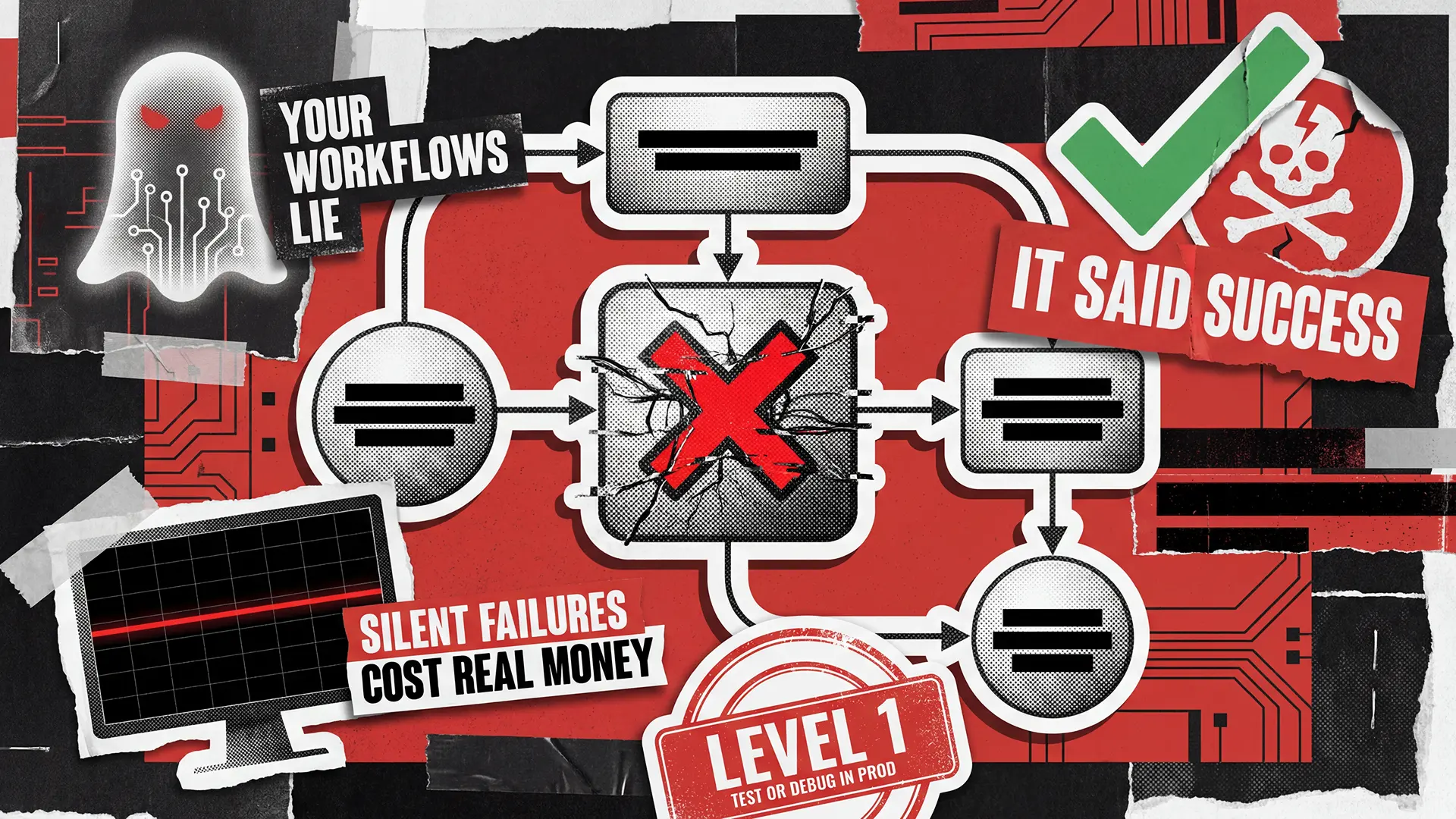
Your workflows touch real APIs, real databases, real customers. When they break, they rarely shout about it. They quietly drop leads, skip invoices, or double-charge a card while the execution log reports success. The default n8n behavior doesn’t help either: a failed node stops the execution and that’s the end of the story unless you engineered something louder.
This article maps what production-grade n8n workflow testing actually looks like. We’ll walk through the four maturity levels most teams sit at, the seven silent failure modes that catch automation stacks off guard, and the six pillars of a real testing strategy.
The 4 Maturity Levels of n8n Workflow Testing
Most founders can’t place their team on a maturity curve for automation testing because nobody has published one that sticks. Below is the one we apply when auditing client stacks. Read through and decide where your team actually is, not where you’d like it to be.
1
Ad-hoc
One n8n instance, one “Test Workflow” button, no fixtures, no staging, no version control. Errors discovered by complaints.
First production incident with revenue impact.
2
Reactive
Error Trigger wired to Slack. Alerts fire, but validation still happens after failure.
Repeated incidents the team learns about from customers, not monitoring.
3
Proactive
Staging instance, JSON in Git, deliberate data pinning, error workflows routed to incident channels. Validation before activation.
Workflow count grows past what one engineer can mentally track.
4
Production-grade
Versioned regression testing, contract tests, documented environment parity, node-level observability, SLAs on critical flows.
Already there. The work shifts to keeping it that way.
Anything touching revenue, compliance, or customers needs Level 3 at minimum. Level 4 is the benchmark for scaling past the pilot phase.
Why n8n Workflows Fail Silently in Production
n8n stops a workflow the moment a node fails, and unless you engineered something smarter, that’s where the story ends. Combine that default with workflows that talk to live APIs, live databases, and live customers, and silent failures become the most expensive bug class in your stack. McKinsey’s State of AI 2025 report found that only 1% of business leaders consider their generative AI rollouts mature, and that maturity gap shows up everywhere automation touches production.
Here are the seven failure modes we see most often when auditing n8n stacks:
- Schema drift. An upstream API renames a field from
user_idtouserId. The node keeps running. Every downstream step now works with an empty value, and the pipeline “succeeds” while writing nonsense. - Auth expiry. OAuth tokens lapse, service accounts lose scope, credentials rotate. The workflow runs, the external system rejects it, and n8n sees a polite 401 it wasn’t told to treat as failure.
- Partial writes. A multi-node sequence updates a CRM, posts to Slack, and enqueues a billing event. Step two fails mid-flow. Two systems move forward, one doesn’t, and reconciliation becomes next Tuesday’s problem.
- Race conditions. Two executions trigger on the same record at the same time. Last write wins. Data corrupts in ways no single execution log reveals because each one looks clean in isolation.
- Rate limit drops. The API returns a 429. The node continues, treating the empty response as real data. Downstream nodes save nothing, loudly.
- Environment drift. Staging and production slowly diverge across plugin versions, database engines, and proxy behavior. “It worked on staging” quietly stops meaning anything.
- Data type coercion. A string
"0"passes a numeric comparison differently than a real0. A conditional branch routes traffic to the wrong path, and the workflow finishes without complaint.
None of these are caught by the Test Workflow button. Each one is caught by disciplined QA, which is why teams running n8n without a real testing practice end up debugging in production by default.
The Six Pillars of Production-Grade n8n Testing
Once the failure modes are named, testing stops being abstract. Below are the six pillars we apply when auditing or rebuilding n8n stacks for clients. None require exotic tooling. All of them get skipped in the average setup, which is why the average setup keeps having incidents.
Pillar 1: Structure validation
Before a workflow runs, its skeleton should be validated. Most of these checks can be automated directly from the exported JSON, which is why treating workflow files as source code is the foundation everything else builds on. The minimum set worth automating:
- Every trigger exists and points somewhere meaningful.
- No orphan nodes dangling off branches nobody wired up.
- Sub-workflow contracts match what the parent expects.
- Referenced credentials still exist in the target environment.
Pillar 2: Data contract testing
Most incidents start at the trigger. A webhook returns a new field, a payload drops an expected key, or a date format shifts by one character. Validate payload shape at the boundary, not three nodes deep. Build a folder of representative fixtures, malformed payloads, edge cases, and known-bad data from past incidents, then run every change against the full set. The same discipline applies to REST endpoints directly — our API testing checklist covers the contract side in detail. Add a Validate Payload step after every trigger, no exceptions.
Pillar 3: Idempotency and retry logic
Production workflows get retried. By n8n itself, by upstream systems, by humans clicking twice. Every workflow that writes data needs an idempotency key — a request ID, an upsert field, a dedupe check — so a duplicate execution doesn’t create a duplicate customer, order, or charge. Proper n8n error handling works in three stacked layers:
- Retry on Fail — handles transient glitches like network timeouts and rate-limit pauses.
- Continue on Error — protects non-critical paths so an optional enrichment doesn’t kill the whole run.
- Error Trigger — acts as the catch-all for anything that slipped through the first two.
Each layer covers a different failure class, and skipping any one of them leaves a hole the others can’t fill.
Pillar 4: Environment parity and governance
Same n8n version, same database engine, same plugin set, separate credentials. Production API keys never appear in staging, and external endpoints in staging point to sandboxes rather than live systems. Most n8n production deployment incidents actually originate here, in environment drift rather than in code. The parity discipline is well understood in the web application testing world, and n8n inherits the same rules because it’s ultimately a web app orchestrating other web apps. The solution here is to treat parity as a running operational commitment.
Pillar 5: Observability
The Error Trigger tells you something broke. Observability tells you what. Structured logs per node, correlation IDs that thread through sub-workflows, execution metrics shipped to a real monitoring stack — those are the pieces that turn incidents into data. Google’s 2025 DORA report, the framework most companies are anchoring 2026 reliability roadmaps against, names reliability as a formal quasi-metric precisely because you can’t manage what you can’t see. For automation touching revenue, observability stops being optional.
Pillar 6: Regression testing
This is the pillar teams skip most often, and it costs them the most. Every workflow change should re-run the previous fixture suite and assert the same outputs, with any diff explained on purpose rather than noticed later. Without proper regression testing, every “small fix” is a roll of the dice, and the dice tend to land on Friday at 5 PM. The back-end testing checklist covers the same discipline applied to APIs and databases. N8n workflows deserve the same rigor, because what they’re doing is back-end work dressed up in a nice UI.
What n8n Gives You Out of the Box and What It Doesn't
N8n is a strong platform with honest limits, and before building around it, you should know what ships and what has to be added. Most testing decisions actually get made in this gap, because filling it is the work.
- Data Pinning for stable trigger inputs
- Execute Sub-workflow Trigger for testing modules in isolation
- Error Trigger for centralized failure handling
- Retry on Fail for transient errors
- Execution history for post-hoc debugging
- JSON export for version control
- A test runner
- An assertion framework
- Fixture management
- A regression suite
- CI/CD integration
- Contract testing
- Schema validation tooling
Every team running n8n at scale either builds the missing pieces, copies patterns from others, or accepts the gap and pays for it in incidents. There’s no right answer, but pretending the gap doesn’t exist is where most “it worked in staging” stories begin.
The Bottom Line
N8n workflow testing is a maturity problem. The move from Level 1 to Level 4 happens when somebody on the team owns automation reliability the way an ops team owns uptime, with metrics, SLAs, and a process that doesn’t quietly fall apart between releases. The seven silent failure modes are predictable. The six pillars are teachable. The same shift-left testing logic that’s become standard for application code applies to automation just as well, the industry just hasn’t caught up yet.
Teams that run n8n at scale without recurring incidents share one trait: they treat QA as infrastructure. They put regression in every release, validate contracts at the boundary, and observe what production actually does. When your team’s bandwidth runs out, the smart move is bringing in help rather than letting the gap widen, which is where a dedicated QA team changes the trajectory fastest. Contact us whenever you’re ready to stop debugging in production.
API failures through structured test automation, and closed $15M in seed funding with a stable product.