
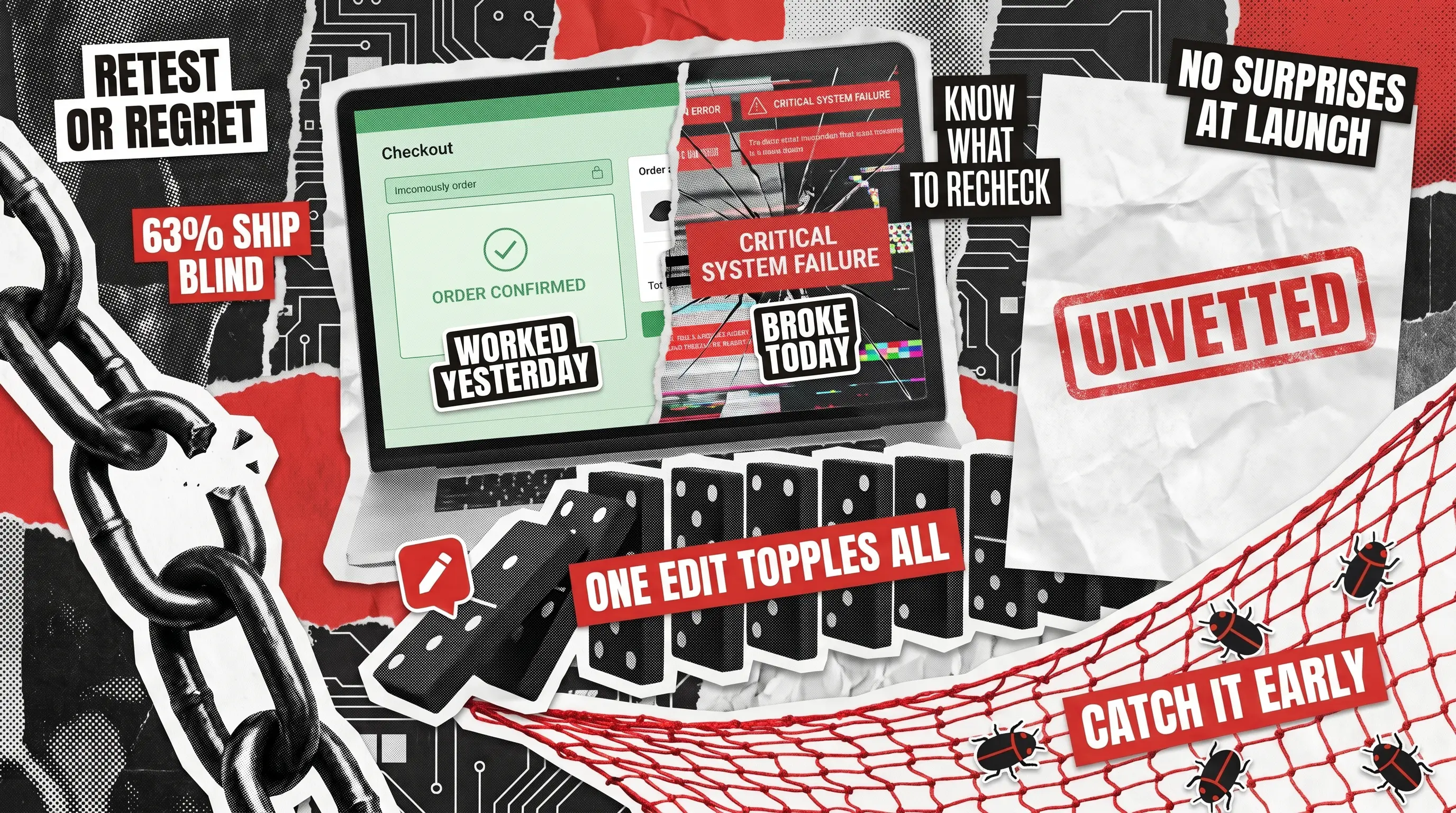
Have you been in a situation where shipping one small change overnight left a customer unable to reach the checkout the next morning? The edit looked harmless, yet it quietly broke a feature nobody had touched in months. That gap between ‘we changed one thing’ and ‘something unrelated failed’ is the exact problem software regression testing exists to solve.
The stakes are not abstract in today’s business. The Tricentis 2025 Quality Transformation Report found that 63% of organizations admitted to shipping code changes without fully vetting them first. Over 4 in 10 said poor software quality costs a million dollars or more every year. Strong quality assurance has always paid for itself, and that math only gets starker as release cycles speed up.
For founders and engineering leaders, the real question is rarely whether change verification matters. It is what to recheck after each release, and how much is enough before you ship. This guide answers both. Rather than opening with a textbook list of definitions, we have organized it around the events that actually force a retest cycle, so you can map advice straight onto your own situation.
What Is Software Regression Testing?
Software regression testing is the practice of rechecking an application after a change to confirm that features that already functioned still behave correctly. It does not hunt for bugs in the new code itself. Instead, its purpose is to prove that recent edits left the rest of your product intact.
The name points to what you are guarding against. A ‘regression’ is a step backward, like a screen that loaded fine last week but now throws an error. Put plainly, regression testing in software is your safety net for change, catching the side effects that slip past whoever made the edit.
Most teams weave these checks throughout the software testing phases rather than saving them for a frantic pass before launch. The earlier a broken feature surfaces, the cheaper it is to fix.
Regression Testing vs Retesting: What Is the Difference?
These two get mixed up constantly, yet they answer different questions:
- Retesting targets one specific defect after a developer marks it fixed, proving the reported problem is genuinely gone. Some teams call that confirmation testing.
- Regression work looks wider, making sure that the same fix or any recent edit did not quietly break something elsewhere.
The scope is the real difference here as retesting stays narrow and focused on a known issue. Therefore, it rarely lends itself to automation, since the target moves each time. Meanwhile, regression coverage is broad and repeated with each release, making it a strong candidate for an expanding automated suite. In a normal cycle, the narrow check runs first to verify the repair, and the wider sweep follows to protect everything around it.
When Should You Run Regression Testing?
You run regression testing whenever something shifts in or around your product, such as a new feature ships, a defect gets patched, a dependency updates, a setting changes, or the code moves to a fresh environment. Each of those events can disturb logic that was working fine, so each one earns a verification pass before you release.
That gives us five practical triggers. Walking through them individually is far more useful than memorizing categories because it reveals what to actually recheck when the moment arrives.

Five Events That Trigger Regression Testing of Software
These five moments each reshape your product in a different way, so the right thing to recheck shifts as you move from one to the next. The sections below pair each trigger with the specific risk it poses and the areas worth a second look, letting you jump straight to the situation in front of you today.
A New Feature Joins the Product
Fresh functionality rarely lives in isolation. It shares screens, data, and business logic with everything already in place, which creates the risk. Suppose you add a discount code field to your cart. The field itself is trivial, yet it sits inside the entire checkout path, so you recheck the full purchase flow, the totals, the payment step, and any report that reads order data.
The rule of thumb here is to verify the workflows the new capability touches and the shared components it borrows, not just the shiny thing you built. This is the natural home of functional regression testing, which ensures your core features continue to do their jobs as the product grows.
A Bug Fix or Patch Goes In
Fixing one defect is the classic way to create a second, because a patch usually edits logic that nearby features quietly depend on. Two separate jobs live here:
- Verifying that the fix itself worked
- Checking that it didn’t break anything nearby
Say your team corrects a rounding error in tax calculation. You confirm the figure is correct, then you recheck invoices, refunds, and financial exports, since all of them use the same calculation module.
A Dependency or Third-Party Update Lands
This trigger catches teams off guard because you did not change your own code at all, but someone else changed theirs. A library upgrade, a new operating system version, or a payment provider revising its application programming interface (API) can all break behavior you thought was stable.
The scope to recheck is every integration point and anything that leans on the updated component. When a payment gateway ships a new API version, you retest each transaction flow and, just as importantly, the error handling around failed charges.
A Configuration Change Ships
No code moves, only settings, feature flags, or environment variables, and that is precisely why this one gets skipped. ‘We didn’t touch the code’ feels like permission to bypass verification, which is a mistake.
Flipping a feature flag, adjusting a caching rule, or swapping a theme variable can all change behavior in ways users notice immediately. A configuration tweak to a stylesheet can shift your layout without a single line of application logic changing, which is why a visual regression testing checklist belongs in your process. You recheck whatever the setting governs, along with anything downstream of it.
An Environment Migration Happens
Moving to fresh hosting, a different database, another cloud region, or an upgraded runtime is the widest-reaching trigger of all. Everything can behave a little differently once the ground underneath it changes.
Your focus goes to end-to-end critical paths, performance under real load, every external connection, and data integrity after the move. When you migrate between cloud providers, load behavior and third-party links deserve the closest attention because those pieces are the most sensitive to their surroundings.
What Are the Types of Regression Testing?
Once you know what a change touches, you must decide the scope of the checks to run. The types below are common choices:
- Corrective Testing The behavior stays the same, and only the underlying code was refactored, so you reuse existing cases to confirm the cleanup introduced nothing new.
- Retest-All The broadest option reruns your entire suite of cases. It suits major releases and large architectural shifts, and it costs the most in time and money.
- Selective Testing You run only the subset of cases tied to what changed. This is the everyday workhorse for most releases.
- Progressive Testing Your team adds new cases as features evolve, keeping coverage current instead of letting it drift out of date.
Our own regression testing approach leans on selective and progressive methods, so effort lands where the risk genuinely sits rather than spreading thin across everything.
Risk-Based Prioritization: Deciding How Much Regression Testing to Run
You cannot recheck every path before every release, and trying to do so is how deadlines slip. The answer is to rank by consequence. Answering the questions below will help you do most of the sorting:
- What hurts most if it breaks? Revenue paths such as checkout, login, and billing come first.
- What did the change actually touch? Anything sharing code with the edit moves up the list.
- What has broken before? Areas with a history of defects deserve extra suspicion.
- What do people use most? Your busiest screens carry the highest exposure.
This mirrors how our engineers operate: identify the functionality a change affects, write cases for the new areas, rank everything by risk, split effort between manual and automated runs, and execute in that order. The discipline matters more now than it used to. The 2025 DevOps Research and Assessment (DORA) report found that teams shipping faster with AI assistance are seeing more instability, not less. Therefore, you must know exactly where to aim your effort.
Manual vs Automated Regression Testing: A High-Level Tradeoff
There is never a clear ‘best’ when deciding on whether to use manual vs automated testing. Both approaches earn their place, and the honest answer for most products is that you want a blend.
- Manual effort shines where human judgment counts: exploratory passes, visual nuance, and one-off changes that would cost more to script than to simply verify by hand.
- Automation earns its keep on the repetitive, stable, high-frequency suites that run inside a continuous integration and continuous delivery (CI/CD) pipeline, where machines neither tire nor skip a step.
Software Regression Testing Tools: What to Look For
You do not need the biggest platform on the market, only the one that matches how your team ships. Tooling for this work falls into a few categories:
- Runner frameworks that execute your scripted checks
- Visual comparison engines that flag unexpected layout shifts
- Orchestration layers that determine which items to run after a given change
A handful of names dominate the field, each strongest for a particular job.
Selenium
Large, heavily customized web suites that need to run across many browsers.
Cypress
Developer-friendly front-end checks on modern web apps, with quick setup and debugging.
Playwright
Fast, reliable end-to-end web checks across Chromium, Firefox, and WebKit from a single codebase.
Appium
Native and hybrid mobile apps that must hold up across iOS and Android.
Applitools
Catching visual and layout changes automatically, using AI to flag unintended shifts.
BrowserStack
Cross-browser and cross-device coverage at scale, without running a physical hardware lab.
For a buyer, three qualities separate a truly valuable tool from shelfware:
- Clean integration with the pipeline you already run, so verification fires automatically on each build.
- Low maintenance, because a suite that breaks on every minor tweak costs more than it saves.
- Reporting, because a clear readout of what failed and why turns a red result into a quick fix.
The newest AI-assisted options now absorb much of the upkeep and visual-comparison work that once drained hours. We put the current crop through their paces in our roundup of the best AI testing tools.
Cut Regression Testing Time and Ship With Confidence
The payoff for regression testing shows up in release speed and reliability, not just in fewer bug reports. For example, when we worked with ClickHouse and Arctype, our team maintained a suite of roughly 300 cases that underpins weekly releases. This way, we could give a fast-growing database product the assurance to ship updates to clients like Microsoft and IBM without regressions creeping in. Arctype itself sped up its own releases by 20% after handing dedicated verification to us.
Another example is Evolv, an AI-powered growth platform, which saw its regression cycle speed up by 50% once we combined targeted automation with manual review. In each of these projects, the win came from checking the right things rather than everything, and from letting a dedicated partner carry the load.
That is the whole point, as regression testing is not overhead. It’s the insurance that lets you release often without holding your breath. The trigger tells you what changed, risk-based prioritization shows you where to look, and the right mix of people and automation settles how to run it.
You also do not have to build the whole practice in-house. Since 2015, we’ve tested more than 300 products across fintech, gaming, healthcare, and SaaS. The QAwerk team is glad to shoulder the regression load, so your business can maintain its release schedule. Tell us what you are building, and we will map out a plan to keep it stable.
FAQ
How often should you run regression testing?
The frequency usually runs on three tiers:
- Light, targeted checks fire on every code commit inside your pipeline.
- A broader pass happens before each release.
- A full sweep is reserved for major launches and large architectural moves, where the odds of something slipping through are highest.
How long does regression testing take?
It depends entirely on scope. A tight, selective pass tied to a single change can finish in minutes or hours within an automated pipeline. However, a deep, retest-everything sweep on a large platform can take a couple of weeks. That’s exactly why risk-based prioritization matters for meeting your release dates.
What is the difference between regression testing and smoke testing?
These types of testing serve different purposes:
- A smoke test is a quick, shallow pass that confirms a new build is stable enough to warrant further examination, touching only the most critical paths.
- Regression work goes deep afterward, verifying that the change left every affected feature intact.
Overall, the smoke test acts as the gatekeeper, and the wider sweep is the thorough inspection that follows.
Who should own regression testing on your team?
Ownership varies by setup. In many teams, a dedicated quality assurance group runs the suite. Meanwhile, in leaner or agile shops, developers share the duty alongside their feature work. What matters less is the job title and more that someone consistently maintains the cases and reviews the results, because a suite nobody tends to will quietly rot into false alarms.
See how we boosted regression testing speed by 50% for an AI digital growth solution



