Alpha testing is a private round of checks on nearly finished software by people outside the development team. The testers use the product on the company’s own systems before any customer gets access. Working through every screen as real users would, they flag confusing steps, broken flows, and crashes.
Skipping this step is risky, because the next people to open the product are beta testers, app store reviewers, or early customers. If one of them hits a crash, that bug becomes their first impression of your work.
Alpha testing works best with testers who didn’t build the software, because developers stop noticing what confuses new users. A dedicated QA team brings that fresh perspective, along with a routine for turning each problem into a clear bug report the engineering team can act on.
What Does Alpha Testing Actually Involve?
The International Software Testing Qualifications Board (ISTQB) defines alpha testing as a type of acceptance testing done in a private test setup run by the software company, by people who aren’t part of the development team. Acceptance testing asks whether a product does what its buyers and users need, so an alpha round is the first time that question gets an answer from someone who didn’t write the code.
Alpha testing begins once a user can complete each main task, such as signing up, paying, or sharing a file. Some screens may still look rough at that stage, since visual polish usually comes later. Ahead of the first session, the team also agrees on what counts as a blocking bug, one serious enough to delay the release. The alpha stage ends when the latest build, meaning the newest version of the software under review, has no blocking bugs left and the team signs off on moving to beta.
Who Runs Alpha Testing?
Alpha testing usually brings together three groups of people, each with a different job:
- QA engineers: They plan the round, test the product methodically, and write bug reports listing the exact steps that lead to each problem, so developers can see the issue for themselves.
- Colleagues from other departments: Support, sales, or operations staff try every feature the way customers would. Their questions often point to buttons, instructions, or messages that a new user would find confusing.
- Developers: The engineers who wrote the code don’t take part in alpha testing of their own features, but they investigate every report and fix the cause.
Most alpha testing is manual testing, done by hand, because noticing what feels wrong takes a person. QA engineers work from the outside, an approach called black box testing that judges the product only by what appears on screen. For example, an engineer might enter the smallest and largest values each input field accepts.
Once a bug is fixed, a developer may also add white box tests, checks designed with full access to the code. That way, the same mistake gets flagged if it ever returns.
What Does Alpha Testing Catch That Automated Tests Miss?
Automated tests are scripts that repeat the same steps and compare each result with what the team expected. That approach is excellent at confirming a button still works after every code change. However, no script can tell you that a sign-up form annoys people by asking for the same detail twice.
Alpha testing catches that kind of problem because a person is doing the clicking. Here are the kinds of issues that usually turn up:
- Confusing screens: a page that leaves the user unsure what to tap or click next
- Unhelpful messages: error text that blames the user or explains nothing
- Device surprises: a screen that breaks on an older phone or on a browser version nobody on the team uses anymore
- Crashes in ordinary use: an app that closes when someone switches away in the middle of a payment
The need for human testers has grown as AI writes more code. In the 2025 report from DORA (DevOps Research and Assessment), Google’s long-running study of software teams, 90% of respondents said they use AI at work. DORA’s findings also linked heavier AI use to less stable releases, meaning more updates that fail or need urgent fixes. Developers see the problem too: in Stack Overflow’s 2025 Developer Survey, 66% named “AI solutions that are almost right, but not quite” as their biggest frustration. AI-written code often passes automated checks and then fails when a real person uses a feature in an unexpected order.
How Does the Alpha Testing Process Work?
When QAwerk works with a client, the alpha testing process follows five steps:
- Scope agreement: We list the main tasks that must work, rank bugs by severity, and confirm with you what counts as a blocking bug.
- Build access: Websites and web apps usually run on a staging server, a private copy of the product that customers can’t reach, where we get our own test accounts. Mobile apps reach us through Apple’s TestFlight or Google Play’s internal testing track, private channels that skip the usual wait for public store approval.
- Hands-on checks: We begin with exploratory testing, using the product freely as a first-time user would. Next, our engineers work through written test cases for each main task.
- Bug follow-up: Every report includes the steps that lead to the problem, a screenshot or video, and a severity rating. After developers ship a fix, we confirm the repair and recheck nearby features to make sure nothing else broke.
- Beta decision: You get a short summary of what’s fixed, what’s still open, and whether the build is ready for the next stage.

The hands-on checks and bug follow-up steps usually repeat several times, since each batch of fixes produces a new version to test. Our user acceptance testing service covers these alpha rounds as well as beta testing with your own customers.
Alpha Testing vs Beta Testing: Key Differences
The core difference in alpha testing vs beta testing is who sees the product, and where. An alpha round stays private, on systems the company controls, while beta hands a stable build to real users on their own devices. Here’s how the two stages compare in practice:
Build state
All main features work, but the software still changes from one build to the next
Stable and close to the final version
Mobile distribution
TestFlight internal testers (up to 100); Google Play internal track (up to 100)
TestFlight external testers (up to 10,000); Google Play closed or open track
Store review
Not required for TestFlight internal testing; Play internal tests may skip standard policy review
TestFlight external builds need App Review first
Feedback comes from
Testers who write detailed bug reports
Real users’ reviews, surveys, crash reports, and analytics
Who sees the bugs
Only the people running the test
Real users, so bugs can become public
Decision at the end
Is the build ready for real users?
Is the product ready for launch?
For a deeper look at both stages, including their pros, cons, and feedback tools, read our comparison of alpha and beta testing.
Limitations of Alpha Testing
Every alpha round has blind spots, and knowing them in advance helps you plan the next stage:
- Real-world variety: A small test group covers a limited set of devices, networks, and settings, while customers bring thousands of combinations.
- Heavy traffic: A handful of people can’t show what happens when a big crowd signs in at the same moment.
- First impressions: After a few days with the product, alpha testers know how it’s meant to work. They may stop noticing problems that would make a first-time user give up.
- Demand: Whether people want what you’ve built at all is a question only real users can answer.
What Alpha Testing Looks Like on Real Projects
QAwerk can join a product at any stage of development, including the testing that happens before an official launch. Three projects show how differently that work can play out:
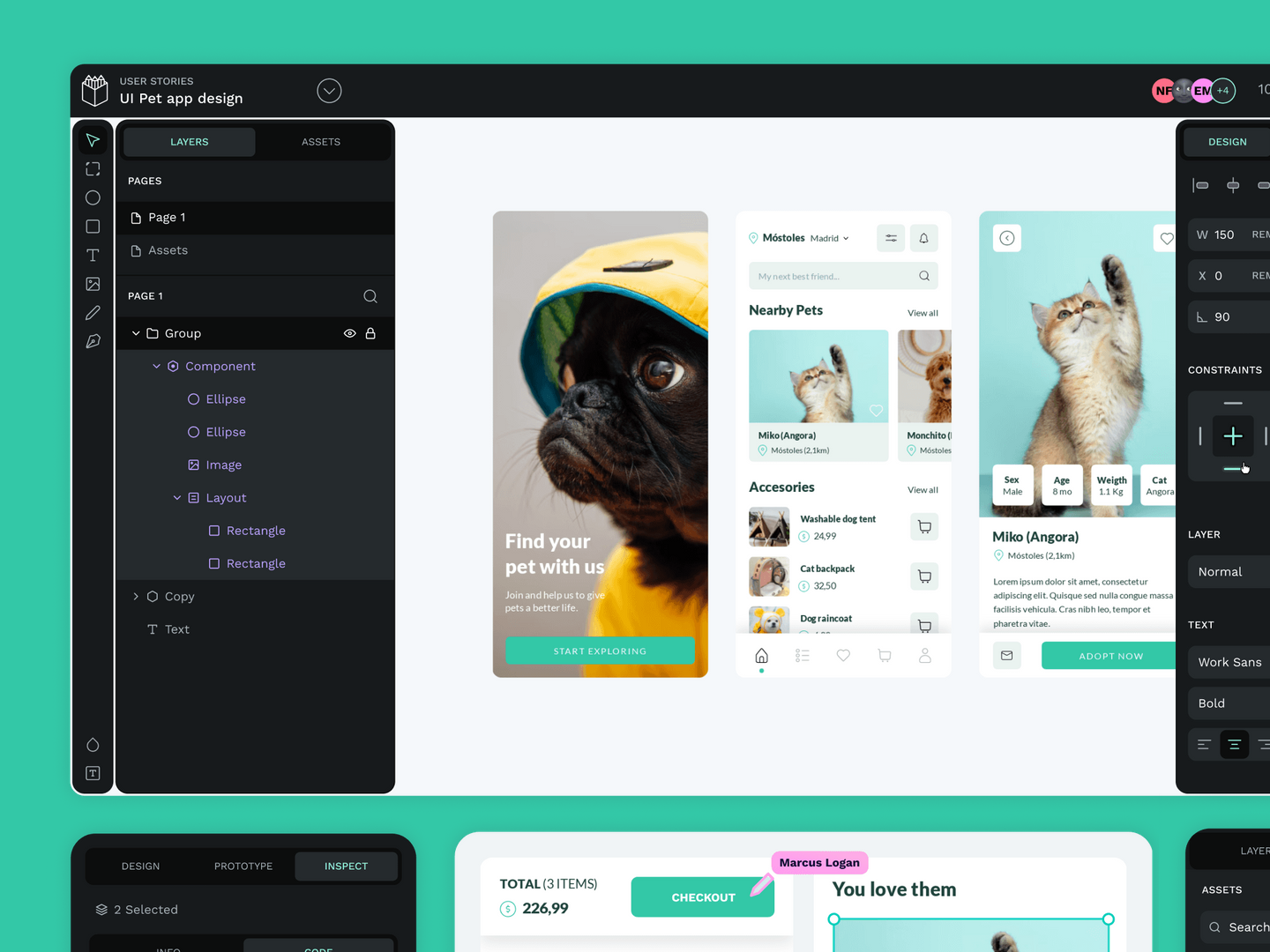
- A design platform before its official release: As Penpot prepared to drop its beta label, we planned the whole testing effort to replace informal bug reports from staff and community members. Our engineers traced random server errors that could cost users their work. Testing also showed that the app wouldn’t open in Safari versions older than 16, and Penpot fixed the problem the same day.
- A game before its first players: We joined Human Park in early development, when most feedback came from its Discord community. Acting as first-time users, our engineers checked installation, crypto wallet setup, and avatar creation before 30,000 waitlist players arrived. The 100+ bugs we reported included a crash when quitting from the main menu.
- A family app before launch: For BeFamily, our exploratory testing from a newcomer’s point of view revealed push notifications that arrived at random or not at all. After 300+ reported bugs were fixed, the app launched and recorded zero crashes or major issues in production.
Our QA engineers get up to speed quickly and can stay on once alpha ends. In that case, the same people who learned your product early would also handle beta feedback and later releases, already knowing where it broke before.
Ready to get an experienced alpha testing team for your project? Book a call today.
FAQ
What is alpha testing in simple terms?
Alpha testing is the stage where a nearly finished app or website gets tried by people who didn’t write its code, while the product is still private. The round answers a simple question: can a newcomer use the software without getting stuck? Every obstacle found is fixed before beta testers or paying customers ever get access.
Who should do alpha testing?
QA engineers usually lead alpha testing, either from the company’s own staff or from an outside testing partner given access to the product’s private test setup. Employees from support or sales often join in, because they think like customers. Developers fix the bugs testers report but shouldn’t be the ones trying out their own features in this round, since familiarity makes gaps easy to miss.
How long does alpha testing take?
No fixed length applies, because the stage lasts until every blocking bug, meaning any problem big enough to hold up the launch, is gone. A small app with few issues may wrap up quickly, while a large platform can need many cycles of testing, fixing, and retesting. Deciding up front what kind of bug blocks the launch keeps the stage from dragging on.
Can alpha testing be automated?
Alpha testing can be automated only in part. Scripts can rerun routine checks on every new version, such as logging in or completing a purchase, which saves time between rounds. The real goal, though, is spotting what confuses or frustrates a person, and only human testers can judge that. Most teams therefore keep alpha testing largely manual.
What happens after alpha testing?
After alpha testing, a stable version goes to beta testers, real users who try the product on their own devices in everyday conditions. Their feedback uncovers what a small private group can’t reproduce, such as unusual phone settings, slow networks, or a sudden rush of sign-ups. Once the beta findings are fixed, the product is ready for its public launch.
See how we helped Penpot, an open-source design and prototyping platform, go from beta to its official release