SIT testing, short for system integration testing, checks that your software works correctly with the other systems it depends on, such as a payment provider, a bank, or a partner’s database. In the usual order, this level comes after your own product passes system testing and before business users try the whole setup in acceptance testing.
Skipping SIT is risky when different companies build and run the parts your product relies on. Every team can pass its own checks while the link between two systems still fails. That failure often shows up in front of customers first. To avoid that, decide early who tests those connections, in what environment, and with whose data.
Because these checks depend on several system owners working together, the job often goes to a dedicated QA team that can coordinate testing with every vendor involved. In this post, our expert QA engineers explain what system integration testing covers, how the method differs from integration and user acceptance testing (UAT), and the kinds of projects where this extra step pays off.
What Does SIT Testing Actually Check?
SIT testing looks at how your product connects to outside services. The International Software Testing Qualifications Board (ISTQB), the international body that certifies software testers, defines system integration testing as checking “the interfaces of the system under test and other systems and external services.” In plain terms, an interface is the point where two pieces of software hand data to each other.
Consider an online store that passes every order to a payment provider, a warehouse database, and an email service. Each of those services may work perfectly on its own. SIT asks whether the order still arrives complete and correct after every handoff.
In practice, testers look for four kinds of problems:
- Mismatched data: One service sends a date, price, or address in a format the other side reads differently.
- Broken handoffs: A message gets lost, shows up twice, or arrives too late to be useful.
- Unhandled outages: When a partner’s service goes offline, your product freezes without telling the user what happened.
- Rejected access: Your product’s security token, a temporary digital key that proves who is asking for data, works inside your own system but gets refused by the service on the other end.
Many of these bugs trace back to a few recurring integration failure patterns, such as automatic notifications that never arrive and responses that report success while hiding an error.
SIT vs Integration Testing vs UAT: Where Each One Fits
People often mix up SIT, integration testing, and UAT because all three involve software working together. The difference lies in scale and in the question each level answers. ISTQB’s current syllabus even splits integration testing in two: component integration testing for parts inside one product, and system integration testing for connections between products.
Integration testing usually means checking two parts your own developers built, such as a sign-up form and the database that stores new accounts. SIT widens the scope to systems that other teams or vendors own, for example a payment provider or a bank’s card service. User acceptance testing hands the finished, connected product to business users, who might confirm that a sales order goes through as expected.
The table below shows SIT vs UAT testing side by side, along with the two earlier levels:
Key question
Do the parts of our product work together?
Does our whole product work as specified?
Does our product work with the systems around it?
Does the connected product meet business needs?
Scope
Parts inside one product’s code
One complete product
Your product plus outside systems and services
The whole setup in real business scenarios
Usual testers
Developers
Independent testers
Independent testers, with each system owner
Business users or client staff
Banking app example
The loan form saves data to the app’s database
Every app feature checked against requirements
The app exchanges data with the card processor and credit bureau
Branch staff confirm the loan process matches how they work
When Does Your Project Need SIT Testing?
You need SIT testing when your product depends on systems you don’t control. The risk is highest in large companies, where your app exchanges data with tools owned by other teams, such as a customer database or an enterprise resource planning (ERP) system, the software that runs finance, stock, and payroll. Checkout and identity flows need the same care, because money or personal data passes through a payment provider, a bank, or a verification service.
Older software raises the stakes too, since a new app often has to work with a system nobody wants to change. The newest case is an AI assistant that can update your calendar, customer records, or help desk tickets, because it plugs into each of those apps separately, and any of those links can fail.

In the EU, banks, insurers, and other financial firms also have a legal reason to test these connections. Under the Digital Operational Resilience Act (DORA), such companies must regularly check how their systems hold up under pressure, and outside technology providers may have to take part.
On the other hand, a simple product that one team builds and that relies on few third-party services needs far less of this work. In that case, solid integration and system testing usually cover the risk. End-to-end testing, which follows a real user’s path through the app from start to finish, then catches whatever those two levels miss.
Where SIT Testing Fits in Your Test Strategy
SIT usually comes near the end of the testing sequence. ISTQB describes five test levels, and most projects run them in roughly this order:
- Component testing: Developers check each small piece of code on its own.
- Component integration testing: The same team confirms that those pieces work together.
- System testing: Independent testers compare the complete product with its requirements.
- System integration testing: The testing team verifies the product’s connections to outside systems.
- Acceptance testing: Business users confirm the product meets their needs.
In real projects, the levels overlap. A team can start checking one finished connection while other features are still in system testing, which surfaces partner problems earlier. Even so, the order matters. If your own product still has open bugs, a failed connection check could point to your code or to the partner’s system, and nobody can tell which. The same confusion can also start on the other side. For Granola, an AI notepad, unreliable Google sign-in made automated tests fail even when the app worked, so we built a secure internal login helper that kept those false failures out of the results.
Entry and Exit Criteria: When SIT Can Start and When It's Done
Entry and exit criteria set out what must be in place before SIT testing begins and what counts as finished. Agreeing on both lists up front saves arguments between vendors later.
Testing can begin when:
- The parts of your product involved in each connection have passed system testing, with no open critical bugs.
- Every partner has provided a sandbox, a test copy that behaves like the real service.
- Matching sample records exist on all sides, for example the same test customer in your app and at the bank.
- Each system owner has named a contact who can investigate failures on their side.
The work is done when:
- Every planned connection has been tested, including what happens when a partner goes offline.
- No critical or high-priority bugs remain open.
- The owner of each system has signed off on the results for their part.
What Are the Four Approaches to SIT Testing?
Every SIT testing project has to decide in what order systems are brought in. The sequence affects how quickly problems get discovered and how easy each failure is to trace. Four approaches are used most often:
- Big bang: Everything is connected at once and tested together. The approach is fine for small setups, but every added system makes the cause of a failure harder to find.
- Top-down: The team starts with the app your users interact with and adds the back-office and partner services behind it one at a time. Until the next piece is ready, testers use stubs, simple stand-ins that send back preset answers.
- Bottom-up: Work begins with core back-end systems, such as payment processing and your main database, and moves toward what people see. Until the customer-facing apps are connected, testers use drivers, small programs that send the same requests user actions will later trigger.
- Sandwich: Teams test from the top and the bottom at the same time and meet in the middle, which suits large projects where many groups work in parallel.
For a project with several vendors, top-down, bottom-up, or sandwich testing usually pays off, because each new connection gets checked on its own, so every failure has an obvious source. Most systems exchange data through application programming interfaces (APIs). An API is a fixed set of requests one program can send to another, much like a menu of orders a kitchen accepts. Once the connections are stable, automated API testing can rerun the key scenarios after every release.
How QAwerk Runs SIT Across Teams and Vendors
QAwerk joins SIT testing as part of one team with your developers and vendors. The first step is a map of every connection, showing the owner of each system and the data that moves across each link. Next, we agree with each vendor on sandbox access, test accounts, and the sample data we can use. Our engineers then cover the normal flow and the failures too, such as a partner that responds slowly, sends bad data, or goes offline. Every bug goes straight to the team that can fix it, with the evidence needed to reproduce the problem.
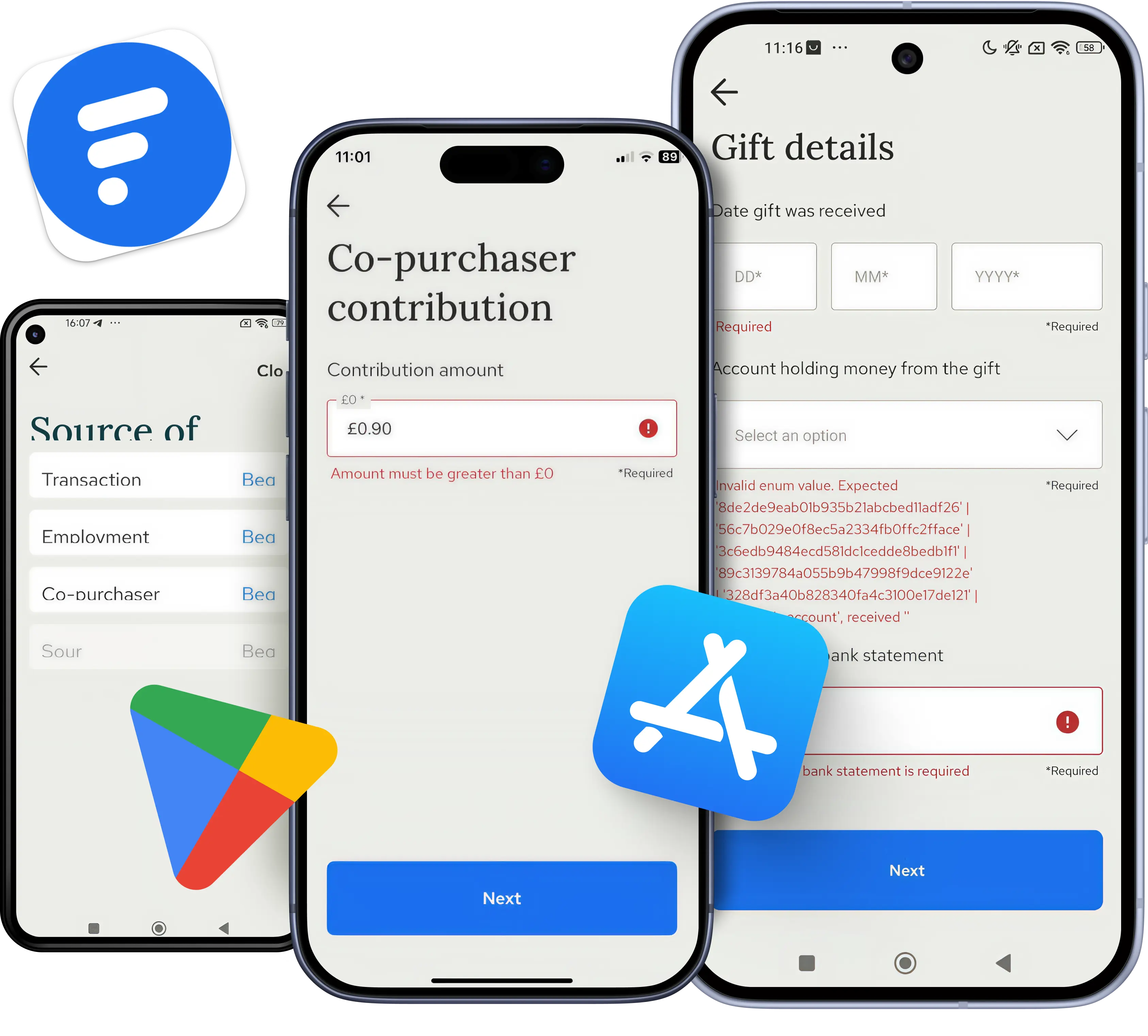
The details change with the systems involved. For example, at Thirdfort, a regulated identity-check app, we tested ID verification built on the Onfido and ReadID toolkits, along with bank statement linking that shows the source of a client’s funds. Onfido also appeared in ChitChat, a messaging app for sending money to friends, but there the work centered on how the app exchanged data with that service and with Primer, its payment provider. Arctype, on the other hand, called for a different kind of integration work. For that app, which developers use to query and manage databases, we tested connections to five database systems: MySQL, PostgreSQL, SQLite, Yugabyte, and PlanetScale.
We can join before your first partner integration or partway through a rollout. QAwerk engineers will assess the project state, determine scope, and deliver actionable results right away. Ready to start system integration testing? Contact us today.
FAQ
What is SIT testing?
SIT testing (system integration testing) is the stage that checks a product together with the outside services connected to it, like a payment gateway, a shipping partner, or a company’s accounting tool. The goal is to catch failures that appear only when separately built systems trade information, for example an order the warehouse software rejects or a refund that never reaches the customer.
Does SIT come before UAT?
Yes, system integration testing (SIT) normally finishes before user acceptance testing (UAT), the last check, where business users decide whether the software fits their daily work. This sequence protects their time. If purchases or payments still fail between connected systems, acceptance testers end up logging technical bugs and can’t judge the workflow itself. A brief overlap is common, but critical integration bugs should be fixed first.
What is the difference between SIT and system testing?
System testing looks inward, checking that one complete product meets its requirements, often with partner services simulated. By contrast, SIT looks outward and swaps those simulations for real partner systems or realistic sandboxes. For example, an online shop’s checkout can pass system testing with a fake payment service and then fail SIT because the real provider expects amounts in cents while the shop sends dollars.
Who performs system integration testing?
SIT testing is usually led by independent testers, either a company’s own QA team or an outside QA provider, because the work spans systems no single developer owns. Each partner or internal team supplies a contact who grants test access and investigates failures on its own side. Developers fix the bugs found in their code, and business users join later for acceptance testing.
Can SIT be automated?
SIT testing can be partly automated. Stable, repeatable checks, such as sending a sample payment to a provider’s sandbox and verifying the reply, can run automatically after every release. Manual testers remain essential for new partner connections, unusual failure scenarios, and test environments that behave differently from the live service. A common split is automating the proven core flows and exploring everything new by hand.
See how we delivered stable onboarding, identity checks, and Source of Funds workflows for a UK fintech built on deep third-party integrations.