Unit testing checks a program’s smallest working parts one at a time, before they’re combined into features. Developers write each unit test as a short piece of code that runs automatically in seconds. Because every test looks at one part in isolation, a failure points straight to the broken code.
Of all the checks a product goes through before release, unit testing is the one a QA team usually doesn’t run, since that work belongs to developers. Once each unit behaves correctly, QA automation can focus on what unit tests can’t see: how the parts work together in real features.
What Is Unit Testing and What Does It Check?
The International Software Testing Qualifications Board (ISTQB) defines unit testing as checking “the smallest part of code testable in isolation.” In most programs, that part is a function, a short block of code that takes some input and returns a result.
Isolation means separating the unit from the database, the payment provider, and the login service. Developers cut those links with stand-ins called mocks and stubs: simple fake versions of outside services that always give the same answer. As a result, the test fails only when the unit itself has a problem.
For example, picture an online shop that takes 10% off every purchase over $100. A test for the discount function might feed in a $150 order and confirm that the total comes back as $135. A second test could try exactly $100 to check the edge of the rule. Then a third could send a negative amount to make sure the code rejects that input. All three tests finish almost instantly without a cart, a customer, or a payment page.
However, isolation has a limit: unit testing can’t tell you whether the parts work together. For instance, the discount function can pass every test while the checkout page still shows the full price.
Who Writes Unit Tests?
Developers write and maintain unit tests in the same project as the product code. For that work, each programmer relies on a test framework, a ready-made toolkit for writing and launching checks. Popular examples include JUnit for Java, pytest for Python, and Jest for JavaScript. Each unit test runs on the developer’s own computer first. The same test then repeats in the CI (continuous integration) pipeline, an automated system that rebuilds and verifies the product after every code change.
Fast feedback is one reason this job belongs to developers. A well-built test suite, meaning a product’s full collection of unit tests, finishes within a few minutes. That speed lets a programmer fix a mistake while the code is still fresh in their mind. The other reason is that writing those tests involves reading and changing the product code, which is everyday work for developers.
QA engineers still have a part to play in unit testing. At QAwerk, we review unit tests with the developers who write them and list the situations no test covers yet, for example an empty form field, an unusually large order, or a lost internet connection. Once new tests exist for those gaps, a passing run shows the code handles them too.
Where Does Unit Testing Sit in the Testing Pyramid?
Many software teams organize checks with the testing pyramid, a diagram that sorts tests by size and speed. Unit tests form the wide base because they’re the cheapest to write and the fastest to run. As a result, a product can easily have thousands. Integration tests sit in the middle and check how separate parts work together. At the narrow top, end-to-end tests follow a whole user journey, such as signing up and paying for a subscription.
The shape of the pyramid reflects cost. A unit test runs in seconds, while a scripted purchase in a real browser can take minutes. The longer run can also fail for reasons unrelated to the code, such as a weak Wi-Fi signal. So teams reserve slow browser runs for whole user journeys and test individual rules and connections at the lower layers.
Most software projects go through four standard testing levels, in this order: unit, integration, system, and acceptance. End-to-end tests usually run during the last two, once the whole product is assembled. Software testing phases explained walks through all four.
Unit Testing vs Integration Testing vs End-to-End Testing
Unit, integration, and end-to-end tests form the three layers of the pyramid. For that reason, those names come up most often in project plans and status reports. Each type catches a different kind of problem. That difference matters when you read a report: “all unit tests pass” confirms that each covered piece of code works on its own, but that result doesn’t yet show a customer can complete a purchase. The comparison below also shows why teams keep end-to-end checks to a minimum and rely on the lower layers for most of the detail.
What gets checked
One function or small piece of code
A connection between parts or services
A complete user journey
Typical example
The password rule rejects anything shorter than 8 characters
A successful payment updates the order status
A shopper searches the catalog, pays for a jacket, and gets a confirmation email
Who usually writes the tests
Developers
Developers and QA engineers
QA automation engineers
How long one test takes
A few seconds at most
Up to a minute
Several minutes
What a failure tells you
Exactly which function broke
Which connection broke
That a journey is broken, but rarely where
Unit Testing Best Practices: What Good Tests Look Like
The unit testing best practices below double as questions to ask your developers:
- Does the full test suite finish in minutes? Developers tend to skip slow runs, and skipped checks catch nothing.
- Is each test limited to one behavior? That way, a failure names the problem in plain words, such as “rejects an empty email address.”
- Do the tests avoid live outside services? Checks that call a real database or payment provider fail whenever those systems are slow. After enough false alarms, people start ignoring failures altogether.
- Are error cases tested? Serious bugs often hide in the code that handles bad input. A function that reads a birth date needs tests for an empty field and a wrong format, along with the ordinary case.
- Is coverage treated as a guide or a target? Code coverage is the share of a program that the tests actually run. A low percentage points to untested areas. However, a high percentage proves little on its own, since a test can run a line of code without checking the outcome.
- Does the suite run on every change? The CI pipeline should launch the tests automatically and block any update that causes a failure from reaching the main version of the product.
- Who reviews AI-written tests? AI tools can now write unit tests in seconds, which saves real time. Still, when Meta studied an in-house test generator, engineers accepted 73% of the proposed tests and turned down the rest after review, so a programmer or QA specialist should approve each generated test before it joins the suite.
Where Does QA Fit Alongside Unit Testing?
Strong unit testing changes the focus of a QA team’s work. When the basic logic is already covered, testers find fewer simple mistakes, such as a wrong total or a broken date format. QA engineers can then concentrate on problems unit testing can’t see, which appear between parts of the product and in front of real users:
- How the parts work together: Integration testing checks the connections, for example whether a confirmed booking actually sends the customer an email. For products tied to outside vendors and partner platforms, system integration testing covers those links too.
- Whether old features still work: Regression testing reruns earlier checks after each update, because a change in one place can break a feature somewhere else.
- How the product feels to use: Manual testing by an experienced specialist catches confusing screens and odd behavior. Part of that work is exploratory testing, a free investigation of the product without a prepared script.

Together with unit tests, that work makes up quality testing in software, where each kind of check catches problems the others miss. Our engineers start from the tests your developers have already written and build automated and manual coverage on top. That way, no work gets duplicated and nothing slips through.
Want to find the gaps your unit tests miss? Talk to our team.
FAQ
Is unit testing the same as component testing?
Unit testing and component testing are often treated as one thing, yet the ISTQB glossary, the standard reference for QA terminology, now gives each term its own definition. The tiniest checkable piece of a program, usually a single function, counts as a unit. A component can be bigger, such as a payment module built from many smaller pieces. Even so, the check separates it from the rest of the system.
Does QA write unit tests?
Unit testing is usually a developer’s job, since the tests live inside the product’s source code and rerun after every edit. QA engineers contribute by reviewing existing tests for missing cases and by testing what single functions can’t reveal, such as a broken link between two systems. On some projects, automation specialists with code access also write these tests when developers are short on time.
How much unit test coverage is enough?
No single coverage figure suits all products. Chasing 100% means making every line of code run during at least one test. That target rarely pays off, because effort goes into trivial code just to move the number. A stronger unit testing goal is near-complete coverage of high-risk areas such as payments, pricing, sign-in, and stored customer data. Regular reviews should then confirm what each check actually verifies.
Can AI write unit tests?
Yes, AI can generate unit tests and handle repetitive work well, such as listing dozens of input variations for one function. The weak spot is business intent. An AI model reads existing code at face value, so if a bug is present, the generated test may lock the bug in as expected behavior. Every AI-written test still needs a person to confirm it matches what the business wants.
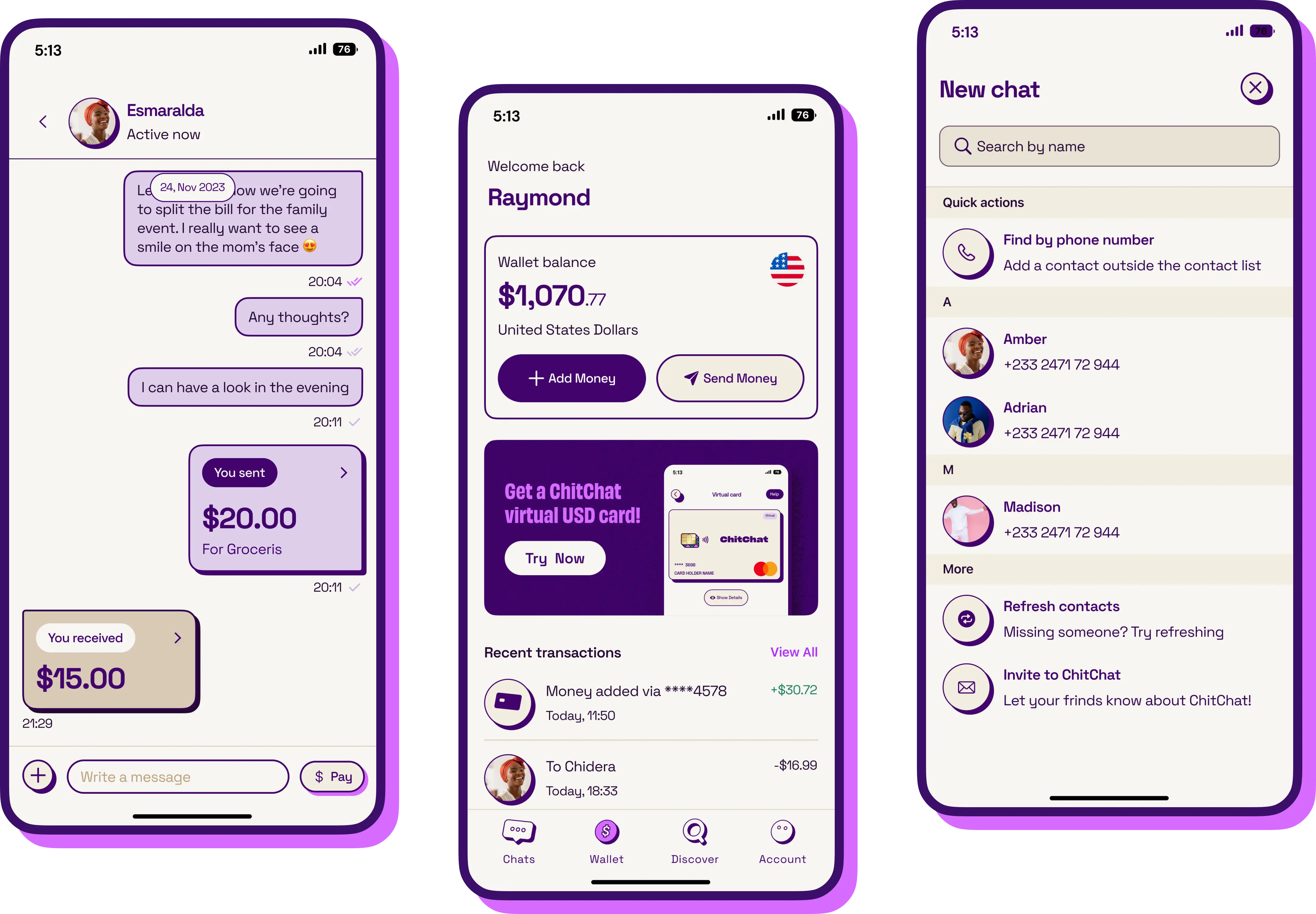
See how we helped ChitChat clear 200+ bugs across 24 real devices before its first store release