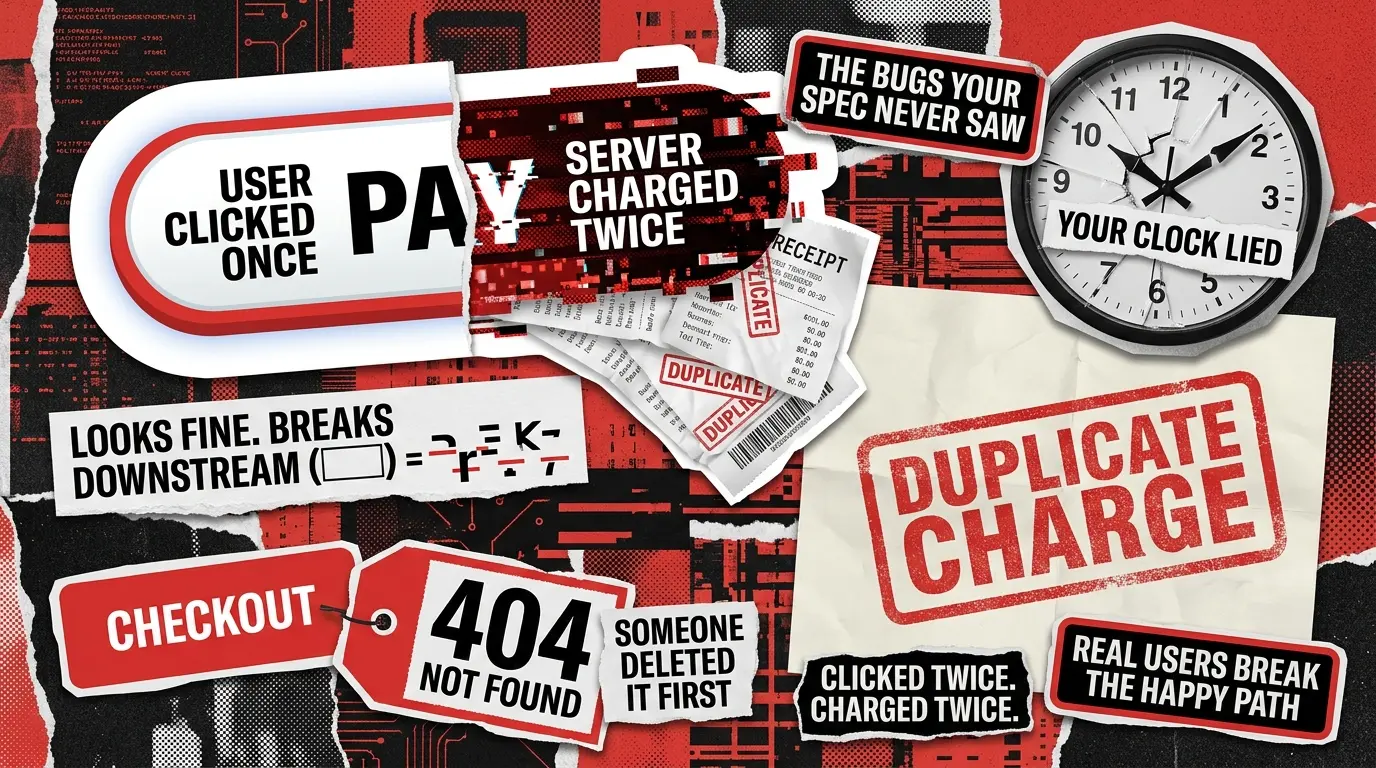
Your team already runs negative tests. Invalid emails get rejected. Blank required fields throw the right error. Boundary values are covered for every numeric input. And yet the support inbox still fills up with things nobody wrote a case for: two identical orders placed 400ms apart from a double-click, an analytics pipeline that dies on an emoji in a display name, a uniqueness check that treats john@acme.com and the same address with an invisible trailing space as two different accounts.
None of those bugs were missing from the test plan by accident. They were missing because the test plan was built from the requirements doc, which describes inputs, not people. This piece is about the second category: a four-lens heuristic for surfacing the cases your team isn’t generating today. It sits alongside broader functional testing as the layer that catches what specifications miss.
What Negative Testing Actually Is (And Where Most Teams Stop)
Negative testing is the practice of feeding invalid, unexpected, or malformed inputs into a system and verifying that it fails gracefully. That means no crash, no silent corruption, no orphaned state, and an error message the user can act on. The concept has been settled for two decades, so we won’t relitigate it.
The problem is what happens next in most guides. They list five buckets: invalid data type, boundary value, blank required field, special character, and SQL injection. Then they stop. Any QA lead reading this article passed that checklist in their first month on the job. The bugs that ship to production come from a different place entirely. IBM’s report put the global average breach cost at $4.44 million and the mean breach lifecycle at 241 days, and a large share of the incidents in that dataset trace back to session handling, race conditions, and state-transition gaps that look nothing like a missed regex.
Negative testing in software testing is most useful when you treat it as a design discipline anchored to user behavior. That reframe is what the rest of this article gives you.
Four User Types Your Test Plan Forgets
The heuristic is simple: before you sign off on a user story, walk it through four user types that the specification almost never describes. Each lens is a person whose behavior your happy path assumes away. Each opens a category of bugs that survives the standard checklist because those bugs are not about what was entered. They are about how, when, or in what state it was entered.
For each lens below, we name the production-bug pattern, give three to five concrete cases, and call out the specific blind spot in the requirements that let the bug hide.

Lens 1: The Impatient User
The pattern: user clicks Pay, the network stalls for 300ms, the user clicks again, the backend receives two identical POSTs, and the customer gets charged twice. Or the user submits a form, sees a spinner, gets bored, and hits refresh. The tab reloads, the form re-posts, and now there are two support tickets with sequential IDs and identical content.
Here are the negative test cases worth writing for this lens:
- Double-click the submit button inside a 500ms window and assert exactly one server-side record.
- Refresh the page mid-submission and assert that an idempotency key prevents the second write.
- Hit the browser back after the success screen, then re-submit, and assert no duplicate is created.
- Open the same form in two browser tabs, submit both within a few seconds, and assert the second is either rejected or merged.
- Kill the network mid-request, restore it, retry, and assert no partial state survives on either side.
The blind spot: the spec says “user submits the form” as if that action is atomic. A user’s finger is not atomic, and neither is a mobile connection on a subway.
Lens 2: The Copy-Paste User
Users copy from Word, Slack, Google Docs, PDFs, and each other’s emails. Every one of those sources injects characters the user cannot see. Smart quotes replace straight quotes. A pasted email address arrives with a trailing space because the source had a line break. Emoji flow into a name field, get stored fine, and then break the analytics pipeline three services downstream because the destination column is varchar and the emoji is four bytes.
Practical negative testing examples in this lens:
- Trailing and leading whitespace in fields with uniqueness constraints (email, username, coupon code).
- Zero-width joiners, right-to-left marks, and other invisible Unicode in fields that flow to search or matching.
- Smart quotes and en dashes pasted from Word or Outlook into email, password, or regex-validated fields.
- Emoji in name, title, or description fields that get piped to SMS, PDF export, CSV download, or a legacy backend.
- Text copied from rendered HTML that carries hidden
fragments or non-breaking spaces.
The blind spot: the requirements list the characters a user is allowed to type. They rarely list the characters a user can paste without noticing. Input sanitization is not the same as normalization for every downstream system that receives the value.
Lens 3: The Time-Traveling User
Clocks lie. The client’s clock is off by 40 minutes because the user never fixed it after a trip. The server’s clock is authoritative but the CDN cache is not. A session token expires at midnight UTC while the user is mid-checkout. Daylight-saving transitions run scheduled jobs twice or zero times. A JWT that was valid when the page loaded is expired by the time the user clicks Save.
Cases worth building:
- Skew the client clock by 10 or more minutes and assert token validation still resolves correctly on the server.
- Let a session expire during a multi-step form and assert the draft survives re-auth and returns the user to the same step.
- Send an expired token on a retry after a network failure and assert the retry does not create a phantom action.
- Test any scheduled or time-based logic across both DST transitions, spring and fall, in every timezone your users occupy.
- Fire two writes with the same timestamp but different
Last-Modifiedheaders and assert your conflict resolution is deterministic.
The blind spot: the specification assumes one clock. In production, there are at least three: the client, the application server, and the database, and they constantly disagree.
Lens 4: The State-Confused User
A user opens a checkout tab, gets distracted for two days, comes back, clicks Complete Purchase, and pays for a product that was unpublished 36 hours ago. An admin deletes a project while a teammate is mid-edit; the teammate clicks Save and gets a 500 instead of a clean “this project no longer exists.” Someone accepts an invitation to a team that was already deleted. Two admins approve the same request simultaneously, and both approvals write to the database.
Cases:
- Complete step three of a wizard after the underlying object was deleted in another session.
- Pay for a product that was unpublished between “Add to cart” and “Checkout.”
- Accept a team invitation after the team was disbanded.
- Approve a pending request that another admin already approved 30 seconds earlier.
- Submit a form whose server-side validation rules changed while the tab was open.
The blind spot: the requirements describe the object’s happy state machine. They almost never describe what happens when the client’s cached view of state and the server’s real state disagree. That gap is where race conditions live, and it is a natural handoff point to exploratory testing, which is built to probe exactly these ambiguous transitions.
Negative Testing vs Edge Case Testing: The Distinction That Actually Matters
These two get conflated in almost every SERP result, and the confusion causes teams to write the wrong tests. The short version: negative testing verifies graceful failure on invalid or unexpected input. Edge case testing verifies correct behavior at the extreme limits of valid input.
What it tests
The system’s response to input or actions that shouldn’t work
The system’s response at the boundaries of what should work
Origin of the case
User behavior that the spec didn’t describe
The mathematical or logical corners of the spec
Typical blind spot
People using the product in unexpected ways
Correct inputs at an unusual scale or precision
A double-click that creates duplicate orders is a negative case. A user with exactly 65,535 items in one cart is an edge case. They overlap on boundary values, but the generation instinct is different. Negative testing asks what shouldn’t work? Edge case testing asks what’s the corner of what should? If you want the deeper treatment of the second question, see the cluster sibling on Edge Case Testing: Where Requirements End and Reality Starts.
Both categories also stop short of security. SQL injection, XSS, and auth bypass appear in the negative testing literature by tradition, but they follow a different threat-model discipline and belong under dedicated security testing.
How to Run This Heuristic in a Real Sprint
The lenses only pay off if they’re part of the working process, not a document nobody opens. What works in practice:
Add a 15-minute negative pass to every user story before it moves to In Progress. One lens per team member. Five cases each. That’s twenty cases per story that would otherwise never be written. Log every production bug against the lens that would have caught it. After a quarter, you have a heat map: the lens with the most hits is the one your requirements template is weakest on, and you can update the template rather than relying on individual memory.
Pair the lenses with exploratory charters. Where structured cases use the lenses as a checklist, exploratory sessions use them as prompts. The cluster sibling on Exploratory Testing Charters That Actually Find Bugs goes deeper on that pattern.
Keep the list versioned per product. A fintech app needs a fifth lens for the regulatory state (a user acting under compliance conditions that the spec didn’t cover). A multi-tenant SaaS needs one for organizational-boundary confusion (a user acting across tenants they can technically see but shouldn’t be able to modify). The four lenses are a starting kit, not a finished taxonomy.
The Bug You Didn't Write a Case for
Every production bug that surprises the team has the same shape underneath. Someone assumed the user would behave like the specification. The five-bucket checklist protects the product against inputs. The four-lens heuristic protects it against users. It won’t catch everything, and nothing does, but it moves discovery from “angry customer on a Sunday” to “Tuesday standup,” which is the difference between a fire and a task.
If you want a second set of eyes to run these lenses on your product before your users find the gaps for you, contact us, and we’ll set up a call.
See how Sitch, an AI matchmaking app, delivered the rock-solid quality it needed to expand across the US and secure $6.7M in funding, hardening onboarding, chat flows, and payments before scaling nationwide.