
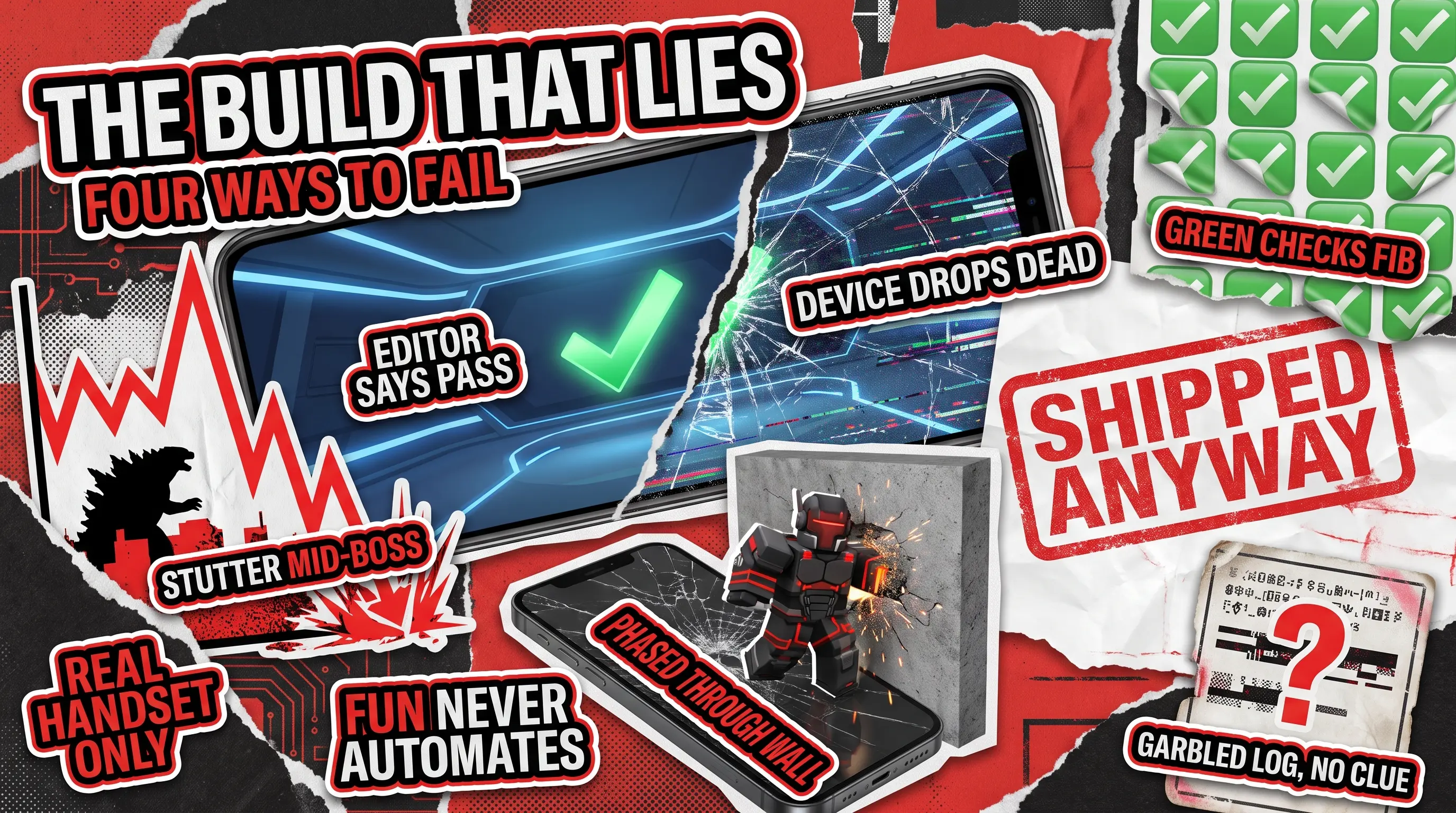
Unity powers some of the biggest titles on the planet, and it ships them to phones, consoles, browsers, and desktops from a single project. That reach is exactly what makes Unity game testing tricky, because one build has to survive iPhone, Android, console, and desktop, and each of those targets breaks in its own way.
Code that behaves perfectly on your build machine can stutter on a mid-range phone, and a feature that sailed through every check inside the editor can fall apart the second a real player touches it. Players walk away from a laggy or crash-prone game fast, so the weak spots you miss become the reviews you regret.
So the real question for anyone building in Unity is not whether to test, but how to catch the engine’s specific failure points without spending a fortune finding them. That is where experienced game testing services earn their place. This walkthrough shows you the essentials:
- What the Test Framework does
- Two kinds of checks it runs
- How automation fits a real release schedule
- Quirks that quietly wreck launches
Read on to learn all the essentials of Unity game testing!
How Do You Test a Unity Game?
Testing a Unity game works on three levels:
- Automated checks written inside the engine catch code problems early, while a build is still cheap to fix.
- Hands-on play sessions on real devices catch the messy, human issues that automation never sees, such as a tutorial that confuses players or a menu that feels wrong.
- Compliance check, where you confirm the game obeys the rules that platforms like the App Store and PlayStation set before launch.
These levels map onto the broader types of game testing every studio juggles, from functional and compatibility checks to performance and stability.
Most teams focus too much on one level and neglect the others as a result. For example, a studio full of engineers tends to automate everything and skip real-world play, and then wonders why reviewers complain about the game’s feel. Meanwhile, a smaller indie team often plays the game to death by hand, skips automation, and then breaks old features every time it adds a new one. A healthy project should use all three, and good Unity game testing comes down to knowing how much of each a title needs.
What Is the Unity Test Framework?
The Unity Test Framework is a free tool built into the editor that lets your programmers write small automated checks and run them against the game’s code without leaving the program. Under the hood, it uses NUnit, a widely trusted open-source library for the C# programming language, so its checks follow a standard most developers already recognize. You can read the full rundown in Unity’s official documentation.
Think of it as an automated inspector for your game’s rules. For example, if a health bar should drop by ten points when a character takes a hit, the framework can confirm that it does, every single time, in a fraction of a second. What it cannot do is tell you whether the hit felt satisfying or whether the animation looked right. It checks the machinery, not the magic, and that distinction shapes everything else about Unity game testing.

Edit Mode vs Play Mode, and Why the Gap Matters
The framework runs two kinds of checks, and the difference between them is where a lot of studios trip up:
- Edit mode checks run while the game is switched off, as if you were inspecting a blueprint rather than driving the car. They are fast and cheap, and they suit anything that does not need the game actually running, such as score calculations, inventory rules, or save-file logic.
- Play mode checks run while the game is active, so they can help assess the way someone actually experiences it. They are slower and trickier to set up, but they catch the problems that only show up in motion, such as physics that misbehave, drifts in timing, or objects that fail to appear when they should. Unity walks through the mechanics of both in its guide to automated tests.
Misusing these modes is an easy mistake to make and expensive to fix. Therefore, a team that writes plenty of edit mode checks because they are quick sees a wall of reassuring green ticks, and assumes the game is solid. However, the players then hit bugs that only appear in play mode and were never checked. Those ‘green ticks’ are only as trustworthy as the tests behind them.
Setup Work That Quietly Eats a Sprint
Before Unity game testing can run any of this, your project needs to be organized into labeled sections. That’s how the checks know which parts of the code to look at. Doing that cleanly is straightforward at the start of a project and genuinely painful to bolt on later. Therefore, teams that add testing as an afterthought lose days untangling it.
There is a second trap worth knowing about. Unity can show you how much of your code was reached by checks. However, a high coverage number only tells you which lines ran, not whether every path through them was properly exercised. As such, the game can report an impressive figure and still hide a bug in a route nobody thought to check.
How Do You Automate Testing in Unity?
Automation in Unity begins in the engine, where your programmers write tests with the Unity Test Framework. They send those checks through the built-in Test Runner and connect them to continuous integration. The automated system rebuilds and revalidates your game on every code change, so a broken feature is flagged within minutes instead of surfacing in a review weeks later. Our automated testing services are built around exactly that rhythm.
The catch is that automation is not free once it is written. Every test needs upkeep as the game changes, and a neglected suite rots into a pile of false alarms that everyone learns to ignore. Automation earns its keep only when someone owns it.
Unity Game Testing on iPhone and Android
The single most important habit in Unity game testing is running your title on the hardware players will actually use, not only inside the editor on a fast computer. The editor is forgiving in a way that a phone in someone’s pocket never is.
Testing a Unity game on Android means covering a sprawl of devices with wildly different chips, screen sizes, and memory, so a build that runs smoothly on a flagship handset can crawl on a budget model that millions of people own. Testing a Unity game on iPhone is narrower on hardware but stricter on rules, because Apple’s review process rejects builds for reasons that never show up on a developer’s own machine. A title that feels finished in the editor can still stumble on both platforms for completely different reasons, which is why serious teams build and run on real iOS and Android devices long before launch. Our mobile game testing checklist lays out what to cover on each device before you submit.
Unity Game Testing Tools Beyond the Test Framework
The Unity Test Framework is excellent at the code level, but it was never designed to tap through your menus, finish a stage, or behave like a person holding a controller. For that kind of end-to-end play, and for driving builds across real phones at scale, you need dedicated Unity game testing tools on top of what ships in the box. We compare the ones studios actually reach for in our guide to game testing automation tools, so this piece stays focused on the engine itself.
The Unity Game Testing Quirks That Catch QA Teams Out
Every engine has its own personality, and Unity’s shows up in a handful of places that catch teams off guard:
- Physics can behave differently depending on how fast a device runs the game, so a jump that lands perfectly on a quick PC can fling a character through a wall on a slower phone. Testing only on high-end hardware completely hides this class of bug.
- Unity stops now and then to clean up unused memory, and that break can show up as a visible stutter at the worst possible moment, such as the middle of a boss fight. These hitches rarely appear on a beefy development machine, which is why they slip through to players. Catching frame drops and memory spikes before players do is the heart of game performance testing, especially on lower-powered devices.
- The same scene can look noticeably different across Unity’s various rendering options, so artwork that passed review under one setup can come out too dark or broken under another. A team that checks visuals on a single configuration is testing a fraction of what players will see.
- Reading error messages is easy inside the editor and awkward once the game runs on a real device. Testers without the right setup end up filing bugs as a screenshot with no explanation of what went wrong, and a developer then burns hours trying to reproduce a problem that was never captured properly.
None of these issues are exotic bugs, but rather ordinary consequences of how Unity works, and they are precisely what a tester who knows the engine looks for first.
In-House, Automated, or Outsourced: Choosing Your Unity Game Testing Model
There is no single right answer, only the one that fits your game and your team. Building QA in-house gives you people who know the project intimately, which is worth a great deal, though it is slow to staff and expensive to keep busy between releases. If you go that route, our guide to building a game testing team breaks down who to hire and when. Leaning on automation buys speed and consistency, as long as someone maintains the checks and accepts that machines miss anything to do with feel and fun.
Bringing in an outside team makes the most sense in a few clear situations:
- You are approaching a launch and need broad device coverage fast.
- Your engineers are strong but have never set up Unity’s play mode checks or a continuous integration pipeline, and you would rather not lose a sprint to learning.
- Your own team is simply too close to the game to spot the rough edges that a fresh pair of eyes catches in an afternoon.
The pragmatic move for most studios is a blend: automation for the repetitive checks that run best without a human, and skilled manual testers for the judgment calls a script cannot make. Getting that mix right for a specific game is most of the job, and it is where an experienced partner earns their fee.
Unity gives you extraordinary reach, and that scale comes with a testing bill that generic advice will not cover. The studios that launch clean are the ones that check the engine’s true weak spots early, on real devices, with people who have seen those bugs before.
That is exactly what we do, so tell us about your title, and we will show you where the risks hide.
FAQ
Is the Unity Test Framework free?
Yes, the Unity Test Framework comes built into the editor at no extra cost, so any team can start writing automated checks without buying anything.
Can you automate user interface testing in Unity?
Yes, you can, but not with the Test Framework alone. Driving menus and buttons the way a player would takes additional tooling on top of Unity’s built-in checks.
Do you need to test a Unity game on real iPhone and Android devices?
Yes, the editor hides platform-specific faults, so the only reliable way to see what players get is to run the game on physical iOS and Android devices.
Do you still need manual testing if you automate?
Yes, automation is unbeatable at repetitive checks, but it cannot tell whether a game is fun, whether a level feels fair, or whether an animation looks right, and those calls decide reviews.
When should a Unity studio bring in outside testers?
The usual triggers are an approaching launch that needs wide device coverage, a team without engine-specific testing experience, or a game that its own creators have grown too familiar with to judge objectively.
Check out how we helped Couple Up! achieve top server performance before release



