
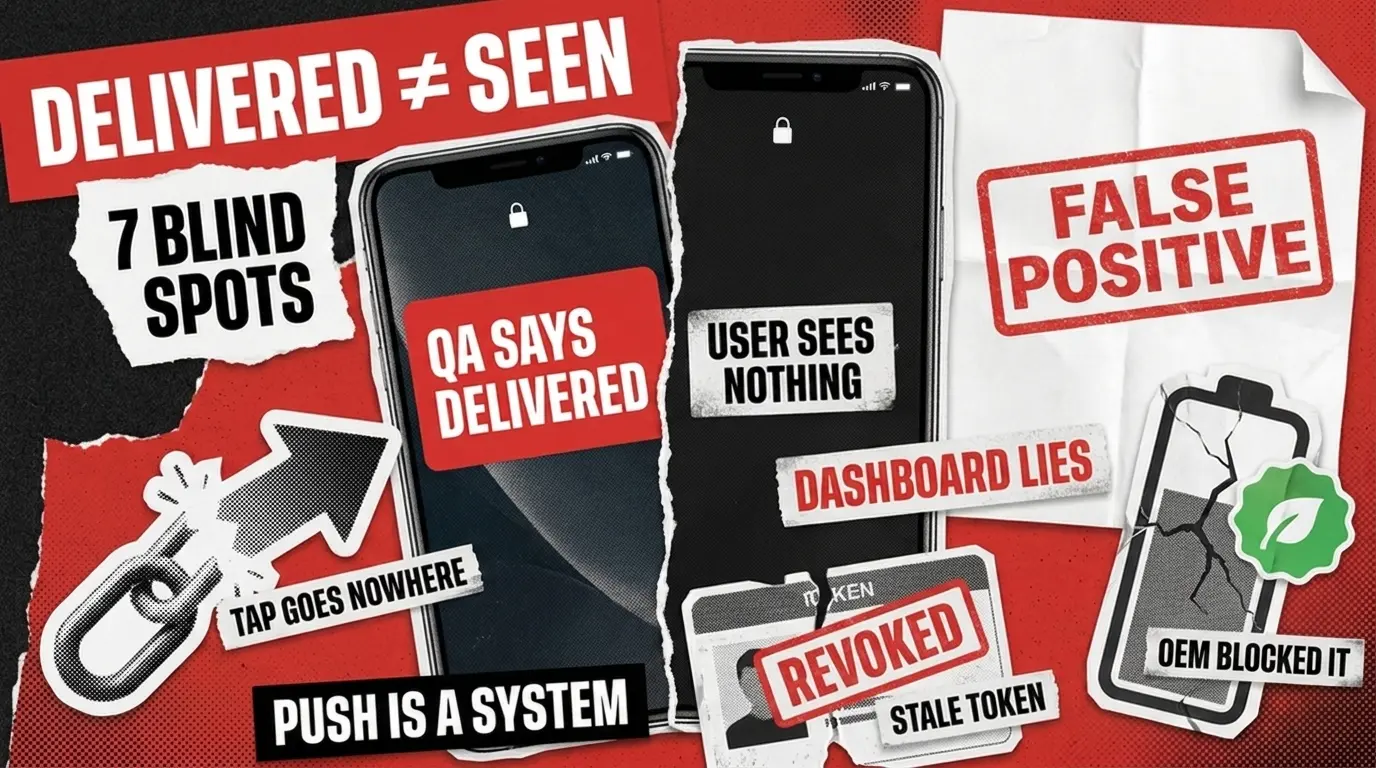
The average US smartphone user receives 46 push notifications a day, according to Business of Apps. One broken delivery, one blank message, one tap that goes nowhere, and your app joins the 90% that lose daily active users within 30 days of install.
Every mobile team has a push notification test plan. Bugs still ship. Blank messages, broken deep links, Android devices that never wake up, tokens that point to nothing. Why?
Because push is a distributed system, not a UI feature. The chain spans your backend, Apple’s APNs, Google’s FCM, the operating system, OEM battery managers, and every app state a user can be in. A test plan that treats push like a button click misses most of the failure surface. This guide walks through the seven blind spots we keep seeing across mobile push notification QA audits, with a fix for each.
How Push Notifications Actually Work
A push notification travels through five hands before reaching the user. Your backend builds the payload. APNs (iOS) or FCM (Android) routes it. The OS decides whether to display it based on permissions, focus mode, and battery state. The app handles foreground or background delivery logic. The user finally sees it, taps it, or ignores it.
Every link in this chain is a separate failure mode. Push notification testing that only checks “did it arrive” covers maybe 15% of what can go wrong. The seven sections below map to the rest.

The App-State Matrix Gets Collapsed into One Column
Most plans test notification arrival in the foreground, app open, on Wi-Fi. The reality is far messier. Push behaves differently in foreground, background, killed, locked screen, Doze mode on Android, Low Power Mode on iOS, and post-reboot. Each is a separate code path on the device.
The fix is to stop using a flat checklist. Build a state matrix instead:
Foreground
Custom in-app handler fires
Custom in-app handler fires
Background
Banner appears, badge updates
Notification arrives in tray
Killed/swiped
APNs still delivers, tap launches cold
FCM data message handled correctly
Locked screen
Preview respects privacy settings
Lock screen visibility honored
Low Power / Doze
Critical alerts only
High-priority FCM bypasses Doze
Post-reboot
Token still valid after restart
Token still valid after restart
Six states by two platforms by your minimum supported OS versions is the real coverage floor. Push changes also ripple into compatibility, performance, and security, all of which sit inside the broader mobile app testing checklist you should be running against every release.
Token Lifecycle Isn't Tested as a Lifecycle
Tokens rotate. Reinstalls generate new ones. OS upgrades invalidate old ones. Users sign out, switch accounts, revoke permissions, then grant them again. Your backend keeps the stale token and sends into the void. The delivery dashboard still reports success.
QA teams almost always test a fresh token on a fresh install. They rarely test what happens on day 30, after an OS update and a permission toggle. This is one of the most common silent failures we find during audits.
Add these scenarios to regression:
- Reinstall the app, verify the old token is deregistered.
- Trigger an OS upgrade, confirm the token still resolves.
- Revoke notification permission, re-grant it, check whether the backend gets the new token.
- Switch accounts on a shared device, verify each account receives its own pushes.
- Log in on a second device, confirm both tokens receive.
If the backend can’t deregister within an expected window, every uninstalled user keeps consuming a delivery slot you paid for.
Payload Testing Stops at the Happy Path
Standard test: send a clean payload, see if it shows up. What gets skipped: emoji rendering across OS versions, character limits, missing personalization fields producing blank notifications, malformed JSON, oversized rich media on slow networks, expired image URLs.
A common production failure looks like this: a user gets a blank push because their profile name field is null and the payload template lacks a fallback. The bug reaches support, never QA. Negative-case payload testing prevents the whole class. Test null fields, truncated strings, unsupported characters, oversized images, and unreachable media hosts. Every personalization variable needs a fallback. This is squarely functional testing territory, and it pays back fast because payload bugs are cheap to find and expensive to ship.
Android OEM Skins Break What Stock Android Allows
Samsung One UI, Xiaomi MIUI, OPPO ColorOS, Vivo Funtouch, and Honor Magic all aggressively suspend background processes to save battery. A notification that arrives instantly on a Pixel might never fire on a Xiaomi device under battery saver mode. Stock Android behavior is not representative.
According to IDC, Samsung shipped 61.4 million units in Q3 2025, followed by Apple at 59.4 million, Xiaomi at 43.4 million, Transsion at 29.2 million, and Vivo at 27.9 million. Outside Apple, that’s a long tail of Android OEMs, each with its own battery management behavior. If your test devices are Pixels, you’re testing a sliver of the market your users actually live on.
The fix is uncomfortable but mandatory: test on the OEM mix your analytics show, not the devices in your office. Cloud device labs help with breadth, but real-device validation on Samsung One UI and Xiaomi MIUI under battery saver is non-negotiable. This is also why teams hand Android coverage to specialists. A representative device matrix across Samsung, Xiaomi, Vivo, and OPPO is a full-time operation, which is why mobile application testing at scale is usually run by a dedicated team rather than squeezed into a dev cycle.
Deep Links Get Tested in Isolation, Not as a Full Chain
The notification arrives. The user taps. Now the real test begins. Cold start with a deep link is different from warm start. Authenticated and unauthenticated users land on different screens. Expired or invalid links need graceful handling. Back stack behavior matters for whether the user can return to where they expected. The right answer to how to test push notifications is to test the entire tap-to-screen chain, not its individual components.
Most teams test “notification shows” and “deep link works” as two separate cases. They never test the chain end-to-end across all app states. Make this part of regression on every release. Notification banners and deep-link landing screens shift visually between OS updates more often than teams expect, which is where visual regression testing catches what functional checks miss.
When you test push notifications iOS flows specifically, pay extra attention to Universal Links and the difference between scheme-based and HTTPS-based deep links. The two cold-start paths inside the iOS application testing lifecycle behave differently enough that one passing doesn’t mean the other will.
Permissions and Silent Unsubscribes Go Unmonitored
Android 13 changed everything. According to Shno’s 2026 push notification benchmarks, Android opt-in rates dropped from 85% to 67% in a single year after the explicit permission requirement, while iOS opt-in sits at 56% by default. Users are also disabling notifications silently in OS settings without ever opening your app. Your backend keeps sending. Delivery looks fine on the dashboard. Engagement quietly tanks.
QA rarely tests the full permission lifecycle. The standard test is “user grants permission during onboarding.” That’s one path out of six. Cover the rest:
- User denies permission, app keeps functioning gracefully.
- User grants, then revokes in OS settings.
- User revokes, then re-grants weeks later.
- App update changes notification categories, user sees the new permission prompt.
- iOS provisional authorization is requested and later upgraded to full.
- Android 13+ permission flow on first install vs first launch after upgrade.
Then validate that your analytics distinguish three different numbers: delivered, displayed, and interacted with. Three different problems lead to three different fixes.
Vendor Dashboards Aren't Validation
FCM and APNs report delivery to the OS. That’s where they stop. The notification can be deduped by the OS, suppressed by Focus or Do Not Disturb, routed to a category the user muted six months ago, or held back by an OEM battery manager. The dashboard still reads “delivered”.
This is the trap. Teams that use FCM and APNs dashboards as their QA signal are auditing a number that doesn’t measure what they think it measures. Real validation requires real devices. Run manual sampling on a representative real-device matrix each release. Add synthetic users in CI running the full receive-tap-action loop. Combine testing notifications end-to-end on physical hardware with payload-level inspection through proxy tools.
The push notification testing tools worth keeping in your stack are Firebase Test Lab for Android device coverage, Xcode’s Notification Simulator for early iOS payload checks, BrowserStack App Live for cross-OEM real-device validation, and Charles Proxy or Proxyman for payload inspection. The cloud device platforms behind that stack are the same ones cataloged across the mobile game testing tools landscape, since cross-OEM device fragmentation is the shared problem both disciplines have to solve.
A Push Notification Testing Checklist You Can Steal
Use this as a minimum bar before any release that ships push changes. Every item maps to a blind spot above.
- All six app states tested on both iOS and Android against your minimum supported OS versions.
- Token rotation scenarios covered (reinstall, OS upgrade, permission toggle, account switch, multi-device login).
- Payload negative cases tested (null personalization fields, oversized media, character limits, malformed JSON, expired URLs).
- OEM device matrix matches your user analytics, with at minimum Samsung and Xiaomi under battery saver.
- Deep links validated end-to-end across all app states and both auth states.
- Permission lifecycle tested, including silent OS-level revocation and re-grant.
- Real-device end-to-end validation in place, not just vendor dashboard checks.
- Analytics distinguish delivered, displayed, and interacted with as three separate metrics.
This is a focused mobile app QA checklist for push specifically. Treat it as your floor, not your ceiling.
When to Build This In-House vs Bring in QA Specialists
If your team has the device matrix, the OS coverage, and the engineering bandwidth to run all seven dimensions every release, you’re set. For most teams, that’s a stretch. Maintaining 30+ real devices across OEM skins, OS versions, and battery states is its own operation. The dashboard-only approach is cheap and feels safe until a launch fails on a single OEM and the support tickets land.
Three signals tell you it’s time to bring in specialists. First, you can’t pinpoint where in the chain delivery is breaking when it breaks. Second, your engagement metrics drop without a matching dip in delivery dashboard numbers, which means the OS or OEM is filtering and you can’t see it. Third, your team is shipping features faster than your test cycle can keep up, and push is the first thing to fall off the regression list.
A dedicated QA partner runs the device lab, the test plans, and the regression coverage in parallel with your development, so your engineers stay focused on features. That’s the role we play for mobile app teams who outgrew their initial QA setup.
Before the Support Tickets Land
Push notifications look simple until they break in production, and by then it’s the user finding the bug, not your team. The seven blind spots above account for most of what we see when companies bring us in after a noisy launch. Build the state matrix. Test the full token lifecycle. Cover OEM skins, not just Pixels. Validate end-to-end on real devices. Treat push as the distributed system it actually is. If your team is shipping push-heavy releases and you want a second pair of eyes on the delivery chain, contact us and we’ll take a look.
See how we helped a mass text messaging app slash post-launch bug reports by 65% through rigorous QA across delivery, onboarding, and message flows.