Most Google Play data safety form rejections come down to a mismatch nobody checked. The declaration says one thing, and the app does another. That gap is easy to miss, since paperwork rarely feels like a claim somebody will verify. Reviewers now test the form against how your app really behaves.
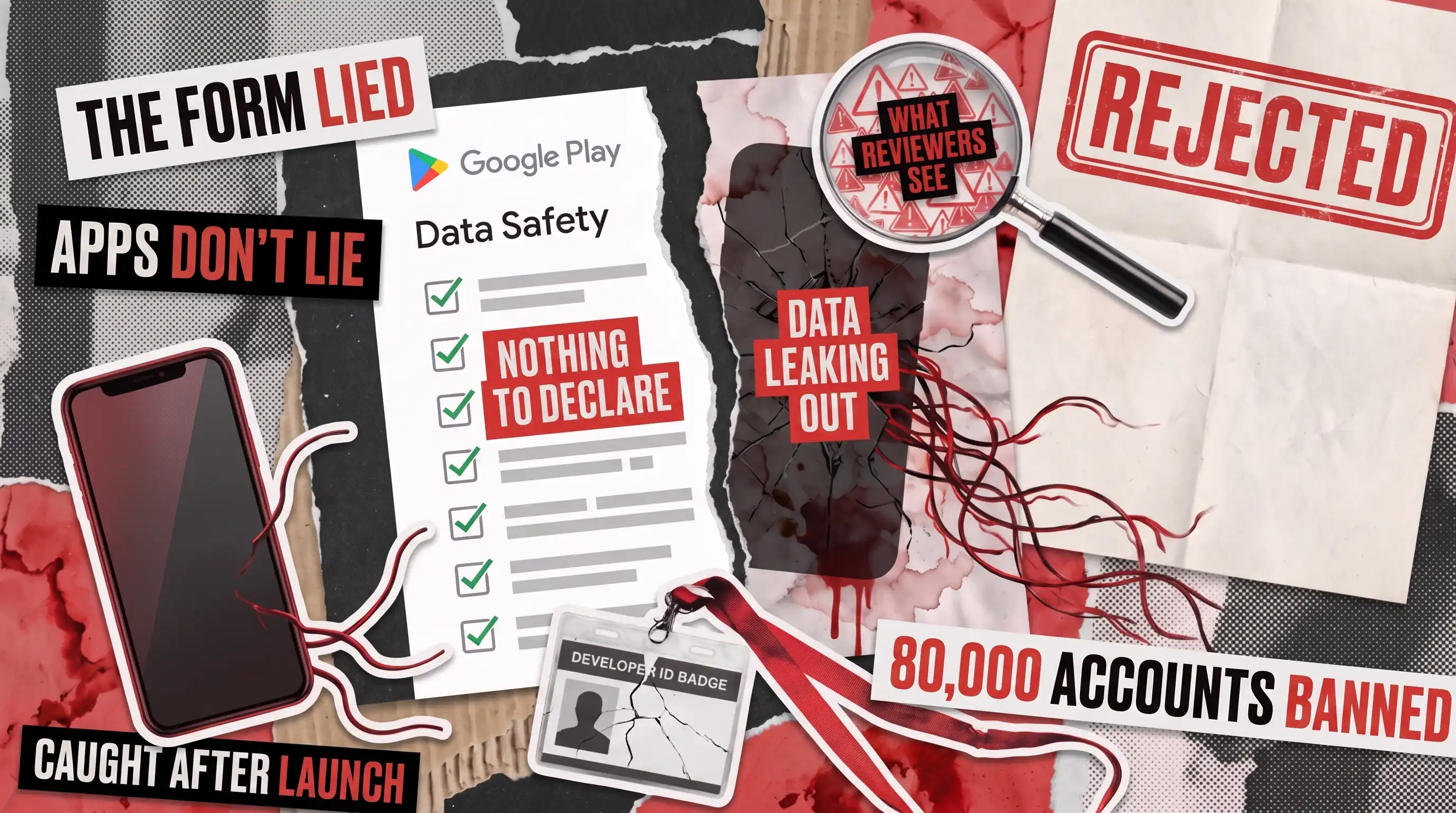
Google’s February 2026 security report shows how thoroughly the platform now checks. The company prevented over 1.75 million policy-violating apps from reaching the Play Store in 2025. It also banned more than 80,000 developer accounts. Beyond that, it blocked over 255,000 apps from gaining excessive access to sensitive user data.
The Google Play data safety form documentation tells you what to write. Every software development kit (SDK) vendor’s setup guide does the same. But none of them explain what happens when your paperwork and your product disagree. That’s where a growing share of the enforcement above begins.
A Google Play data safety form gets rejected, or a live app pulled, when the declaration stops matching real behavior. The gap can start in your own code or in any third-party SDK you’ve bundled. A permission with no matching disclosure counts. So does an analytics library quietly collecting fields you never declared. Checking that a declaration still holds up is a Google Play compliance testing question, not a documentation one.
Why Google Play Data Safety Section Review Got Stricter
The data safety section used to be something you filled in once and rarely opened again. That changed when Google folded AI-assisted review into the Play Console pipeline. Declarations now get cross-referenced against real permissions and actual network traffic, so completeness alone no longer passes. The same security report credits part of that shift to generative AI models. They help reviewers spot patterns across millions of submissions.
As a result, an app that once got approved on a plausible declaration now gets flagged when its network traffic contradicts the form. Some teams are also asked for SDK attestations, which confirm how a specific library handles data.
None of this made the paperwork harder to complete, since the questions have barely changed. What shifted is how seriously Google checks the answers against the app in front of it.
For a release manager, the practical change is scheduling. The data safety form review used to sit outside the critical path, and now it belongs on it.
Your Form Describes Intent: Your App Describes Behavior
A data safety form is a snapshot, filled in once and rarely revisited. Your app, however, keeps shipping releases, and each one can add a data flow the form never covered.
We see the drift most often after a growth push brings in an advertising or install-tracking SDK. Engineering ships the library, and marketing gets the campaign numbers. Nobody owns the Play Console form afterward, so it sits untouched, sometimes for years.
Yet smaller changes cause the same problem. A crash-reporting upgrade can start collecting device identifiers it never touched before. Swapping one payments SDK for another changes what reaches the processor. Neither shows up in a routine code review, and nobody rechecks the data safety form during mobile application testing.
You’re probably carrying a mismatch right now if any of these sound familiar:
- Nobody on the team can name every SDK in the current build.
- The form was last edited before your most recent monetization change.
- Marketing added a tracking tool without a compliance review.
- Your permissions list grew, but the declaration didn’t.
- No single person owns the data safety section between releases.
For a compliance lead, that gap is the real exposure. A rejected form only costs you a delay. Anything discovered after launch becomes a compliance failure traced back to you.
Do You Have to Declare What Your Third-Party SDKs Collect?
Yes. The Google Play data safety requirements put the responsibility on the publisher, even for code an outside team wrote. Any library gathering user information has to appear in your form, whoever built it.
But that catches teams off guard, because the burden sits with the publisher rather than the vendor. Even a widely trusted provider won’t complete your form for you. Here’s where the obligation tends to land in practice.
Analytics
Device identifiers, app interactions, approximate location
Precise location, once location permissions get added later
Advertising and install tracking
Advertising ID, install source, device identifiers
Data shared onward with the ad network for personalization
Crash reporting
Device identifiers, crash logs, sometimes user identifiers
Personal identifiers captured inside error reports
Push notifications
Push tokens, device identifiers
Whether that token reaches a third-party messaging platform
Backend-as-a-service
Account identifiers, usage data, sometimes contacts
Records retained or processed outside the declared region
Still, the pattern in every row is the same. Teams declare an SDK’s obvious purpose on the data safety form, then miss the secondary flow that library opens once it’s wired in.
Google’s Play SDK Index is a faster first stop than checking each vendor separately. It lists known data practices for more than 100 common libraries, and flags versions with a history of policy problems. Many entries link straight to the provider’s own data safety form guidance. Custom backend integrations stay outside its coverage, though it clears the obvious cases quickly.
None of this is unique to fast-moving startups, since established products carry the same risk. The person who set up the Play Console listing years ago rarely owns compliance today.
What Happens When Your Data Safety Form Is Wrong
Timing decides the cost. A mismatch caught before launch gets the submission rejected, so you correct it and resubmit. The same problem found once the app is live can suspend it until you fix the form and document what changed.
Google Play data safety form requirements are rarely the hard part, since verifying that your app meets them is where teams struggle. There’s no fixed turnaround published for either path, so plan around the disruption rather than a date. Remediation takes time, since you have to trace every undeclared data flow, update the form, and wait out another review cycle.
Enough of these mismatches against one developer account can trigger a ban. Google issued more than 80,000 of them in 2025. One wrong checkbox can cost far more than a single listing.
Enforcement has tightened elsewhere too. Our guide to Google Play age verification covers a wave of state-law rules routed through that review pipeline. Both areas reward the same discipline: declare accurately up front, or handle remediation later.
How to Check Your Google Play Data Safety Form Against Your App
Rereading the form won’t tell you whether it’s accurate, so watch what the app actually does. Then compare that behavior against what you declared. It’s the standard a tester applies to any other claim about a product.
The check we run has three parts.
- SDK inventory audit. List every third-party library in the current build, not only the ones your team added deliberately. Count anything pulled in as a dependency of another SDK, since those routinely go undeclared.
- Permission-to-behavior mapping. For each permission the app requests, confirm what gets read, sent, or stored. A single grant can cover several behaviors, so verify each one instead of treating it as a line item.
- Runtime traffic capture. Watch what the app sends over the network during ordinary use, then compare destinations and data types against every declared row. Exercise real flows rather than one screen, because some information only moves at checkout, sign-up, or a background sync.
Run the check once and it goes stale as soon as you add or update a library. Therefore, treat your data safety form review as a recurring step tied to your release cycle. It isn’t a one-time task you finish before the first submission.
Keep the output of each pass, not just the conclusion. A dated library list, a permission map, and a capture log turn a future dispute into a document you can hand over. Teams that skip the record end up rebuilding it under deadline pressure, after a rejection notice arrives.
Who Owns the Data Safety Form Between Releases
The form usually goes stale for an organizational reason rather than a technical one. Somebody completed it during the first submission, often an engineer clearing a launch blocker. That person moved on, and the form quietly became nobody’s job.
Assign it before you need it. The owner doesn’t have to be an engineer, though they do require authority to hold a release. Give one person the standing question of whether anything shipped since the last submission changed what the app collects.
Two moments demand a fresh look at the data safety form. One is any release that adds or upgrades a third-party library. Another is any change to what the app requests from the user, since a fresh permission almost always implies a different data type.
Tie both to the release checklist your team already follows, rather than a separate compliance calendar. A step inside an existing process tends to survive, while a quarterly reminder in somebody’s inbox usually doesn’t.
When a Form Fix Is Enough, and When It Isn't
Not every mismatch calls for the same response. An app with a short library list, no advertising tools, and permissions that map cleanly to its features is the simple case. Correcting the data safety form to match what already exists is usually the whole job.
However, the harder case runs several monetization or install-tracking SDKs alongside permissions for location, contacts, or the microphone. There, the honest answer is often removing collection nobody asked for, instead of declaring your way around it. A form that accurately describes heavy gathering still invites review for excessive access to sensitive data. Accuracy alone won’t always clear the app.
Stripping a library out carries its own risk, though. Removing an analytics or install-tracking tool can break reports your growth team depends on. So the change needs its own round of checks before it ships. That’s a testing question as much as a compliance one.
Multi-locale listings need one more pass, because every translated version of the form has to say the same thing. Our mobile app localization testing guide explains why a localized data safety section deserves its own review.
If you ship on iOS as well, our comparison of Apple app guidelines vs Google Play policy rejection causes is worth reading. The two platforms diverge enough on privacy disclosure that one shared checklist creates its own mistakes.
We audit Google Play data safety forms against what an app and its libraries actually do, at whatever stage your release has reached. To find out whether your form still matches your app before Google does, talk to our compliance testing team.
Why was my Google Play data safety form rejected?
A Google Play data safety form is usually rejected when the declaration contradicts what the app actually does. Typical triggers include a permission with no matching disclosure, or a data type marked as not collected that the app plainly gathers. Reviewers may also request attestations for specific libraries before they accept the form.
What happens if my Google Play data safety form is wrong?
An inaccurate form can block a new submission outright. For an app already live, the same error can trigger a suspension until you correct the declaration. Google doesn’t publish a fixed turnaround for either outcome. The practical cost is an unpredictable delay, plus the work of tracing and documenting every undeclared flow.
Do I have to declare data collected by third-party SDKs?
Yes. Google Play data safety form requirements make the publisher responsible, not the vendor. Your declaration has to cover data collected or shared by every bundled library, including ones pulled in as dependencies of another SDK. The fastest check is each provider’s published notes, or the Play SDK Index, which lists what common components gather.
What does the Google Play data safety form documentation leave out?
Google’s documentation explains which data types belong in the form and how each field works. It doesn’t tell you whether your declaration matches what your app and its SDKs actually transmit at runtime. That verification gap is where most rejections start, and closing it means observing real behavior rather than rereading the guidance.
Does Google recheck data safety forms after an app is published?
Yes. Review continues after launch, so a declaration that passed at submission can still be flagged later. That ongoing scrutiny is part of why Google’s 2025 figures include apps stopped from gaining excessive data access well after release. A form left untouched across several updates is the most common failure.
See how we helped Magic Mountain transition from MVP to Premium
with subscriptions growing daily