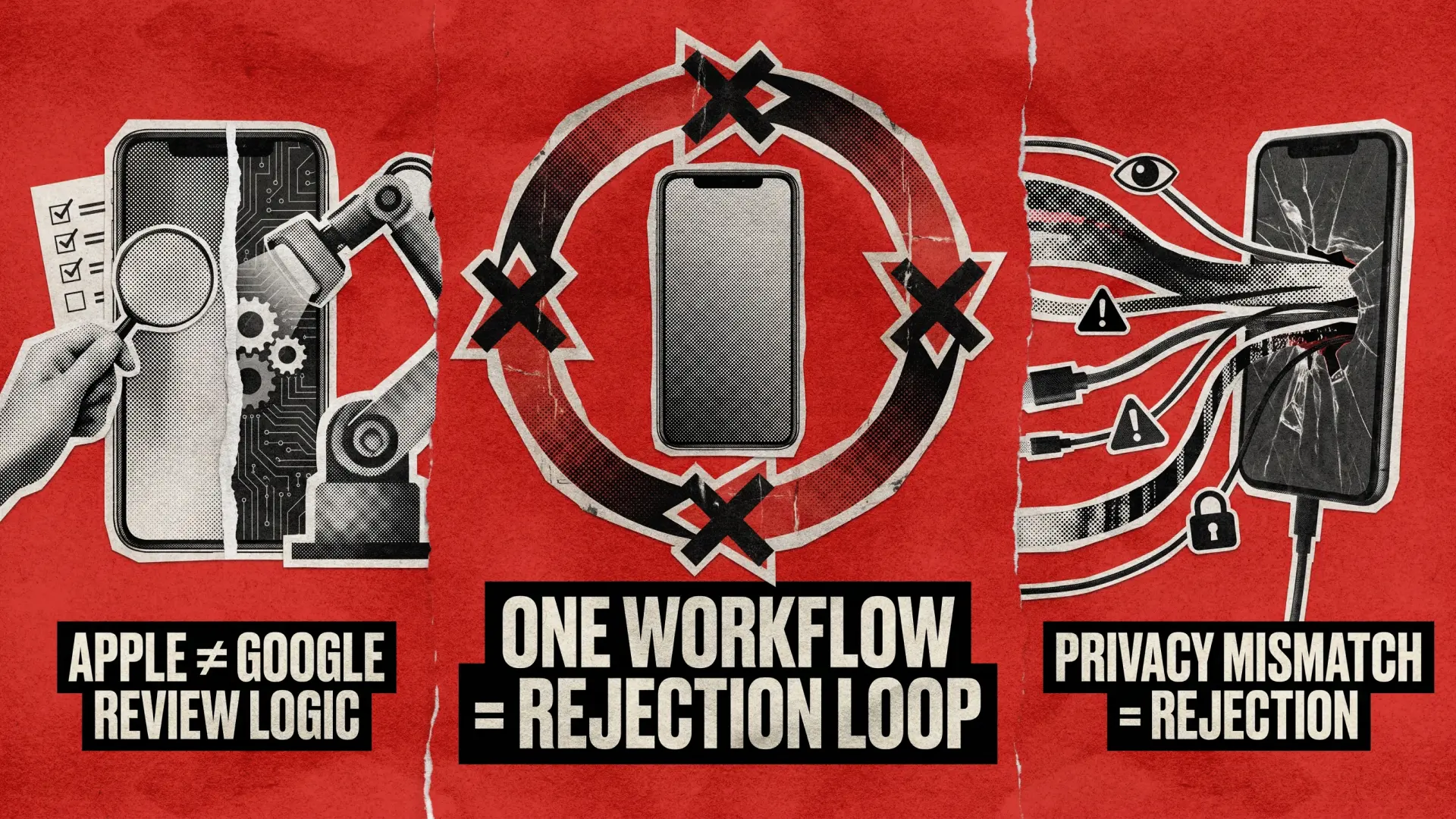
Shipping your app to both Apple and Google stores sounds straightforward until your app sails through one review and gets bounced by the other for a rule you didn’t know existed. Such things happen constantly, not because your team wasn’t careful, but because Apple and Google operate with fundamentally different philosophies, and treating them as two flavors of the same process is where the trouble starts.
This article won’t be a policy summary but a practitioner guide for engineering and QA teams already in need of mobile application testing. Today, our expert engineers will explain exactly where the two stores diverge in ways that actually cause rejections.
How Do Apple App Store and Google Play Review Processes Actually Differ?
Before getting into specifics, you need to understand that the two platforms use different review mechanisms. Here’s how this works:
- Apple: Hybrid Model (human reviewers backed by automated screening)
Every submission goes through manual review. In 2024, Apple reviewed 7.77 million app submissions and rejected 1.93 million of them. Performance, legal, design, business, and safety are the top rejection categories in that order. With a human in the loop, nuance matters: unclear intent, ambiguous features, or missing context in your App Review Notes can hold up a submission even when the code is clean. - Google: Automated Enforcement
The primary difference in Google’s approach is the use of machine learning (ML) and AI to automate the review process. While this yields faster approval times, it also gives less human oversight. That’s a double-edged situation because you’ll get faster feedback, but automated systems apply rules literally. An estimated 20% rise in false rejections occurred during 2025 as AI systems struggled to contextualize innovative features or interpret evolving policies, such as Android 15 API requirements.
In practice, this means that Apple rejections are more often about context and presentation. Google rejections are more about hard technical signals that ML algorithms detect. Knowing which kind of problem you’re dealing with shapes how you fix it.
Apple App Guidelines vs Google Play Policy: Privacy Requirements Side-by-Side
This is the area where cross-platform teams consistently underestimate the complexity. Both stores require privacy disclosures, and both will reject you if you get them wrong. However, the mechanics, enforcement triggers, and documentation formats are entirely different.
What Apple App Guidelines Require for Privacy Compliance
Apple’s privacy model is built around control and active consent. Since iOS 14.5, apps must receive user permission through the App Tracking Transparency (ATT) framework before tracking users across apps and websites owned by other companies. Tracking includes displaying targeted ads based on data from other companies’ apps, sharing device location with data brokers, or passing advertising IDs to third-party ad networks.
The ATT prompt itself cannot be customized, but you can control what you say before it appears. Pre-prompt screens that explain the value of consent in plain language measurably improve opt-in rates, which matters because the average ATT opt-in rate sits around 35%, meaning most iPhone users are actively blocking third-party tracking.
Beyond ATT, Apple requires Privacy Nutrition Labels in App Store Connect. These are public-facing disclosures that must match what your app actually does. App Store Review actively screens submissions for the completeness and accuracy of the Privacy Manifest. Inconsistencies between declared practices and actual app behavior result in immediate rejection.
And if your app includes AI features, it’s under even more scrutiny. Under the revised guideline 5.1.2 introduced in November 2025, if your app shares any personal data with third parties, including third-party AI systems, you must explicitly disclose this and obtain clear user permission before the data is transmitted.
What Google Play Policy Requires for Privacy Compliance
Google’s approach is structured around the Data Safety section in the Play Store listing. It’s a developer-completed disclosure form that covers what data is collected, how it’s used, and whether it’s shared. The critical catch: Google cross-references these declarations against the app’s actual permissions and SDK (software development kit) behavior. Apps where the data collected by SDKs doesn’t match what’s disclosed get flagged for review, and developers must now submit SDK attestations confirming how data is handled, including for analytics and ad SDKs.
This is one of the most common silent killers in Google Play submissions. A third-party analytics SDK you added six months ago might be collecting data your form doesn’t declare. Google finds the mismatch. Your app gets suspended, not rejected, which means it’s live until Google acts, and then it disappears without warning.
iOS vs Android App Submission: Privacy Requirements Compared
Take a quick look at a comparison between the Apple app guidelines and Google Play policy below. The practical implication is that you cannot write one privacy disclosure and copy-paste it across platforms. Apple’s labels and Google’s Data Safety form ask different questions in different formats. If you’re completing them from the same source document without adapting each to its format, you’re risking mismatches on both sides.
Consent framework
ATT (mandatory prompt for cross-app tracking)
Permission-based, no system-level prompt equivalent
Disclosure format
Privacy Nutrition Labels in App Store Connect
Data Safety form in Play Console
SDK scrutiny
Privacy Manifest must declare all API usage
SDK attestations required; Play cross-checks declared vs actual behavior
AI data disclosure
Guideline 5.1.2 mandates explicit disclosure + consent (as of November 2025)
AI transparency required; GenAI apps need reporting and flagging features
Advertising ID
IDFA gated behind ATT prompt
AAID accessible without system prompt; Privacy Sandbox APIs largely deprecated in October 2025
What App Development Requirements Trigger Rejections on Each Platform?
Let’s dive deeper into Google Play and App Store rejections. QAwerk’s experts share the main issues with app development requirements they encountered in practice to help you understand possible causes of rejection and how to prevent this outcome.
Apple App Guidelines Violations That Kill Submissions
When dealing with stringent Apple App Store requirements, the most common issues occur with:
- App Completeness (Guideline 2.1).
Over 40% of unresolved rejection issues stemmed from App Completeness problems, including crashes and placeholder content. This is a known reviewer workflow issue. If the reviewer hits a crash, a placeholder screen, or a feature that requires credentials you didn’t provide in the App Review Notes, the review stops. You get rejected, they move on. - In-App Purchase Compliance.
If your app unlocks any digital content or features, Apple expects it to go through IAP. Reviewers check this fast, so having a “Restore Purchases” button in a discoverable location isn’t optional but mandatory for the reviewer to complete their test flow. - UI/HIG violations. Apple reviewers compare your app’s design against the Human Interface Guidelines. Non-standard UI patterns, buttons that don’t behave like iOS buttons, or navigation that contradicts system conventions can trigger a design rejection. Design issues accounted for 42,252 app removals from the App Store in 2024 alone.
- Account Deletion.
If your app supports account creation, users must be able to initiate deletion from within the app, not just by emailing support. This has been a requirement since 2022, and it still catches teams that built the account flow years ago and never revisited it. - Missing Context in App Review Notes.
Human reviewers don’t spend time guessing. If your app has region-locked content, hardware requirements, or gated features that need demo credentials, and you didn’t put that in the notes, they’ll reject it as incomplete.
Google Play Policy Violations That Cause Automatic Rejection
When submitting your app to the Google Play Store, you need to ensure it’s technically aligned with the policy to the letter. In the majority of cases, rejections from that platform are due to:
- API Level Targeting.
Following Google’s 2025 Play Store policy update, apps built with older SDKs or targeting outdated API levels are automatically rejected. The new AI-driven enforcement system scans code for deprecated libraries or permissions. As of August 2024, new apps must target at least Android 14 (API level 34). This verification is completely automated, so you can’t rely on a human reviewing intent. - Permissions Misuse.
Google has repeatedly flagged permissions and data safety as the top reasons for rejections. Unnecessary permissions and unclear disclosures increase the likelihood of review delays and enforcement. Requesting SMS or call log permissions requires a clear and verifiable use case, as rejection is near-absolute without it. - Metadata and Store Listing Accuracy.
Google’s AI cross-checks your app description, screenshots, and declared features against what the app actually does at runtime. Descriptions that claim features the app doesn’t have, or screenshots that don’t reflect the current UI, generate flags. - Content Rating Questionnaire.
Answering it inaccurately, or failing to update it when your app adds new content types, can lead to post-launch removal. New CSAE requirements, effective January 2026, mandate explicit content policies and in-app reporting mechanisms to protect child safety.
Cross-Platform App Compliance Mistakes Teams Make Every Release Cycle
Here’s where teams shipping to both stores consistently get into trouble: not because they don’t know the rules, but because they treat the submission as a single workflow instead of two.
- One Metadata for Two Stores. App Store Connect allows titles up to 30 characters, and so does Google Play. However, the descriptions, keywords, and short descriptions have different character limits, different indexing logic, and different optimization rules. Copying the same text across both stores wastes real estate.
- Syncing the Privacy Review Cycle. Apple requires the Privacy Manifest to be submitted with the binary. Meanwhile, Google’s Data Safety form can be updated separately from the app binary. Teams that handle both on the same schedule miss Google’s window to update disclosures proactively when SDKs change, before Google’s automated cross-check triggers a flag.
- Not Accounting for the Appeals Process Asymmetry. Apple’s appeal process involves stricter review procedures through the App Review Board. Google’s process is less formal, allowing contact with the support team to understand rejections before making changes. For Apple, a well-written appeal with specific guideline citations and a documented fix can reverse a rejection in 24-48 hours. For Google, the faster path is usually to fix the technical issue and resubmit rather than wait in the support queue.
- Assuming the Same Build Ships to Both. React Native or Flutter teams sometimes operate under the assumption that a single codebase means a single set of compliance concerns. However, ATT implementation on iOS, the Data Safety form on Android, and the different permission request patterns on each OS mean your compatibility testing process needs to treat iOS and Android as separate compliance targets, not just different rendering targets.
- Ignoring Update Review Differences. Apple applies the same review criteria to updates as it does to new app submissions. Google is more relaxed and allows developers to release updates without the same level of scrutiny. This means a feature you shipped quietly in an Android update might require a full re-review on iOS if it touches permissions, payment flows, or content categories.
iOS vs Android App Submission Checklist: What to Verify Before Every Build
Run through this simple checklist before every submission to both stores. Remember, it’s not ‘before launch’ but ‘before submission’.
For Apple:
- Do a clean reviewer run: install on a fresh device, complete the full primary user path, attempt to restore purchases, find the privacy policy, and initiate account deletion.
- Confirm Privacy Nutrition Labels match what your app’s binaries actually do, not what you intended them to do.
- Include demo credentials and a clear navigation path in App Review Notes for any gated features.
- Check ATT implementation: the prompt fires after the user experiences app value, not on first launch.
- Verify all third-party SDKs are declared in your Privacy Manifest.
- Confirm your app supports the minimum iOS version you declared, on real devices, not just simulators.
For Google Play:
- Verify your app targets at least API level 34.
- Cross-check every SDK in your build against your Data Safety form declarations.
- Review all permissions and document why each one is necessary in your store listing.
- Complete or update the content rating questionnaire if you’ve added any new content types.
- Submit your .aab file (not an APK) for new apps.
- Check that your store listing title is 30 characters or fewer and your short description is under 80 characters.
The mobile application testing phase is the right time to catch these, not after the rejection email lands. Also, don’t forget to review the mobile app accessibility checklist to minimize the risk of rejection.
How Are Apple and Google Tightening App Development Requirements in 2025?
Both stores are moving in the same direction, meaning they are seeking greater disclosure, stronger enforcement, and more automation. However, the gap between them on how they get there remains significant.
Apple is using review as a privacy enforcement mechanism. Failing to accurately declare data flows means that a human reviewer will find it. Google is using runtime behavior analysis and SDK cross-checking as enforcement. Therefore, if you declare something in your form that doesn’t match what your integrated SDKs actually do and the automated system will surface it, sometimes after your app is already live.
This means security testing and privacy compliance verification need to happen at the same time as functional testing, not in a separate compliance checklist that comes in after the build is signed. The cost of a post-launch removal on Google Play or a rejection loop on Apple is always higher than catching the gap in regression testing before submission.
Useful reference points worth bookmarking are the official Apple App Store Review Guidelines and Google Developer Program Policies, which are the primary sources of truth. However, keep in mind that both are updated multiple times per year. If you’re not tracking policy changes the way you track platform changelog updates, you’re going to keep getting surprised.
Struggling with Cross-Platform App Compliance? Here’s How We Help
If your cross-platform team is consistently hitting rejection walls, the most common root cause isn’t coding quality. It’s a QA process that wasn’t designed to account for store-specific compliance. Mobile application testing at QAwerk includes pre-submission compliance review for both iOS and Android, covering privacy manifest validation, permissions auditing, and store listing accuracy checks.
Teams shipping to both stores regularly also benefit from a dedicated QA team that runs parallel review tracks, one calibrated for App Store submission criteria and one for Google Play, instead of applying a single checklist to both. If that’s what you need, contact us and let’s ensure your app is accepted on any platform.
Check out how we helped BeFamily launch an app that was a rousing success from day one!