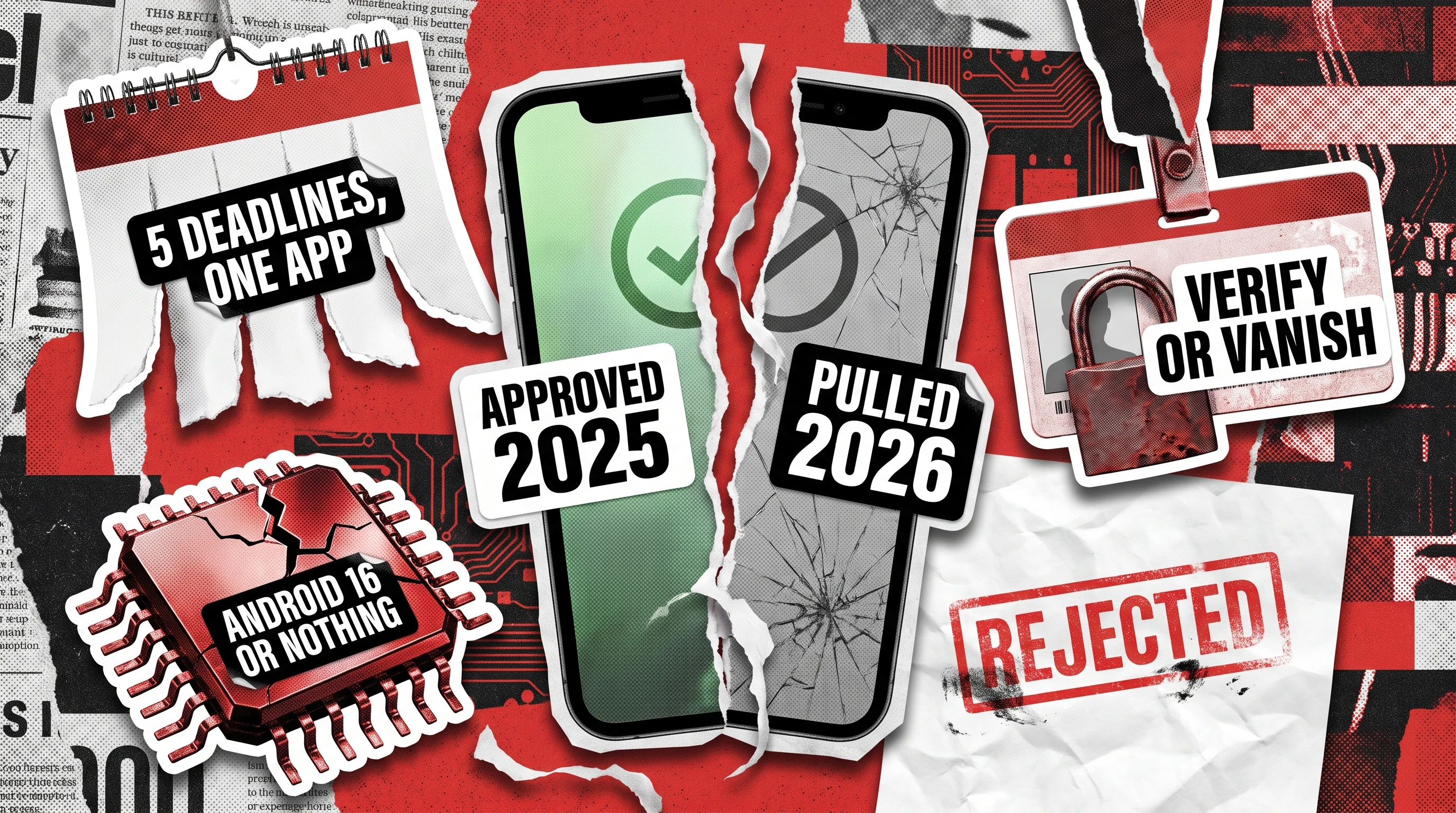
Google prevented over 1.75 million policy-violating apps from publishing on Play during 2025 and banned more than 80,000 developer accounts that tried, per Google’s 2025 ecosystem safety review. Every app that does go live clears more than 10,000 safety checks. What’s different in 2026 is the shape of that enforcement: five dated policy waves rolling out between April and September, three already enforced and two still ahead, including a hard verification deadline on September 30.
A Google Play app rejected in 2026 can mean one of three different things, and reading the label wrong costs weeks. Below: each notice decoded, the wave enforcing it, the two lanes that catch it, and when appealing beats rebuilding. Apple runs its own, differently timed set of App Store rejection reasons, since the two review processes rarely fail for the same cause.
Rejection vs Suspension: Why the Distinction Decides Your Fix
Google uses three enforcement labels with very different costs. A rejection blocks the version you submitted while your last published one stays live with its installs and ratings; a removal pulls the listing until you ship a compliant update, with users and reviews retained.
A Google Play app suspended after an enforcement action is the expensive one: per Google’s own Play Console Help, you forfeit its users, statistics and ratings, applied for egregious or repeated violations including a run of rejections and removals. The label sets your appeal path, your patch-or-rebuild decision, and your exposure across every app on the account.
Google applies this ladder more mechanically than Apple does. One shared checklist will not satisfy both stores, as Apple App Store guidelines vs Google Play policy sets out.
The 2026 Enforcement Calendar: Every Date That Can Get a Google Play App Rejected
Five dated waves landed between April and September 2026, each with its own compliance clock. Read them in order, because later waves enforce earlier announcements against builds already in review.
April 15, 2026: Contacts, Location and Ownership
The Google Play policy update of April 2026, detailed in Google’s own Play Console announcement, added two policies and revised several more, with deadlines as short as 30 days. Apps that do not need the full contact list must move to the Android Contact Picker, and those that genuinely need broad access file a Play Developer Declaration. Precise location gained the location button as its minimum recommended scope, and geofencing lost approved foreground service status, so geofence logic must migrate to the Geofence API, per the Android Developers Blog.
Two administrative items shipped alongside. Account transfers now require Play Console’s Transfer ownership workflow, and news and magazine apps had until May 27, 2026 to self-declare.
May 15, 2026: The April Rules Start Biting
Thirty days on, the April changes became enforceable, and queued builds were re-evaluated against the new rules rather than the ones in force when submitted. That is how a clean build shipped in early April collects a permissions rejection in late May with no code change.
July 15, 2026: Call Logs, Registration and Minors
The July wave, per Google’s Play Console announcement, removed phone-call verification as a permitted use of READ_CALL_LOG, naming the Digital Credentials API and SMS Retriever API as replacements, with a January 27, 2027 deadline to retire the old flow. It also made Play Console registration mandatory for every distributed app, including apps shipped outside Play on certified devices, with global removal as the penalty.
Anonymous and random chat apps picked up child-safety rules barring them from targeting minors, the same surfaces covered by the state laws in our Google Play age verification 2026 guide. Earned Wage Access apps were pulled up to the bar set for other financial services, and the user-data policy now explicitly covers third-party AI integrations.
August 31, 2026: Android 16 or No New Releases
Starting August 31, 2026, new apps and updates must target Android 16, API level 36, under Google’s target API level requirements, with narrower floors for Wear OS, Android TV, Automotive and XR. Extensions run to November 1, 2026 on request.
Once that date passes, the effect on a live app is quieter than a rejection and lasts longer. It keeps its listing and current users, stops reaching new users on newer devices, and cannot ship an update until the target is raised.
September 30, 2026: Developer Verification Goes Live
This is the first rejection reason on the calendar that has nothing to do with your app. Google’s own Android developer verification announcement sets enforcement to begin September 30, 2026, in Brazil, Indonesia, Singapore and Thailand, across Google Play plus six partner stores including Galaxy Store, GetApps, OPPO App Market and Palm Store. From that date, only apps registered to a verified developer will install or update on certified devices there.
Google reports 99% of Play apps were already registered automatically ahead of the deadline, so the exposure sits with the remaining 1% and anything shipped outside Play. Its developer verification hub confirms the requirement expands globally from 2027.
Decoded: What Google’s Rejection Messages Actually Mean
Play Console notices are policy labels, and the label rarely names the line of code or form field behind it. The Google Play Deceptive Behavior policy is the clearest case, covering misleading titles, icons and screenshots, impersonation of other apps, and metadata promising functionality the build does not deliver, exactly as Google’s own Deceptive Behavior policy defines it.
The table maps the six most common notices to their trigger, the wave enforcing them, and the check that catches each. Read the last column as the work item.
Violation of Deceptive Behavior policy
Listing, icon, title or screenshots promise behavior the build does not deliver, or imitate another app.
Standing policy, tightened in the April and July waves
Metadata contradicting runtime behavior; impersonated icons and names
Walk the listing against the release build, claim by claim
Broken Functionality
A reviewer opened the app and hit a wall.
Standing policy, plus the August 31 API 36 floor
Crash on launch, ANR on cold start, dead privacy policy URL, gated content with no test credentials
Cold-start and crash regression on a real device matrix; link checks per locale
Impermissible SDK activity
A third-party SDK moves data your declarations never mentioned.
July 15 user-data clarification, now covering AI integrations
Network calls and permissions exceeding the Data Safety form
Capture release-build SDK traffic; diff against declared flows
Registration required
The app is not registered under developer verification.
July 15 registration mandate, September 30 enforcement
Package name registered to a verified developer, matching signing key
Confirm Play Console registration before the build is cut
Policy Violation: Permissions
Contacts, location or foreground service scope exceeds the April rules.
April 15 wave, enforceable from mid-May
READ_CONTACTS without a declaration, precise location without a location button, geofencing as a foreground service
Permission-by-permission scope review against declared use cases
Account suspended: prior violations
An action on another app under the same developer account reached this one.
Any wave, applied at account level
Repeat violations, removals and rejections across the account
Account-wide policy review, not one submission
Impermissible SDK activity is the hardest row to self-diagnose, since it flags behavior in code you did not write. An ad SDK that widens its collection in a minor version bump becomes your problem at review time, and catching it sits closer to penetration testing services than functional QA.
Retroactive Suspension: The Rescan Pattern Nobody Warns You About
Policy waves also license a re-scan of the live catalog, and Google’s 2025 safety review reports more than 10,000 safety checks per published app with continuous monitoring afterward. Passing review in 2025 describes a moment rather than a permanent state.
The 2026 calendar makes that concrete three times over. Apps missing the May 27 news self-declaration were removed rather than blocked at submission, apps skipping Play Console registration face global removal, and apps below the August 31 API floor keep the listing while losing new users. All three had been live and compliant under the previous rulebook.
Five categories carry the most exposure into late 2026: personal loan apps, chat-with-strangers apps, free apps monetized through third-party ad SDKs, apps still targeting API 34, and health or finance apps whose Data Safety form has not been reopened since the last audit. Any of these can surface a Google Play policy violation against a build nobody shipped in a year.
Two Lanes of Rejection Prevention
Roughly half of what gets flagged in 2026 lives in the build and half lives in the paperwork, caught by different disciplines reading different artifacts. Treating them as one task is why a team fixes the crash, resubmits, and gets flagged again for a declaration nobody revisited.
Run both lanes before any release touching permissions, SDKs or data flows. The graphic shows which lane owns what.

Pre-Submission Testing
This lane catches what a reviewer trips over by opening the app. Five triggers recur across 2026 submissions:
- An ANR on cold start that reproduces only on a cold cache, the exact state a reviewer’s device is in.
- Crashes on lower-tier devices the team does not own, covering most of the mid-range install base.
- Locale builds where the privacy policy URL resolves in English and 404s elsewhere.
- Foreground service misclassification, including geofence logic left running as one.
- Gated content behind a login with no working reviewer credentials.
None of these shows up in staging on a developer’s own handset. They need a real device matrix, a cold-start regression pass and link integrity per locale, the routine shape of Android app testing services; our Google Play review checklist covers the ground floor underneath.
Declarations Audit
This lane catches mismatches between what you declared and what the app does at runtime. Five drive most 2026 notices:
- Data Safety form drift, where the form still describes last year’s SDK set.
- A missing account-deletion web endpoint, which reviewers check outside the app.
- Undeclared AI or third-party data flows, in scope since the July clarification.
- Contacts scope wider than the Contact Picker allows without a Developer Declaration.
- A missed news, magazine or category-specific self-declaration.
The audit is a document-to-behavior diff: capture the network calls and permissions a release build makes, then walk each back to a line in the Data Safety form. That mapping is the core of software compliance testing services, the half functional coverage never surfaces.
Appeal or Rebuild Decision Tree
Google’s own Play Console Help confirms it allows one appeal per enforcement action, so the first submission carries the whole argument. That single shot makes this call worth ten honest minutes before anyone opens the console.
Appeal when the notice is factually wrong about the build, when the trigger is an SDK issue you can patch the same week, when the problem lives in metadata, or when it is a first strike on a clean account. Rebuild when the notice cites a category-level policy such as personal loans, anonymous chat or Earned Wage Access, when a prior appeal on that policy failed, or when the flagged behavior is the product itself.
A working appeal carries four things: the exact policy citation, the change you made, the signed build version containing it, and a two-line summary. Keep account-level risk in view, since an escalating strike reaches every other app on the account.
How to Get Ahead of the Next Wave
Google’s cadence is predictable enough to plan against: announcements land quarterly, each carries a 30-day floor before enforcement, and the target API deadline falls at the end of August every year. Four habits keep a release calendar clear of it:
- Calendar every announcement the day it publishes, with a named owner. A date without an owner goes unchecked.
- Re-run the declarations audit quarterly rather than at submission, monthly if you bump SDKs continuously.
- Treat the policy page for every permission you request as a release-blocking item in your definition of done.
- Diff your SDK manifest between releases, since most drift arrives via a dependency bump nobody read.
Teams shipping one product on iOS and Android get more from running both lanes under a single team than from two vendors comparing notes, which is how mobile application testing services engagements are structured here. The calendar is public; the variable is who owns it.
The Takeaway
Rejections in 2026 come from two mechanisms working together: a moving calendar of dated policy waves, and a re-scan applying each new wave to apps already live. Prevention lives in two disciplines, so a team running functional QA alone keeps clearing the crash and missing the declaration.
Read your notice as a pointer to a wave and a lane, and put a date and an owner on every announcement Google publishes. If you would rather have both lanes run by a team that does this on Android weekly, contact us and we will start with the notice you already have.
FAQ
These questions arrive once a notice is already sitting in Play Console. Each answer sticks to what Google states publicly.
Why is my Google Play app being rejected in 2026 when it passed last year?
Because the rulebook moved and review re-applies it. Five dated waves landed between April and September 2026, covering contacts and location scope, foreground service geofencing, call log permissions, mandatory app registration and the Android 16 target API floor. Review judges your submission against the rules in force the day it is reviewed, so a 2025 approval carries no forward guarantee.
What does “Violation of Deceptive Behavior policy” mean and how do I fix it?
It means a reviewer found a gap between what your store listing promises and what the app does, or elements that imitate another app or brand. Common triggers are an icon or title close to a better-known app, screenshots of a feature that is unreleased or paywalled, and a description claiming functionality the build does not contain. The fix is a listing-to-build walkthrough: open the listing and the release build side by side, confirm every claim and image is true of the code you are submitting, then resubmit.
What happens after September 30, 2026 if I’m not a verified developer?
In Brazil, Indonesia, Singapore and Thailand, apps not registered to a verified developer cannot be installed or updated on certified Android devices, across Google Play and the six partner stores. Google reports roughly 99% of Play apps were registered automatically, so most Play-only publishers are covered. The exposure sits with apps distributed outside Play and accounts that never registered. Verification expands globally from 2027.
How long does a Google Play appeal take in 2026?
Google publishes no committed turnaround for policy appeals, so any figure quoted elsewhere is an estimate rather than a service level. Google does state you get one appeal per enforcement action, and that an app is reinstated if review finds no violation. Plan as though the answer arrives after your next ship date, and fix the underlying trigger in parallel.
What’s the difference between a Google Play rejection and a suspension?
A rejection blocks the submitted version while your previously published version stays live with its installs and ratings intact. A removal takes the app off the store until you submit a compliant update, with users and reviews retained. A suspension takes the app down and forfeits its users, statistics and ratings, applied for egregious or repeated violations. The label sets your appeal path and decides whether you patch or rebuild.
See how we helped ChitChat clear 200+ bugs across 24 real devices before its first store release