
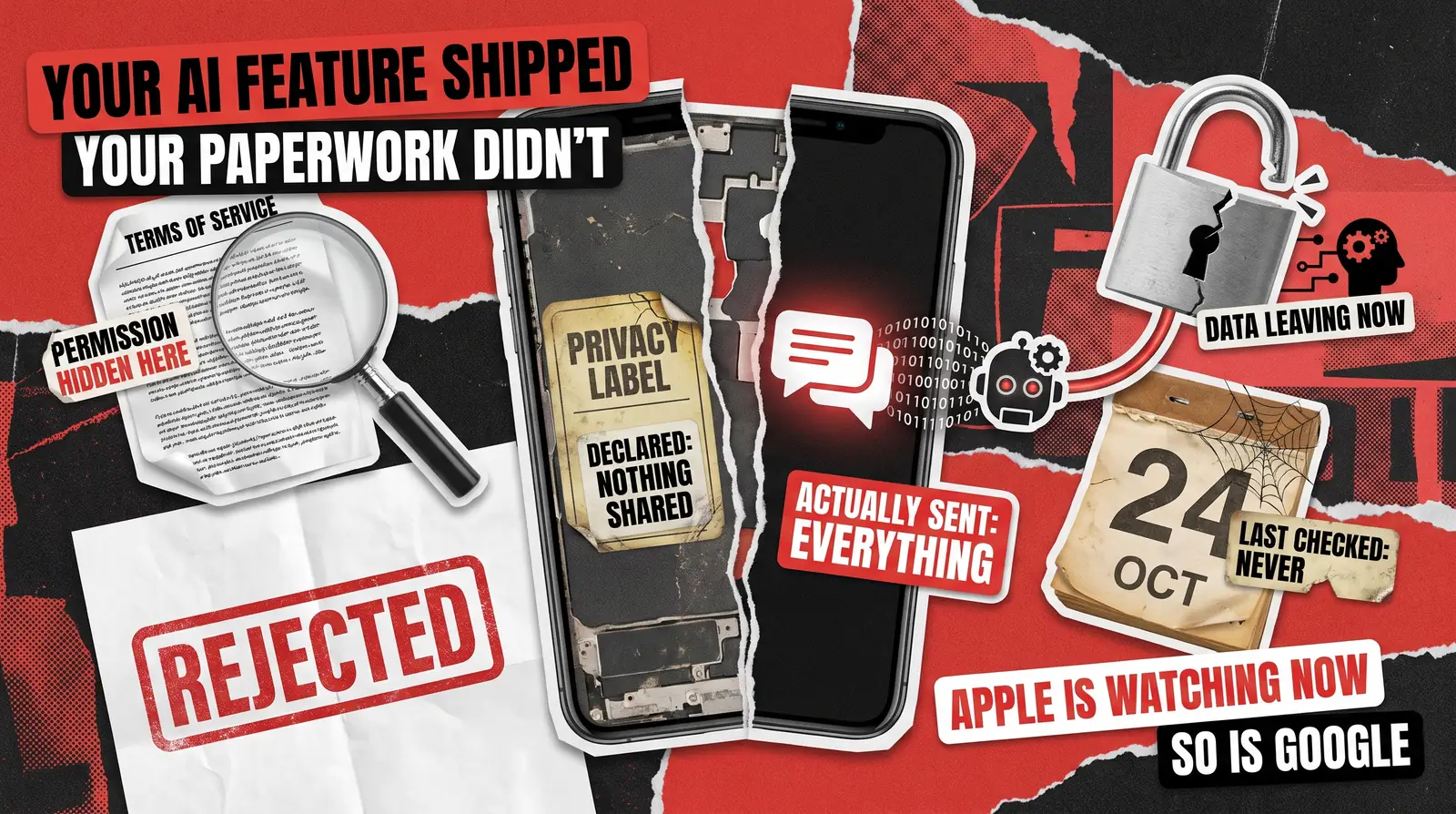
Somewhere in the last eighteen months, your team probably added an AI feature to an app that was already live. Maybe it was a chatbot, a summarizer, or a recommendation layer built on someone else’s model. It shipped, the release notes went out, and nobody has opened the privacy declarations since.
Apple’s App Store AI data sharing guidelines require every app to clearly disclose when personal data reaches a third-party AI system. That guideline, 5.1.2(i), was revised in November 2025, and users must give explicit permission before that data moves. Google added a matching obligation for Android in July 2026.
Confirming what your app shares is an App Store compliance testing question, not a legal one. Here is what changed, who it affects, and how to check your app against it.
This applies to you if your app already shipped before the AI feature arrived. A chatbot bolted onto a support flow, a summarizer in a document tool, a recommendation layer trained by an outside firm, all count. Your team may have built the integration, or a contractor added a vendor software development kit (SDK) last quarter. Either way, the real test is whether personal data leaves the device and reaches a model your company does not own.
What the Apple App Store AI Data Sharing Guidelines Require
Guideline 5.1.2(i) reads plainly. Developers must disclose where personal data will be shared with third parties, including third-party AI, and obtain explicit permission before doing so. That sentence creates two separate obligations.
- Disclosure. Telling the user, in the app itself, that their input or activity is going to an outside AI system.
- Consent. Getting an affirmative yes before that data leaves, not burying the fact in a privacy policy nobody reads.
A single line in your terms of service does not satisfy this rule. Apple wants a contextual prompt the user sees at the moment their data would move, and the guideline took effect immediately.
Do I need to disclose AI in my app to Apple? Yes. If personal data reaches a third-party AI system, Apple’s App Store guidelines on AI require a clear, in-app disclosure. Users must also give an explicit opt-in before that data moves, not just see a quiet update to your policy page.
What Counts as Third-Party AI
This is where most teams misjudge their exposure. The rule applies whenever user content leaves your app and reaches a model you do not run yourself. That includes a chat assistant, a document summarizer, a transcription tool, an image generator, and a support triage bot. A vendor-trained recommendation engine counts too. It also covers AI sitting behind an SDK your team integrated rather than built. Plenty of engineering leads can describe what their app’s own code does with user data. However, far fewer can say the same about the vendor library three layers underneath it. If a feature calls out to a model your company does not own, guideline 5.1.2(i) applies, no matter how small it seems.
What counts as third-party AI under Apple’s guidelines? Any model or service outside your organization that receives user data from your app counts. That includes a chatbot your users interact with directly, and a small classification API buried in a third-party SDK you added for one feature.
The Obligation Most Teams Miss: Age Rating
The AI data sharing rules are not the only paperwork Apple wants updated. Since July 24, 2025, Apple has reminded developers to account for AI assistants and chatbot functionality when determining an app’s content rating. That capability can change how often sensitive material appears to a user. This is a separate declaration from the privacy disclosure, filed in a different part of App Store Connect. It ties to the age rating questionnaire Apple required every developer to answer by January 31, 2026. A support chatbot that can discuss any topic behaves differently from a scripted FAQ bot. Apple expects that difference to show up in your answers. Android has its own version of this, explained in our Google Play age verification guide that covers what the state-law wave means for your apps.
Does an AI chatbot change my app’s age rating? It can. Apple asks developers to weigh how AI assistants and chatbot features affect the likelihood of sensitive content appearing in the app. That check is separate from the data sharing disclosure, and it is easy to skip if nobody reopens the rating questionnaire after launch.
Three Places the Disclosure Quietly Breaks
None of these gaps require bad intent. They show up because the feature moved faster than the paperwork around it.
- The privacy label predates the feature. It was accurate the day someone filed it, often before the AI integration existed, and nobody has touched it since.
- Consent lives in the terms of service, not at the moment of sharing. The user has to approve the transfer as it happens, not through a document they accepted once at signup. A checkbox from eighteen months ago will not satisfy an in-context requirement.
- The vendor changed and nobody re-checked. Model swaps, new subprocessors, and revised retention terms all shift the answer even though your team shipped no new code. Our analysis of hidden risks in AI agents found the same pattern. Failures cluster in the integration layer wrapped around a model, not in its own reasoning.
What Google Now Requires
Apple added a rule, but Google folded AI into a form you already file. On July 15, 2026, Google clarified that Play’s existing User Data policy applies to third-party AI integrations. Developers remain responsible for limited use, disclosure, and consent, even when a separate company provides the AI. The vendor can only use that data for the purpose you disclosed. It cannot train its own models or target ads with it unless you collect separate consent.
Your Data Safety declaration now has to name any AI vendor that receives user content and explain why. It also has to match what happens at runtime, including retention periods and whether deletion works on request. Most teams filled that form in once, at launch, and never revisited it after adding a new AI provider or swapping models. The failure looks different on each platform. iOS fails through a missing disclosure. Android fails through a declaration that has quietly gone stale.
Disclosure
In-app, contextual, at the point data is shared
Declared in the Data Safety form
Consent
Explicit permission before data moves
Consent tied to limited use and disclosed purpose
Age rating
Separate questionnaire; AI/chatbot function affects rating
Handled through content rating and target-audience declarations
Enforcement
App Review rejection or removal under 5.1.2(i)
Data Safety mismatch flags, listing removal, developer account action
For the fuller picture of where the two stores diverge, see our breakdown of Apple App Store guidelines versus Google Play policy. If your app runs on Android, Google Play compliance testing checks whether the Data Safety form still matches real behavior.
Why Nobody Can Quote You a Number for This
Neither store fines you for an AI data sharing violation. They reject the submission instead, which means the cost lands as lost time. Nobody can quote you a figure for that in advance, because it depends too much on your own setup. Separate privacy regulators are a different question, outside what this article covers.
What is predictable is the sequence. An engineer traces what the AI feature sends. Product designs a consent prompt, legal signs off on the wording, and the change needs another submission. Each step waits on the one before it.
Three things decide how long that takes for you:
- Whether anyone still on the team can explain what the AI integration sends, or someone has to reverse-engineer it first.
- How many AI features and vendors are in scope, since each one needs its own disclosure and consent moment.
- Whether a launch date, a campaign, or a customer commitment is already attached to the release you cannot ship.
A team with one AI feature and the original engineer still on staff might be done in days. Four of them, added by three departed contractors, is a different order of magnitude. That is the honest range. Anyone who quotes you a single number for this has not looked at your app.
Enforcement itself is not theoretical. In 2025, Google stopped over 255,000 apps from gaining excessive access to sensitive user data and banned more than 80,000 developer accounts. Our App Store rejection reasons guide walks through how often privacy and data issues appear in Apple’s own review statistics.
Ready to find out where your declarations and your app’s real behavior diverge before Apple or Google do? Talk to our compliance testing team about a pre-submission review.
How to Verify Instead of Assume
Reading the policy tells you what is required. However, it cannot show you what your app is doing, and that gap is a testing problem, not a documentation exercise. Closing it has nothing to do with legal review or a rewritten privacy policy. You watch the app run, then compare that behavior against what you already declared. Three checks do most of the work.
- Watch what data actually leaves the device while the AI feature runs, and compare that traffic against what your privacy label declares.
- Check the moment consent is requested, not just the document it lives in, to confirm the prompt appears before data moves, not after.
- Treat every AI vendor swap or model upgrade as a trigger to re-check disclosures, since your compliance posture changes even without new code.
That first check means routing the app’s traffic through an interception tool such as Charles Proxy. You then watch every request the AI feature makes in real time. A mismatch shows up fast. One summarizer might also ping an analytics endpoint. Another chatbot might forward a full conversation history when your label only mentions the current message.
Our AI testing services handle this kind of verification. Most QA vendors stop at web and mobile, so an AI data flow falls outside their coverage entirely. We trace what a chatbot, summarizer, or recommendation feature sends to its underlying model. The output is a plain list of what leaves the app, set beside your privacy label for comparison. You learn which disclosure needs updating and which one already holds. If the feature is still in development, our LLM testing checklist covers the pre-launch validation work that comes before compliance.
When You Can Handle This In-House
Not every team needs outside help for this. If your app makes one call to one AI vendor, an afternoon of traffic inspection will answer the question. That holds especially when the engineer who wrote the integration still works there. Bring in a QA partner when the picture is murkier. Think several features added by different people, or a third-party SDK nobody on staff has read. A deadline you cannot afford to miss twice counts as well.
Most teams fall short of the Apple App Store AI data sharing guidelines not through neglect but through timing. The feature shipped, the rules changed later, and nobody circled back. Get in touch with our team before Apple or Google force the question.
FAQ
Do I need to disclose AI in my app to Apple?
Yes. The Apple App Store AI data sharing guidelines require an in-app disclosure whenever personal data reaches a third-party AI system. Users must also give explicit permission before it moves. That means a prompt they see and tap at the point of sharing. A terms-of-service clause or a buried settings toggle will not satisfy it.
What happens if my privacy label is out of date?
An outdated privacy label puts your app at risk of App Review rejection, or removal later if Apple finds the mismatch. Beyond the platform exposure, you also lose confidence in where user data goes. That becomes a bigger problem the moment a customer, auditor, or journalist asks.
Does the rule apply to an AI feature added after my app was approved?
Yes. Guideline 5.1.2(i) applies to your app’s current state, not the version Apple originally reviewed. Adding a chatbot, summarizer, or AI-powered recommendation feature after launch changes nothing. It triggers the same disclosure and consent obligations that a first-time submission would face, even without a new App Store review.
Does Google have the same requirement as Apple?
The intent is similar, but the mechanism differs. Google’s July 2026 clarification folds third-party AI into the Data Safety form every Android app already files. It does not create a new standalone rule. The obligations, covering disclosure, limited use, and consent, match Apple’s in substance even though the paperwork looks different.
How do I find out what data my AI feature actually sends?
You need to observe the app’s real network traffic while the AI feature runs. Then compare what you see against your declared privacy label and Data Safety form. This is a testing exercise rather than a legal review. It depends on watching actual behavior, not on reading documentation someone wrote when the feature first shipped.


