Your test suite was supposed to speed up releases, but somehow it became the reason your team now dreads release day. So you’re doomed to rerun failures by hand and brace for whether the next deploy will hold. When tests become the bottleneck, every QA lead eventually asks the same question: is it us or the tool?
More often than not, the fault lies in your selection of functional testing tools. They are geared to confirm that your software does what it promises: a login works, a payment clears, and a saved form retains what people actually typed. The tools also sit at the heart of any serious functional testing effort and protect the experience your customers pay for.
They are an essential part of any product development infrastructure, as Grand View Research reports that functional testing accounted for the largest share of the software testing market in 2025, underscoring how much weight teams place on getting this part right.
The uncomfortable truth is that the functional testing tools you choose can either smooth out your releases or quietly jam them. The 2025 DORA report from Google Cloud found that teams are shipping code faster than ever, yet that speed often comes with more instability and rework when the underlying foundation is shaky. A flaky, slow, hard-to-maintain test suite is responsible for those problems.
This guide is not a thirty-tool feature dump. Instead, we compiled the decision criteria our engineers use on client projects. It’s a list of the tools we reach for daily, with all their strengths and weaknesses explained.
Why the Wrong Functional Testing Tool Slows Down Your Releases
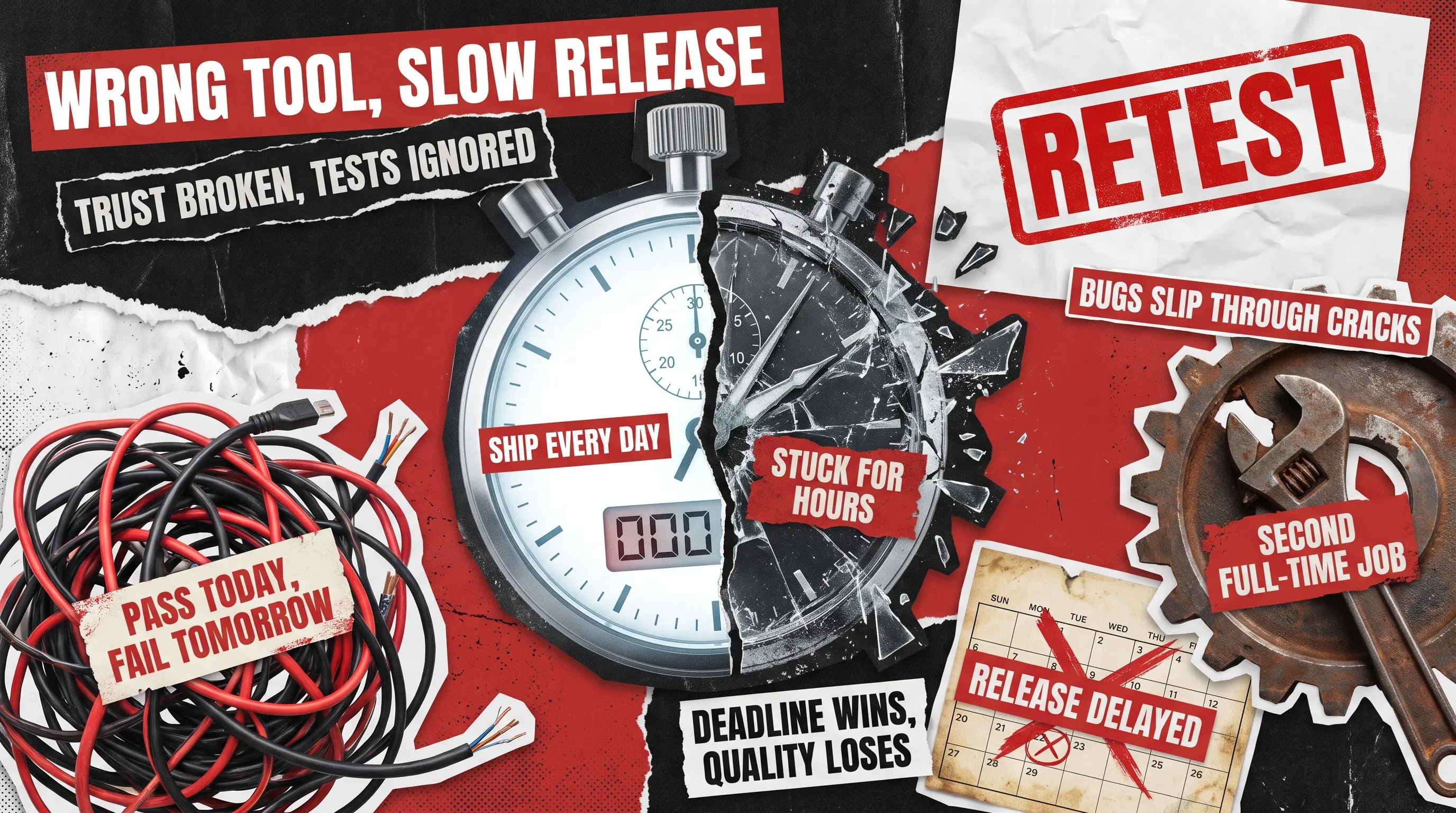
When a functional testing tool doesn’t fit well, the damage rarely shows up on day one. It creeps in, starting with flaky results. For example, tests that fail on Monday and pass on Tuesday with no code change in between. Your team stops trusting the suite, starts rerunning failures by hand, and the safety net you paid for turns into background noise.
Then comes the maintenance tax. Every time the app changes, someone has to rewrite tests that broke for no good reason. Therefore, what was a time-saver becomes a second full-time job that nobody signed up for.
Finally, the test runs slow down, and your suite fails to keep up with a team that wants to ship every day. People skip it to hit deadlines, bugs slip through, and the whole point of automation quietly evaporates.
The DORA research makes the same case at scale. Speed without a stable testing foundation simply ships your problems faster. The lesson for anyone comparing functional testing tools is that the tool has to fit your product, your team, and your release rhythm, not just look impressive in a sales call.
How Do You Choose a Functional Testing Tool?
The short answer is to match the tool to what you are testing, who will maintain it, how fast you need results, and how much upkeep you can afford. The flashiest option is rarely the right one, so look for the tool your team will still trust six months from now.
When we are building an offer for a client, we weigh the following criteria:
- What are you testing, and what is your tech stack? A web app, a mobile app, and a desktop program each pull you toward different tools. A tool that shines on the web can be useless for a native mobile app, so this is where you start.
- Who runs the tests? If your testers write code, an open framework gives you freedom. If your team mixes manual testers and engineers, a low-code tool that lets anyone build tests will carry you further and faster.
- What is your maintenance model? This is the criterion most buyers underestimate. Ask how much work it takes to keep tests alive when the app changes. Some modern tools repair themselves automatically, while older ones expect a human to patch every break.
- What is the necessary execution speed? Can the tool run many tests in parallel so a full pass finishes in minutes rather than overnight? Slow feedback is the quiet killer of release speed.
- How well does it fit with your pipeline? Your tool needs to slot into your continuous integration and continuous delivery (CI/CD) pipeline, the automated process that builds and ships your software, so that tests run on every change without anyone pushing a button.
- What is the true total cost? The license fee is the easy number. However, it’s harder to calculate engineer hours spent maintaining tests. A free tool that eats a week of upkeep every month is not actually free.
We learned to weigh maintenance heavily the hard way, across years of automated testing work for clients. A tool can tick every box on a comparison chart and still drown your team in upkeep. If you want a closer look at when to lean on automation and when people do the job better, we wrote about manual versus automated testing from real project experience.
Functional Testing Tools Compared at a Glance
The table below gives you a fast way to size up the main contenders side by side. Use it to narrow the field to the two or three candidates worth a closer look, then read the full breakdowns underneath for the details that actually decide it. Treat it as a starting map rather than a verdict, because the right pick always depends on your product and your team.
Selenium
Web apps, broad browser and language support
Flaky tests, heavy maintenance
Yes
Playwright
Fast, reliable modern web testing
Younger ecosystem, no native mobile
Yes
Cypress
Front-end teams, easy debugging
Weak cross-browser and multi-tab, no mobile
Yes
Appium
Native and hybrid mobile apps
Complex setup, slower, device flakiness
Yes
Katalon
Mixed manual and engineer teams
Cost climbs with scale, less flexible
Free tier
TestComplete
Desktop and legacy interface testing
Pricey, leans toward Windows
No
Tricentis Tosca
Large enterprises, complex systems
Expensive, heavy to set up
No
AI-native tools (testRigor, Mabl, Testim)
Teams buried in test maintenance
Subscription cost, vendor lock-in
No
The Best Functional Testing Tools and Where Each One Falls Short
Most of these are free to start, and you own the test code, which is why so many teams begin here. They reward teams with engineering muscle and punish teams without it. There are also some commercial options you pay for. They offer a faster start, vendor support, and features you’d spend months building yourself.
Selenium
Selenium has automated web browsers for close to two decades, and it still supports more browsers and programming languages than almost anything else. If your team writes code and needs maximum flexibility, it remains a sensible choice.
The trade-off is that it expects you to handle waits, reporting, and cross-browser quirks yourself. That work grows along with your app, so be prepared. We cataloged the most common headaches in our piece on the challenges of automation testing with Selenium because we encounter them on real projects.
- Widest browser and programming language support of any tool
- Free, open source, and backed by a huge community
- Highly flexible for custom test logic
- Integrates with most pipelines and cloud grids
- Prone to flaky tests from timing and synchronization issues
- High maintenance as the application changes
- No built-in reporting or test runner
- Steep setup and learning curve
Best for: Engineering-heavy teams that want maximum flexibility on web apps and have the people to keep it healthy.
Playwright

Playwright, built by Microsoft, has become our go-to for modern web apps. It waits for elements automatically, which cuts the flakiness that plagues older tools, and it covers Chrome, Firefox, and the engine behind Safari out of the box.
Tests tend to run fast and stay stable, and the trace viewer makes failures easy to replay and debug. It also works across several languages, so most teams can use what they already know.
- Automatic waiting sharply reduces flaky tests
- True cross-browser coverage out of the box
- Fast, with strong parallel execution
- Excellent debugging through the trace viewer
- Supports JavaScript, TypeScript, Python, C#, and Java
- Younger ecosystem with fewer ready-made answers
- Learning curve for teams used to record and playback
- No native mobile app testing
Best for: Teams building modern web apps that want speed and stability without legacy baggage.
Cypress
Cypress wins hearts among front-end teams because it is genuinely pleasant to use. You can watch tests run, debug them right in the browser, and get fast feedback while you build.
Automatic waiting and retries are baked in, and this functional testing tool fits naturally with modern JavaScript front-end frameworks like React, Vue, and Angular. The catch shows up once you need to reach beyond a single browser tab.
- Outstanding developer experience and in-browser debugging
- Fast feedback during active development
- Automatic waiting and retries built in
- Strong fit for modern JavaScript front ends
- Historically weak with multiple tabs and cross-domain flows
- Cross-browser support trails Playwright
- Becomes unwieldy as suites grow very large
- No native mobile testing
Best for: Front-end teams who value fast feedback and easy debugging over broad coverage.
Appium
When you need to test native or hybrid mobile apps on iPhone and Android devices, Appium is the open standard. One tool that reaches both platforms is why mobile teams keep coming back to it.
It uses the same automation protocol as web tools and supports many languages, so the skills transfer. The friction lives in setup and stability rather than capability. We go deeper into the mobile side in our roundup of mobile testing tools.
- One tool for both iOS and Android
- Free and open source
- Works with many languages and frameworks
- Large community and broad device support
- Complex, fiddly setup
- Slower runs than web tools
- Device and emulator flakiness
- Needs real-device infrastructure for dependable results
Best for: Mobile teams testing native or hybrid apps across iOS and Android.
Katalon
Katalon sits atop open functional testing frameworks and wraps them in a friendlier, low-code interface. If your team blends manual testers and engineers, it lets almost anyone build tests without deep coding, which shortens ramp-up time.
It covers web, mobile, application programming interface (API), and desktop testing in one place, with reporting and integrations included. The convenience is real, and so is the bill once you scale.
- Low-code and accessible to manual testers and non-coders
- Covers web, mobile, API, and desktop in one place
- Built-in reporting and integrations
- Fast ramp-up time
- Licensing cost climbs as you scale
- Less flexible for complex, custom scenarios
- Some lock-in to its way of working
Best for: Mixed teams of manual testers and engineers who want to start fast without heavy coding.
TestComplete

TestComplete from SmartBear handles web, mobile, and especially desktop applications, including older interfaces that open-source web tools simply cannot reach. That desktop strength is its real selling point.
It offers both scripted and scriptless test creation and reliable object recognition, backed by vendor support. The value becomes obvious on cross-platform desktop work. When we tested Station, a desktop productivity app with more than 600 integrations, we ran functional checks on Windows, macOS, and Ubuntu to ensure a smooth experience across all platforms.
- Strong desktop and legacy interface testing
- Scripted and scriptless options in one tool
- Reliable object recognition
- Vendor support included
- Paid, with licensing that adds up
- Leans toward Windows
- Heavier than open-source web tools
Best for: Teams testing desktop applications or older interfaces that web-focused tools cannot reach.
Tricentis Tosca
Tosca is a functional testing tool built for large enterprises with sprawling, complex systems, including packaged software such as enterprise resource planning suites. It lets teams create tests without scripting and aims for broad coverage across a tangled landscape.
Its model-based approach produces business-readable tests and supports risk-based prioritization, enabling large organizations to focus their efforts where it matters. All of that power comes with weight and a price tag.
- Scriptless, model-based test creation
- Broad coverage across complex enterprise systems
- Strong for packaged software like ERP suites
- Risk-based prioritization
- Expensive
- Heavy and slow to set up
- Overkill for small teams
- Real cost in training and consultants
Best for: Large enterprises with complex, packaged systems that need broad, business-readable coverage.
AI-Native Tools (testRigor, Mabl, Testim)

The newest category of functional testing tools uses AI to write tests in plain language and automatically repair them when the app changes. For teams drowning in maintenance, the pitch is hard to ignore. These tools let you describe a test in everyday words, then keep that test working even after the interface shifts, which is the self-healing part. When maintenance is your biggest pain point, this can give your team back time.
The trade-off is transparency and ongoing cost, since you depend on a vendor and cannot always see exactly what the automation is doing. We put several of these through their paces in our hands-on review of AI testing tools, and the honest verdict is that they help most when your test design is already sound.
- Plain-language test creation, open to non-coders
- Self-healing cuts maintenance when the interface changes
- Faster authoring than traditional frameworks
- Good fit for fast-changing applications
- Ongoing subscription cost
- Vendor lock-in
- Less transparent and harder to fine-tune
- Still need human judgment for tricky cases
Best for: Teams buried in test maintenance who want less brittle suites and already have sound test design in place.
Choosing a Functional Testing Tool Is Only Half the Battle
The truth most tool comparisons skip is that no single solution will rescue a broken testing strategy. It can only help a good one run faster. The 2025 DORA research landed on the same point, that the biggest gains come from solid foundations and clear workflows rather than from the tools themselves.
We see this on every engagement, for example, when Kazidomi, a sustainable e-commerce platform serving 17 countries, wanted to ship features faster without breaking checkout, the success did not come from a magic tool. It came from a test automation strategy that covered functional, system, user interface, and regression checks, enabling the team to release improvements with confidence, knowing the build was stable. The tool matters, but it’s the strategy around it that matters more.
That is the part we help with. Our team builds the architecture, picks the right mix of tools for your product, and runs the tests so your releases stay quick and your suite stays trustworthy. If your current setup is slowing you down, that is exactly the kind of problem our functional testing team untangles. Contact us today and let’s find out how to make your testing reliable and fast.
FAQ
What is the best functional testing tool?
There is no universal best functional testing tool.
- For modern web apps, Playwright is a strong default
- For mobile, Appium leads
- For mixed teams that include non-coders, a low-code tool such as Katalon works well.
The best tool is the one that fits your product, your team, and your maintenance budget.
Is Selenium still worth using in 2026?
Yes, if you have engineers to maintain it. Selenium still offers the broadest browser and language support, but it requires real upkeep and is prone to flaky tests. Many teams now choose Playwright for new web projects to reduce that maintenance.
Should I choose an open-source or a commercial functional testing tool?
Open-source tools are flexible and free to start, but they cost you in engineering time. Commercial tools cost money up front, yet they save setup time and include support. The right answer depends on whether your scarcer resource is budget or engineering hours.
Can one tool cover both web and mobile functional testing?
It’s possible, but it rarely works out well. Most teams pair a web tool, such as Playwright, with a mobile tool, such as Appium. Some commercial platforms claim to do both, but you often trade depth for breadth.
See how we helped Evolv, an AI digital growth solution, boost regression-testing speed by 50%