When you hire a QA team, the QA process is the real product you’re paying for. Testers follow six steps to make sure your software works for customers from day one: requirements analysis, test planning, test design, test execution, defect reporting, and release sign-off. Repeated for every new version, the cycle catches bugs while fixes are still quick and inexpensive.
For your business, a good process means fewer surprises. The testing team finds bugs before they have a chance to reach your live product and ruin your customers’ experience. Meanwhile, developers can stay focused on new features, because QA keeps each release on track. A dedicated QA team from QAwerk gets up to speed on your project quickly and works in the tools you already use, so bug reports start reaching you from the very first round of testing.
What Happens at Each Step of the QA Process
Most QA teams follow the same core sequence, known as software testing phases or the software testing life cycle depending on who you ask. As a buyer, the useful question is what each of the software QA process steps gives you:
Requirements analysis
Reads specs and designs, asks how each feature should behave
Unclear details fixed before coding, so nothing gets rebuilt
Test planning
Agrees on scope, devices, priorities, and dates
A written agreement on what gets tested, where, and when
Test design
Writes step-by-step checks for every feature
Ready-made checks you can rerun on every future release
Test execution
Runs the checks by hand, then with automation
Bugs caught soon after new code arrives, while fixes are easy
Defect reporting
Logs each bug with steps to reproduce it
Clear bug reports that developers can fix fast
Release sign-off
Sums up results and remaining risk
A results summary showing whether the release is safe to launch
Every step either heads off a costly fix later or hands you facts for a decision you’d otherwise make on instinct. Below, we’ll walk you through how all that technical work turns into value your business can actually feel.
Before Testing: Fix Unclear Details and Agree on What Gets Tested
Our testers can join the QA process even before anyone writes code, starting with your requirements. Those documents and designs describe how each feature should behave, and the team flags anything unclear or missing. Clearing up those gaps at this stage saves your developers from redoing work later. In most cases, everything testers need already exists on your side as specs, designs, or user stories.
Next comes the test plan, one document that sets what gets checked, on what devices and browsers, by whom, and by when. Because both teams agree on the plan up front, nobody discovers after launch that an important browser was skipped.
During Testing: Checks You Can Rerun and Bugs Caught Early
In the design step, QA engineers turn each requirement into test cases, short instructions listing what to do and the result to expect. Well-written checks stay useful long after the first release, because anyone on the team can rerun them on the next version.
Once a new version of your product is ready, the QA team works through those test cases on real devices and browsers. That way, your developers get bug reports while the new code is still fresh in mind. New features always get tested by hand first. Later, the checks repeated on every new version, for instance a product search or a profile update, can be automated.
After Testing: Clear Bug Reports and a Safe-to-Launch Summary
Every bug the QA team finds gets logged in a shared tracking system, where developers can pick it up, fix it, and send it back for a recheck. A good bug report lists the steps to reproduce the problem, what went wrong, and what the correct result looks like. With all details in hand, a developer can fix the issue without a round of follow-up questions. You can see real bug report examples in our weekly Bug Crawl, where we test a popular app and publish the issues we find.
Before each release, the QA team closes the current cycle of the QA process with a short summary of what passed, what failed, and what risks remain. Test metrics, such as the number of critical bugs still open, turn that summary into figures you can compare with previous versions. You then have solid grounds to decide whether to ship on schedule or hold the release until the remaining fixes are in.
Why Manual Testing Comes Before Automation
Test automation means writing scripts that rerun checks for you, so nobody has to click through the app by hand every time. Starting there sounds efficient, but jumping in too early wastes money. While a feature is still changing, every design tweak breaks the scripts and adds hours of repair work.
For that reason, our QA process starts with manual checks, and testers explore each new feature by hand until its behavior settles. Only then does the team decide what’s worth automating. Here’s how that decision played out for three clients:
- Choosing by payoff: For Penpot, an open-source design tool, we automated checks that mattered most and were quick to prepare. Sign-up and password recovery stayed manual, because both flows rely on outside email services and weren’t worth the effort to script.
- Earning trust first: We began with hands-on testing for Arctype, a database tool. After seeing how thorough that work was, the client also handed us automation, starting with registration and login.
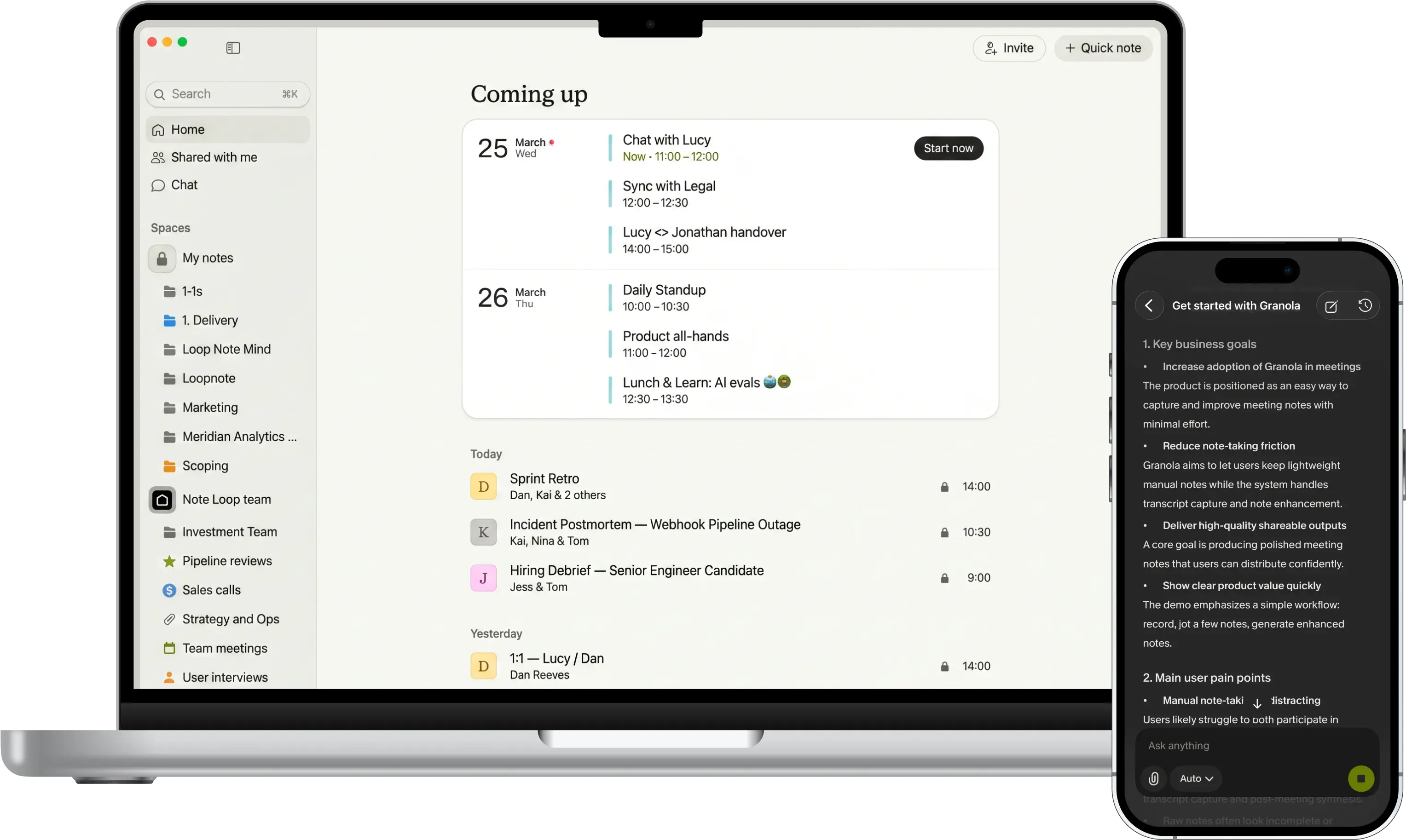
- Saving manual effort for tricky scenarios: For Granola, an AI notepad, we automated stable core features like onboarding and note management. Hardware-dependent and payment scenarios stayed with manual testers, which kept the scripts fast and reliable.
Of course, automation pays off only for checks you repeat often. If your product ships a few times a year, a well-organized manual process may serve you better. However, if you release every week, test automation becomes the practical way to recheck everything in time.
What a QA Process Workflow Looks Like on a Real Project
We ran the QA process workflow for Kazidomi, a sustainable online store delivering to 17 European countries. At the start, bug reports came from the store’s customer care team and often lacked the details developers needed. The work then unfolded in five steps:
- Fix the bug reports first. We completed each report with the conditions and exact actions that trigger the bug, so developers could see what went wrong.
- Build the test library. Each feature ready for testing got its own test cases, 587 in total, kept current as the product changed.
- Automate the repeat work. Scripts took over 284 of those test cases, including regression checks, which confirm that old features still work after new code arrives.
- Check every change. Automated runs followed every code update, with a quick set of about 30 tests covering the store’s core shopping actions.
- Protect the revenue path. Payments through PayPal and Adyen got extra attention, because a broken checkout loses sales directly.
For Kazidomi, the payoff was a faster development cycle and bugs caught before reaching shoppers. The workflow covered both sides of quality testing in software. Clearer bug reports and a full test library helped prevent problems, which is the job of quality assurance. Regular automated runs caught the bugs that still slipped through, which is the job of quality control.
Why the QA Process Runs as a Continuous Cycle
Guides usually describe the six steps of the QA process in a fixed order. In real projects, the whole sequence repeats with every release, and the stages often overlap. The ISTQB, the international board that certifies software testers, puts it plainly: test activities are often implemented iteratively or in parallel.
This rhythm suits Agile development, where software ships in short cycles. A continuous QA process usually includes these practices:
- Testing early: Testers review the next feature’s requirements while developers build the current one, an approach known as shift left testing.
- Rechecking every release: Regression testing reruns checks on features that already worked, so you know a new update hasn’t broken anything customers rely on. For example, we repeat this routine every week for Unfold, a storytelling app. The results of each round decide which features go live.
- Using the time difference: For Arctype, our engineers tested while the California team slept. Each morning, developers found the new bugs already logged in Jira.
A gap in testing can hurt even the largest tech companies. In June 2025, a Google Cloud outage lasted about three hours after a code change reached production with an error path that was never exercised during the rollout. In its incident report, Google committed to improving its testing practices so errors get handled correctly.
Where AI Fits in the QA Process
AI now speeds up several steps of the QA process. For example, testers use AI tools to draft test cases from requirements, sort newly found bugs, and choose what to recheck after a change. Even so, adoption is uneven: the World Quality Report found that only 15% of organizations have scaled generative AI in QA across the whole company, while 43% are still experimenting.
One reason for that gap appears in Google’s 2025 DORA report, which studies how software teams perform. The authors describe AI as an amplifier of an organization’s existing strengths and weaknesses. For QA, that means AI speeds up a well-organized process but also multiplies the gaps in a messy one.
At QAwerk, our QA engineers use AI as an assistant. With AI test case generation from requirements, for example, a model turns each feature description into a draft list of test cases. A QA specialist then reviews the list and adds the unusual scenarios only someone who knows your business would think of.

How QAwerk Runs the QA Process With Your Team
Testing works best as a steady routine your developers can count on: manual checks first, automation where it pays off, and a clear summary before every release. To build that routine, our QA engineers join your team’s meetings and chats and plan testing around your launch dates. Whether you ship monthly or weekly, the process adapts to your pace. Our team can also step in at any stage, from early requirements to a product that’s already live.
Set up your QA process before your next release.
FAQ
What are the software QA process steps?
A software QA process usually has six steps grouped into three phases. Preparation covers requirements analysis and test planning. Testing covers test design and test execution, where QA engineers write and run checks on the product. Reporting covers defect tracking and a final release review that tells the team whether the version is ready to ship. The whole cycle repeats with every update.
How long does it take to set up a QA process?
The timeline depends mostly on the size of your product. On a small project, a QA team can start reporting bugs within the first few days. Larger products need more preparation, such as planning, writing test cases, and getting access to devices and test accounts, before testing covers everything. Coverage and automation then keep expanding with every new version.
When should QA start in a software project?
Ideally, QA starts at the requirements stage, before any code exists. At that point, a missing detail or a contradiction in the specs takes only a quick edit to fix, while the same problem found after launch can mean rebuilding a feature. Even so, starting later pays off too, because a QA team can join mid-development or once the product is live and build the process around what already exists.
Should manual or automated testing come first?
Manual testing comes first for anything new or still changing. Until a feature behaves the same way from one version to the next, scripts would break with every update and cost more to repair than the hours saved. Once the behavior stabilizes, automating the repeat checks makes sense. Most mature products end up combining both approaches, with scripts covering routine work and people taking on the rest.
See how we built and maintained 1,100+ test cases for Granola, an AI notepad, and automated 76% of its regression suite